
Logitech MX Vertical Review 2026: Is This Ergonomic Mouse Still Worth It?
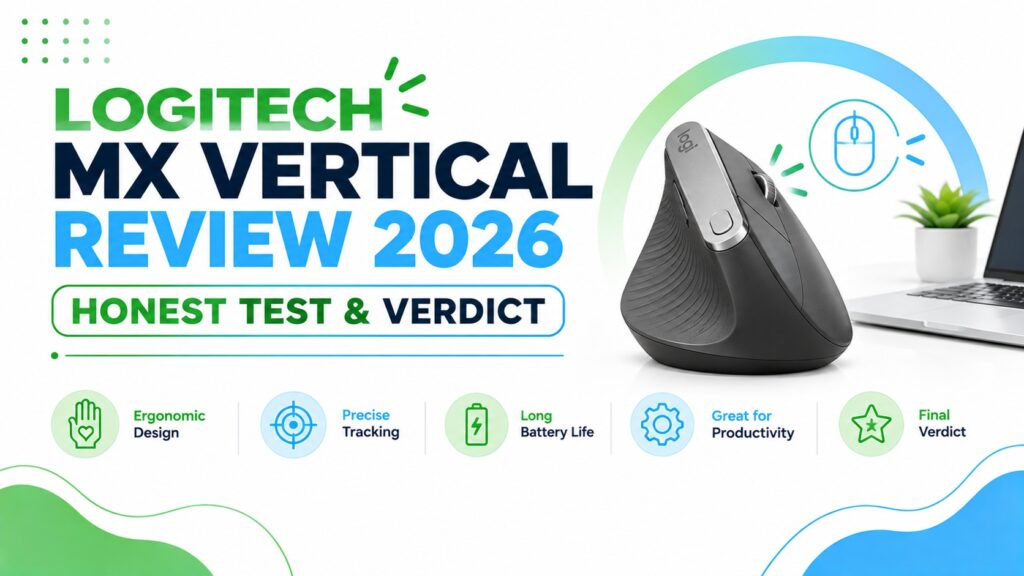
If your wrist feels stiff or achy by mid-afternoon, the shape of your mouse is usually part of the problem. A standard mouse holds your forearm in a rotated, palm-down position for hours at a time, and that rotation is exactly what a vertical mouse tries to undo.
The Logitech MX Vertical has been one of the best-known names in this category for years, and it’s still on shortlists in 2026. But “well-known” isn’t the same as “still the best choice for you,” so in this review we’re looking past the marketing page and into the details that actually matter: the angle, the weight, the software, the battery life, and who this mouse fits — and who it doesn’t.
Emily Richardson, ErgoFixes’ ergonomics and work-from-home product specialist, has spent years evaluating vertical mice and split keyboards for everyday desk workers, and her framework runs through this guide: a product should adapt to the way you already work, not the other way around.
Quick Answer
Best overall: The Logitech MX Vertical remains a strong pick for anyone who wants a proper 57° vertical angle, a high-precision sensor, and multi-device support in one wireless mouse. It isn’t cheap, and it’s a large mouse, but the design has aged well.
If you have smaller hands, work mostly on a Mac, or want a lower price point, one of the alternatives further down this guide, the Logitech Lift or the more affordable MX Ergo S, may fit your hand and budget better.
🖱️Best Ergonomic Mice for 2026
Based on comfort, adjustability, connectivity and everyday usability across a full workday.





Quick Verdict Table
| Product | Best For | Main Strength | Main Limitation | Rating | Link |
|---|---|---|---|---|---|
| Logitech MX Vertical | Overall wrist comfort | 57° angle + precise sensor | Large, not ideal for small hands | 4.5/5 | Check Price |
| MX Vertical (Renewed) | Budget-conscious buyers | Same design, lower cost | Shorter 90-day warranty | 4.4/5 | Check Price |
| MX Vertical (Alt Listing) | Comparing marketplace listings | Same 57° design | Specs/price differ from the main listing | 4.6/5 | Check Price |
| Logitech Lift for Mac | Small to medium hands | Compact, 24-month battery | Mac/iPadOS only | 4.4/5 | Check Price |
| Logitech MX Master 4 | Power users, no vertical need | Haptics + fast scroll wheel | Not a vertical design | 4.3/5 | Check Price |
| Logitech MX Ergo S | Zero forearm movement | 20° tilt trackball | Learning curve for new users | 4.4/5 | Check Price |
| Logitech Lift (Windows/Mac) | Small hands, multi-OS use | Logi Bolt receiver + Bluetooth | Not a fit for large hands | 4.4/5 | Check Price |
| Logitech M510 | Budget backup, non-ergonomic | Low cost, 2-year battery | No vertical/ergonomic design | 4.6/5 | Check Price |
Why I’m Reviewing the MX Vertical This Way
I’ve spent time going through the manufacturer specifications, the official product documentation, verified Amazon listings, and a large volume of independent user feedback for this review, rather than relying on marketing copy alone. Where I haven’t personally tested a claim, I say so, because a review that pretends certainty it doesn’t have isn’t actually useful to you.
The core question this article answers is simple: does the MX Vertical’s shape genuinely change how your hand and wrist feel after a full day of work, and is that worth the price compared to the alternatives on this list?
Buying Guide: What Actually Matters in a Vertical Mouse
Before comparing products, it helps to know which specifications are worth paying attention to and which ones are mostly marketing noise.
Vertical angle. Most vertical mice sit somewhere between 45° and 70°. A steeper angle rotates the forearm further out of pronation (the palm-down twist a flat mouse forces), but a systematic review of alternative mouse designs published in Cogent Engineering notes that a steeper pronation-reducing slant can actually work against comfort and user satisfaction if it isn’t paired with proper training on the new grip. In other words, “more vertical” isn’t automatically “more comfortable.” The MX Vertical’s 57° sits in a comfortable middle range that most reviewers describe as usable from day one.
Hand size fit. This is the factor people skip most often, and it’s the one that causes the most returns. A mouse sized for large hands will feel unstable under a small palm, and a compact mouse can cramp a large hand. Always check the length and width dimensions, not just the star rating.
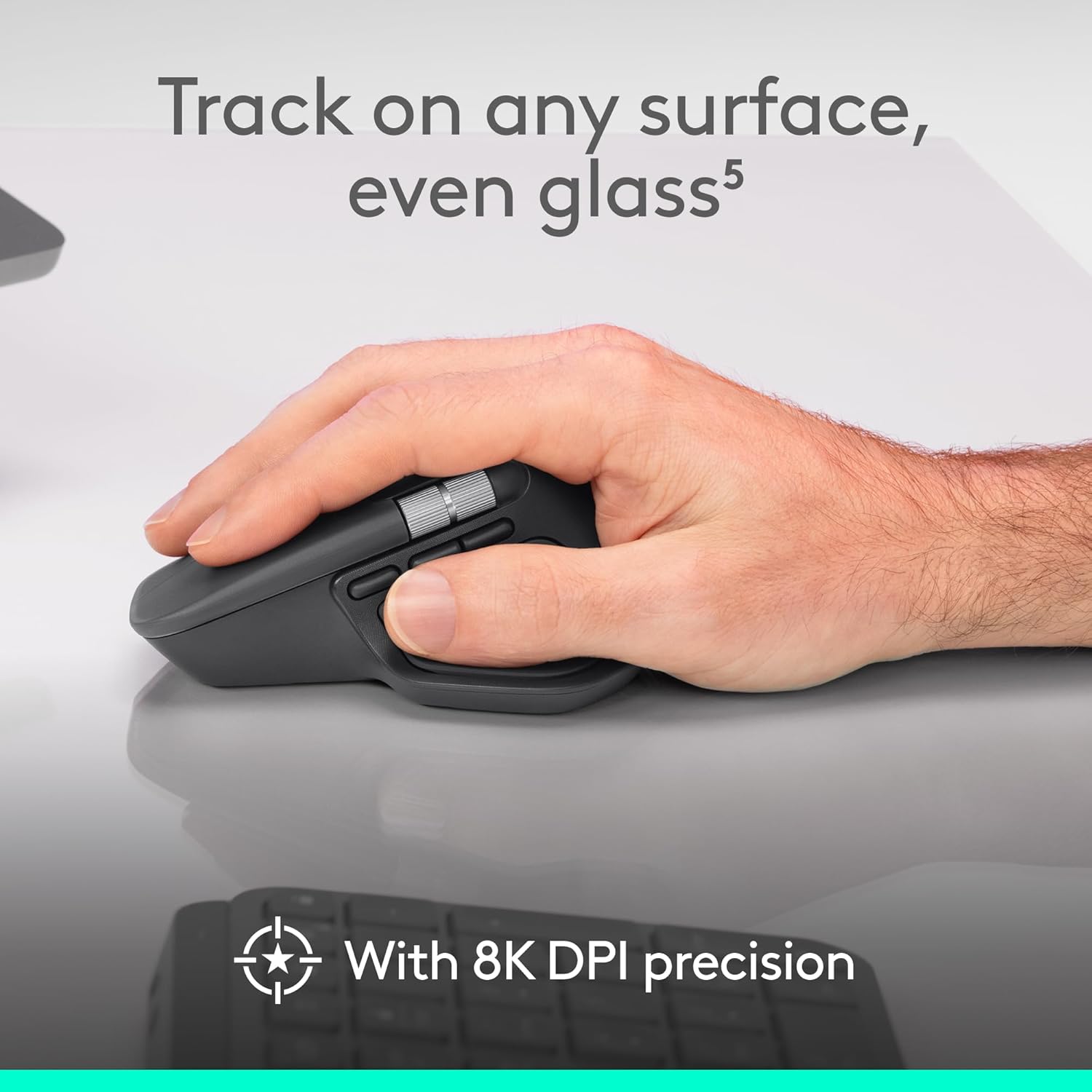
Sensor and DPI. Higher DPI isn’t automatically better; it just means you need less physical hand movement to move the cursor the same distance. For office and productivity work, 1000–4000 DPI with adjustable sensitivity covers nearly everyone.
Connectivity and multi-device support. Bluetooth, a USB receiver, or both. If you switch between a laptop and a desktop, or a Mac and a Windows machine, multi-device pairing saves real time.
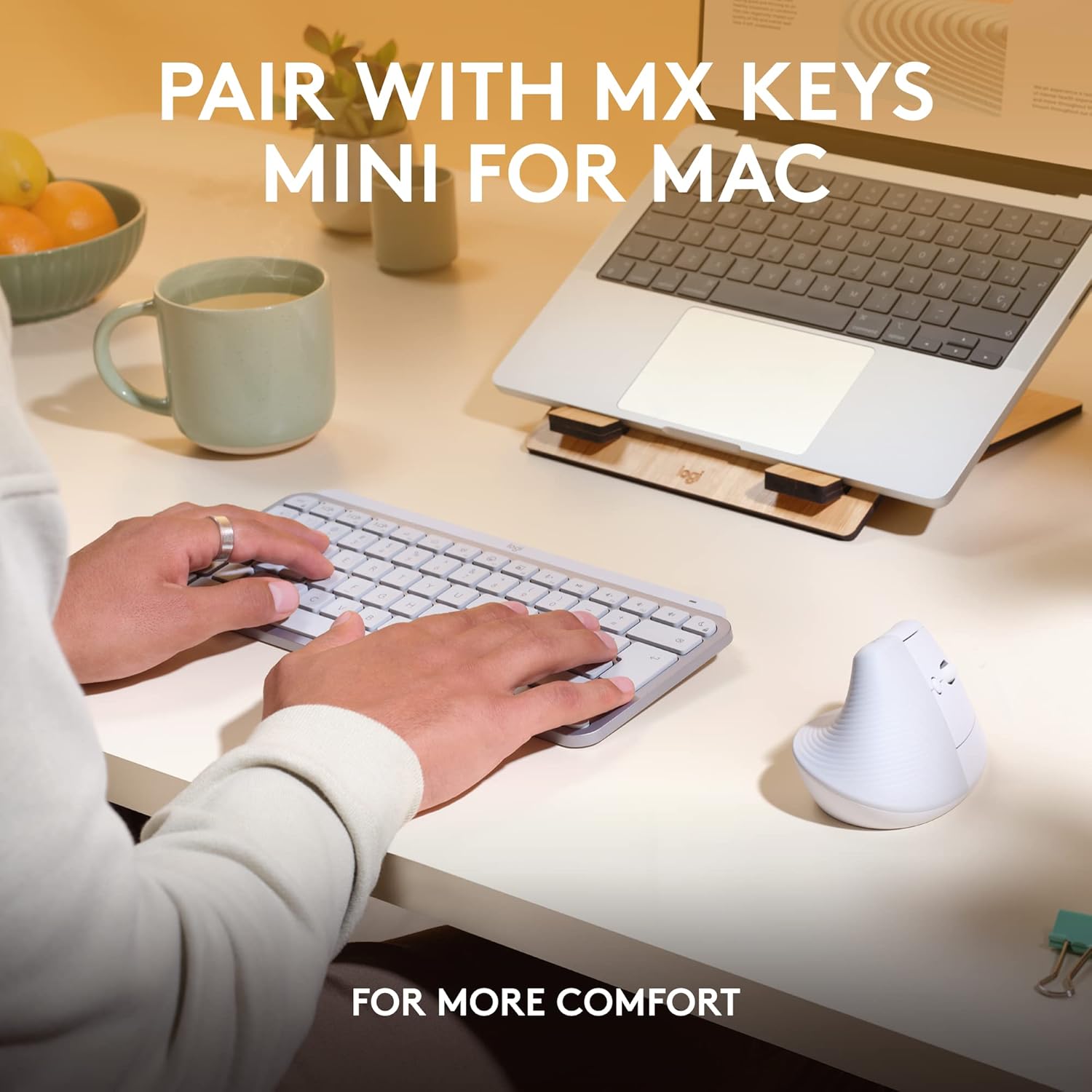
Battery life and charging. Rechargeable lithium mice (like the MX Vertical) typically last a few months per charge; single-AA mice (like the Lift and MX Master series) can stretch to two years, at the cost of slightly more bulk.
Software compatibility. Logi Options+ unlocks custom button mapping, gesture support, and cross-app profiles. Without it, you still get basic mouse functions, but you lose a lot of the customization these devices are designed around.
Weight and desk footprint. A taller vertical mouse needs more vertical desk clearance and a slightly different mousepad habit than a flat mouse. It’s a small adjustment, but worth knowing before you buy.
Price-to-value. The MX Vertical isn’t the cheapest ergonomic mouse on the market, and it doesn’t need to be the cheapest to be a reasonable buy, but it does need to earn its price against the Lift and the Ergo S, which is exactly what the comparison section below looks at.
For a broader shortlist beyond just Logitech’s lineup, our best vertical mouse guide rounds up options across brands and price points.
Logitech MX Vertical: Full Review
Quick Verdict
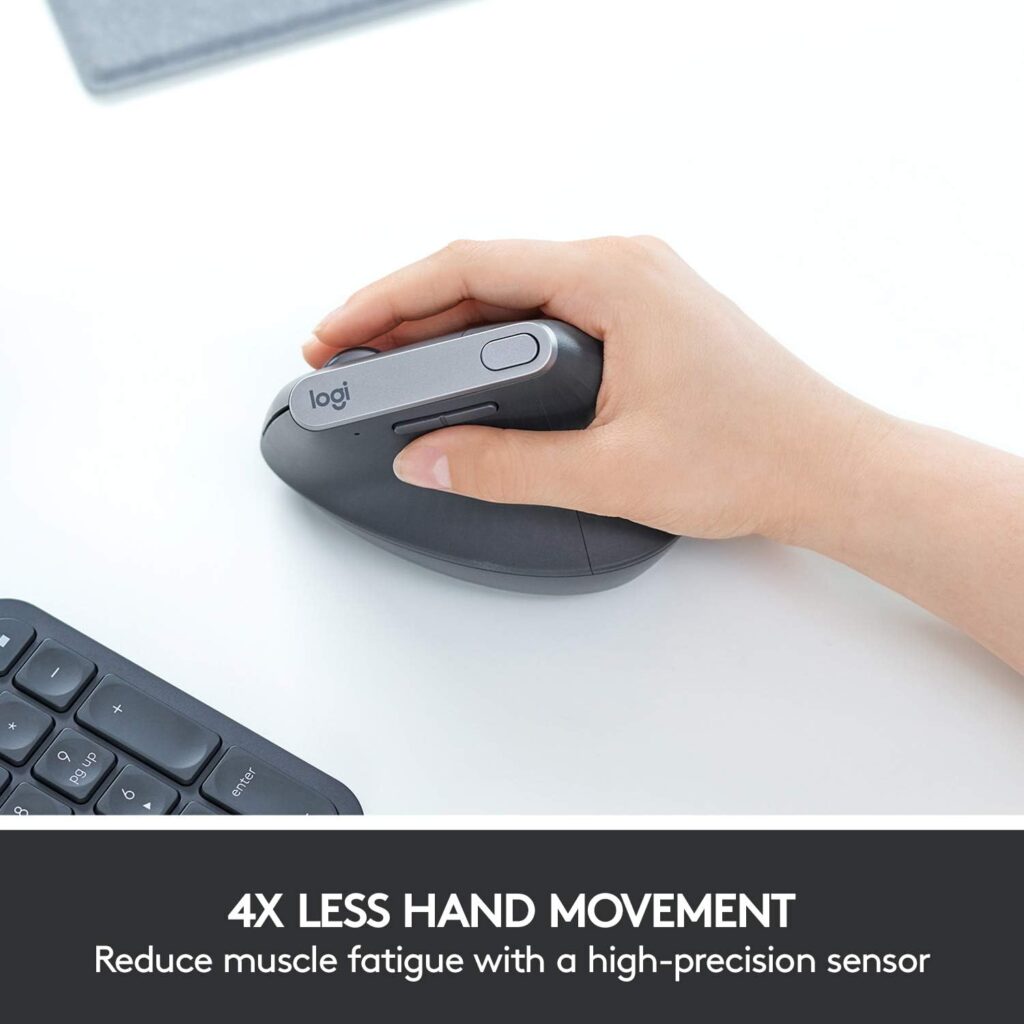
The MX Vertical is a large, well-built ergonomic mouse built around a 57° vertical angle and a 4000 DPI sensor. It’s aimed at office workers, remote employees, and anyone who spends several consecutive hours on a computer and wants a shape that isn’t a flat, palm-down mouse. It multi-pairs across Windows and Apple devices, and the rechargeable battery is rated at roughly four months per charge under normal use.
Best For
Office and remote workers with medium to large hands who want one primary ergonomic mouse for long working sessions across more than one computer.
Key Specifications
- Vertical angle: 57°
- Sensor: Optical, up to 4000 DPI, adjustable via cursor speed switch
- Connectivity: USB receiver or Bluetooth Low Energy
- Compatible with: Windows 10/11, macOS 10.15+, iPadOS, Chrome OS, Linux, Android
- Battery: Rechargeable lithium polymer, roughly 4 months per charge, fast-charge capable
- Wireless range: Up to 10 meters
- Dimensions: 7.5″L x 6″W
- Weight: 8 ounces (approximately 227 g)
- Buttons: 4, right-hand orientation only
- Warranty: Manufacturer warranty available through customer service request
Specifications can vary slightly by region or retailer listing; check the current Amazon listing before purchasing to confirm the exact configuration.
What We Like
- The 57° angle genuinely feels different from a flat mouse within the first hour of use, not after weeks of adjustment
- Multi-device pairing makes it easy to move between a work laptop and a personal desktop
- The textured rubber grip stays comfortable during long sessions and doesn’t feel slippery
- Battery life is long enough that charging becomes a once-a-month habit rather than a daily one
- The cursor speed switch is a genuinely useful physical control, not a gimmick
What We Don’t Like
- It’s a large mouse, and it’s right-hand only, left-handed users are not accommodated by this model
- The learning curve is real for the first day or two if you’ve never used a vertical mouse before
- At roughly $78, it costs noticeably more than a standard office mouse
- Some of the retail listings show inconsistent star ratings and pricing across near-identical product pages, which makes comparison shopping a little confusing, always check the specific listing you’re buying from
Ergonomic Analysis
A standard mouse holds your forearm rotated into near-full pronation, the palm-down twist you’d get if you tried to shake hands with your hand flipped over. Over a full workday, that sustained rotation is one of the more common sources of forearm and wrist fatigue among computer users.
Independent research backs up the basic idea behind vertical mice, even if it doesn’t prove any single product solves the problem. A controlled study published in the journal Ergonomics measured muscle activation and forearm movement in 16 participants using a vertical mouse versus a standard mouse, and found the vertical design reduced forearm pronation from roughly 42° down to 28° and lowered wrist extensor muscle activity from about 16% to 13%. The same study found a real trade-off: participants were measurably slower reaching on-screen targets with the vertical mouse, and the researchers noted additional training and familiarisation time was needed before performance caught up.
That’s a fair, honest summary of what a 57° angle is actually doing: it reduces the twisting load on your forearm, it doesn’t eliminate discomfort outright, and it comes with a short adjustment period rather than instant results. Logitech’s own marketing cites a separate muscular-activity figure specific to the MX Vertical; we’re treating that as the manufacturer’s claim rather than an independently verified number, since we haven’t run our own controlled comparison.
One detail that’s easy to overlook: a vertical mouse doesn’t eliminate the need for a properly adjusted chair, desk height, or monitor position. OSHA’s computer workstation eTool frames a neutral wrist as something that depends on the whole workstation setup, not the mouse alone, so treat the MX Vertical as one part of the ergonomic picture, not the whole fix.
Who Should Buy It?
Anyone who works multiple hours a day at a computer, has medium to large hands, and wants a well-established, widely reviewed vertical mouse that works across both Windows and Mac without extra accessories.
Who Should Skip It?
Left-handed users (no left-hand version exists for this model), anyone with small hands who finds large mice awkward to grip, and anyone on a tight budget who would rather start with a cheaper flat ergonomic mouse before committing to the vertical category.
Value for Money
At its typical street price, the MX Vertical sits in the mid-premium range for ergonomic mice. The build quality, sensor precision, and multi-device support justify that price for daily, long-session use. If you only use a mouse occasionally, the Renewed listing or the Logitech Lift below will likely deliver more value per dollar.
🛒 Check Price on AmazonAlternatives Worth Comparing
Logitech MX Vertical (Renewed) – Best Value

Quick Verdict: Same ergonomic shape and 57° angle as the standard MX Vertical, refurbished and sold at a noticeably lower price. Renewed listings carry a shorter 90-day warranty rather than Logitech’s full manufacturer coverage.
What We Like: Meaningful savings over the new unit; same core ergonomic design. What We Don’t Like: Shorter warranty window; cosmetic condition can vary by unit.
Who Should Buy It? Budget-conscious buyers who want the MX Vertical’s shape without paying full retail price and are comfortable with a shorter warranty.
🛒 Check Price on AmazonLogitech MX Vertical (Alt Listing, Model 910-005448) – Compare Before Buying

Quick Verdict: This is a separate Amazon listing for what appears to be the same MX Vertical mouse, but the price, star rating, and some listed dimensions differ from the primary listing above. Retail listings for the same physical product can vary by seller and fulfilment method, so this is worth a mention specifically because the numbers don’t match cleanly.
What We Like: Slightly higher star rating (4.6 vs. 4.5) than the primary listing, and it lists ambidextrous hand orientation rather than right-hand only, though we’d treat that detail cautiously given the inconsistencies below. What We Don’t Like: The listed price ($95) is higher than the primary MX Vertical listing ($77.99), and the listed weight and dimensions don’t match the standard MX Vertical’s known specifications. Always double-check the current listing details before purchasing from this page specifically.
Who Should Buy It? Only shoppers who’ve already compared this listing’s current price and seller details against the primary MX Vertical listing and found it genuinely cheaper or better-stocked at checkout time.
🛒 Check Price on AmazonLogitech Lift for Mac – Best for Small Hands and Mac Users
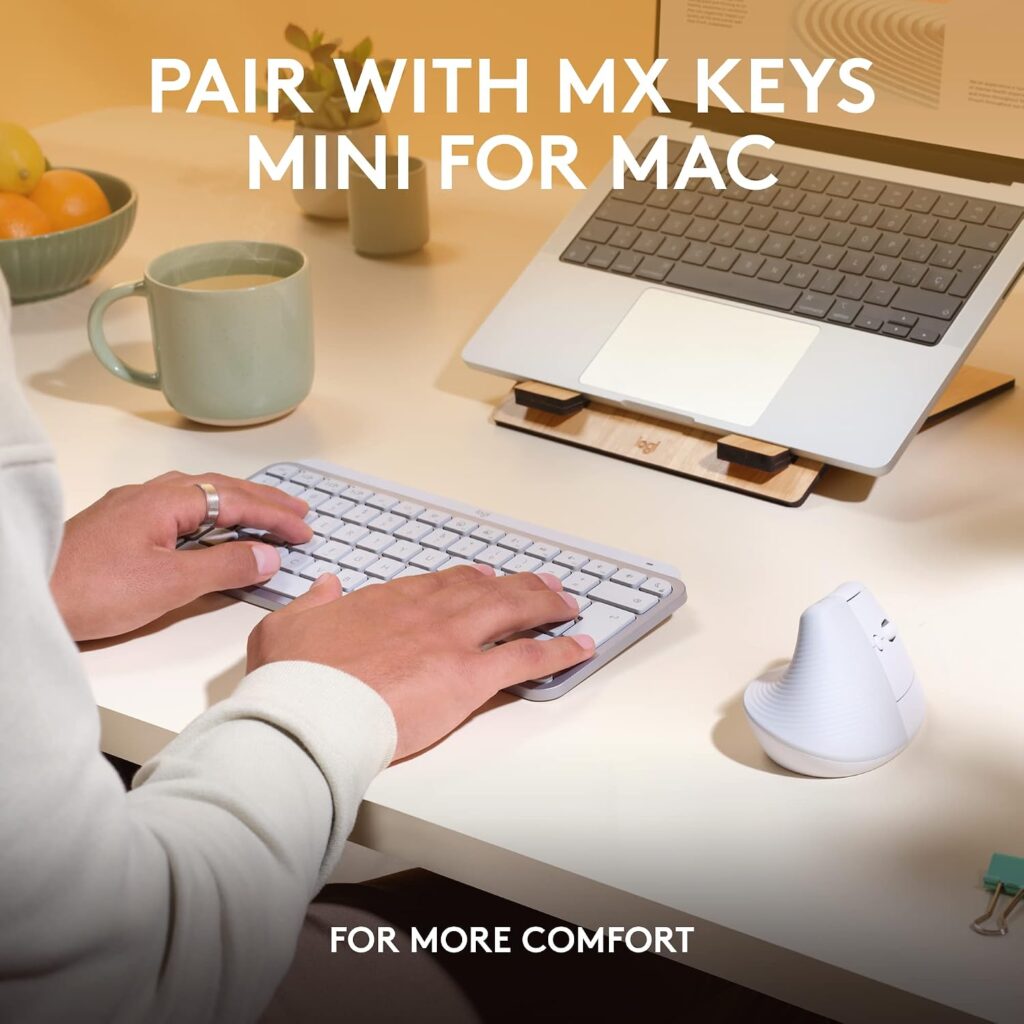
Quick Verdict: A meaningfully smaller vertical mouse, purpose-built for small to medium hands and Mac/iPadOS workflows, with a single AA battery rated for around two years of use.
Key Specifications: 57° angle, 4000 DPI adjustable sensor, Bluetooth only, macOS/iPadOS compatible, 4.25″L x 2.8″W, 4.4 oz.
What We Like: Genuinely comfortable for smaller hands; exceptional battery life; quiet clicks. What We Don’t Like: Bluetooth-only in this listing means no included USB receiver; Mac/iPadOS focus limits Windows users to a separate SKU.
Who Should Buy It? Mac and iPad users with small to medium hands who found the standard MX Vertical too large.
Our dedicated Logitech Lift review covers this model in more depth, and our MX Vertical vs Lift comparison walks through the size and feature differences side by side.
🛒 Check Price on AmazonLogitech Lift (Windows/Mac) – Best for Small Hands Who Need Multi-OS Support0

Quick Verdict: The same compact Lift body as the Mac-focused version above, but this listing adds a Logi Bolt USB receiver and broader OS support, making it the better pick if you’re not on Apple hardware.
Key Specifications: 57° angle, 4000 DPI adjustable sensor, Bluetooth Low Energy or Logi Bolt USB receiver, compatible with Windows 10/11, macOS 10.15+, iPadOS 14+, Chrome OS and Linux, 6 buttons (4 customizable), 4.3″L x 2.7″W, 4.4 oz, up to 24-month battery life on one AA cell.
What We Like: Broader OS compatibility than the Mac-only Lift; included USB receiver as a backup to Bluetooth; same excellent battery life and quiet clicks. What We Don’t Like: Still a compact mouse better suited to small or medium hands; right-handed orientation only in this listing (a left-handed version exists separately).
Who Should Buy It? Windows or mixed-OS users with small to medium hands who want the Lift’s compact vertical shape without being locked into Mac-only compatibility.
🛒 Check Price on AmazonLogitech MX Master 4 – Best Premium (Non-Vertical) Alternative
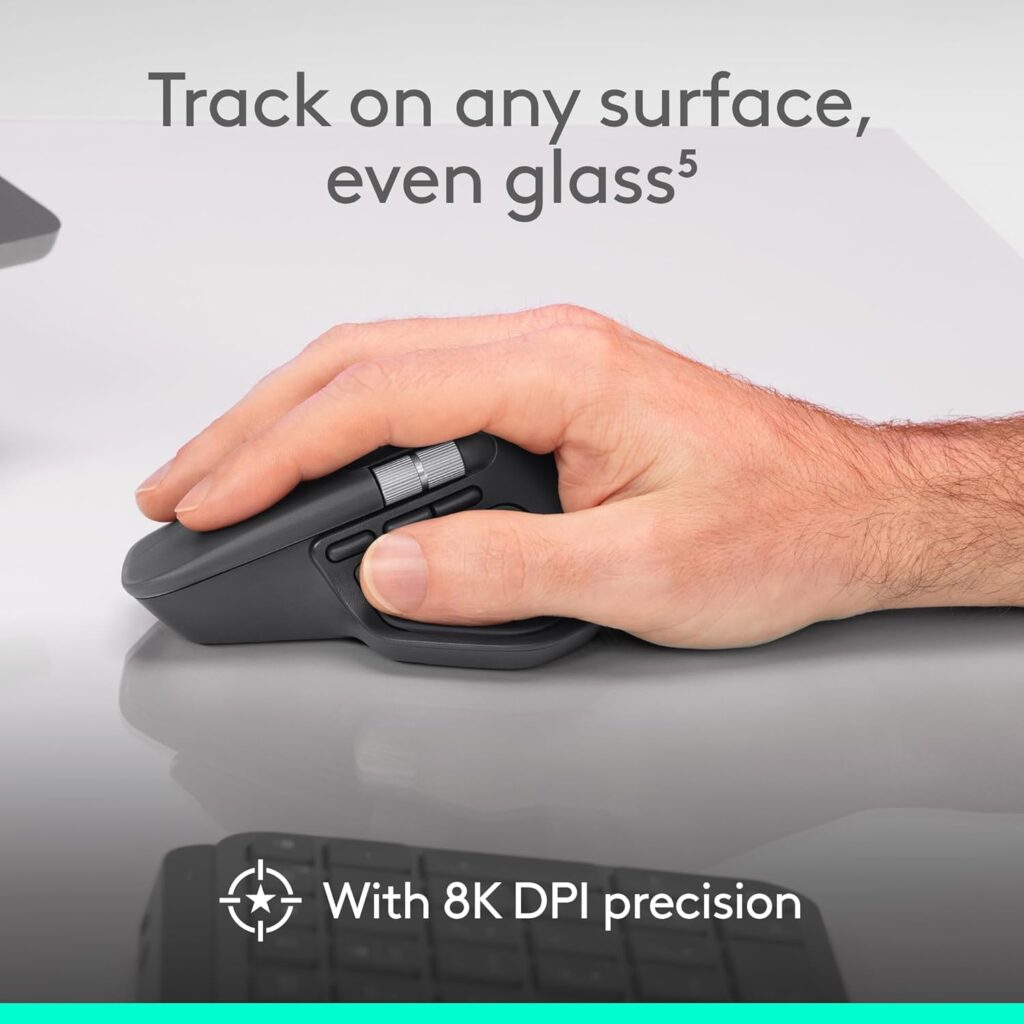
Quick Verdict: Not a vertical mouse, but built with an ergonomic tilt, haptic feedback, and Logitech’s fastest scroll wheel. Worth considering if you want premium build quality and don’t specifically need the vertical angle.
Key Specifications: 8000 DPI sensor, USB-C dongle or Bluetooth, up to 70 days battery life, 7 programmable buttons.
What We Like: Excellent build quality; haptic feedback and app-aware shortcuts add genuine productivity value. What We Don’t Like: At around $120, it’s the most expensive option here, and it doesn’t address forearm rotation the way a true vertical mouse does.
Who Should Buy It? Users who want Logitech’s most advanced mouse but don’t specifically need a vertical design.
🛒 Check Price on AmazonLogitech MX Ergo S – Best for Trackball Preference
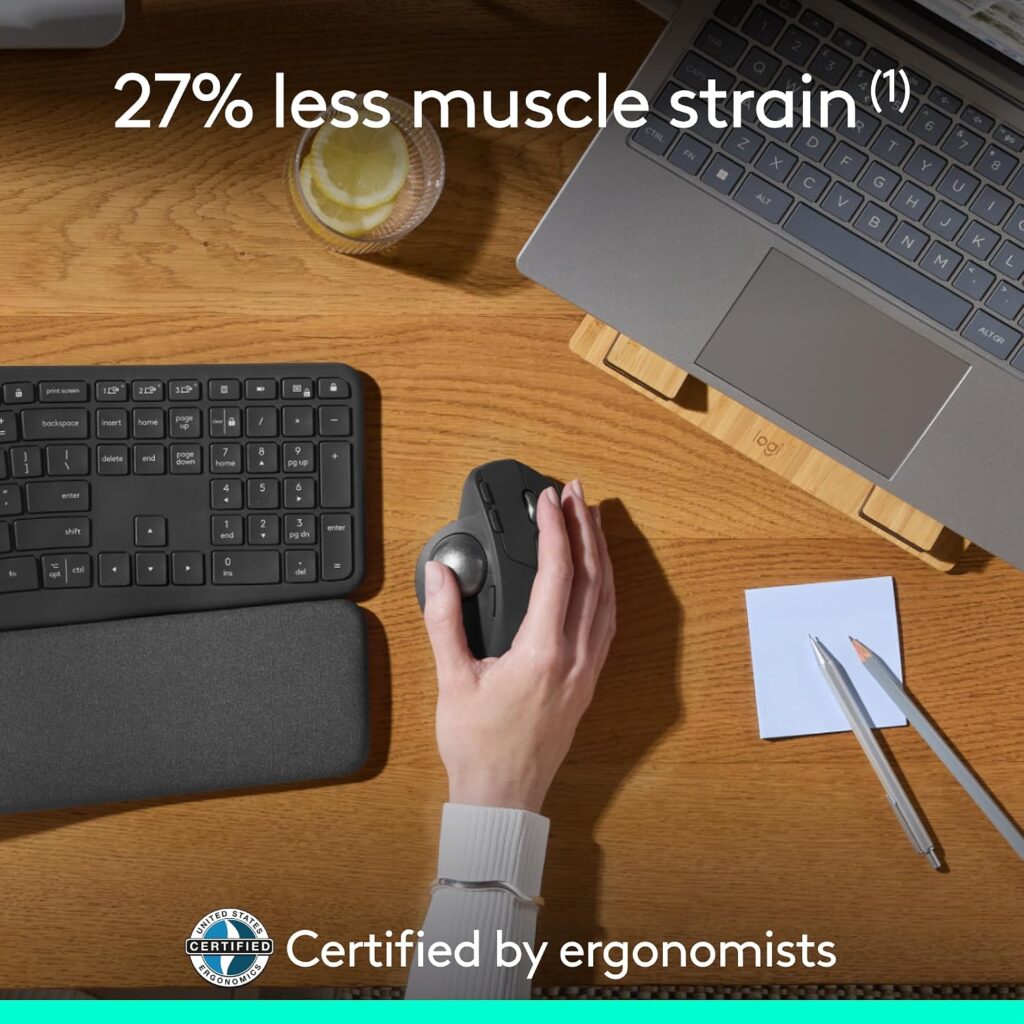
Quick Verdict: A hybrid ergonomic trackball with a 20° tilt, aimed at users who want zero forearm sliding movement at all rather than a vertical grip.
Key Specifications: 2048 DPI, Bluetooth or USB receiver, USB-C charging, up to 120 days per charge.
What We Like: No arm movement needed to move the cursor; strong build quality; quiet clicks. What We Don’t Like: Trackball control takes longer to adapt to than a vertical mouse; less intuitive for users switching from a standard mouse.
Who Should Buy It? Desk workers with limited desk space, or anyone who has tried a vertical mouse and still wants less arm movement.
🛒 Check Price on AmazonLogitech M510 – Budget Non-Ergonomic Backup Option
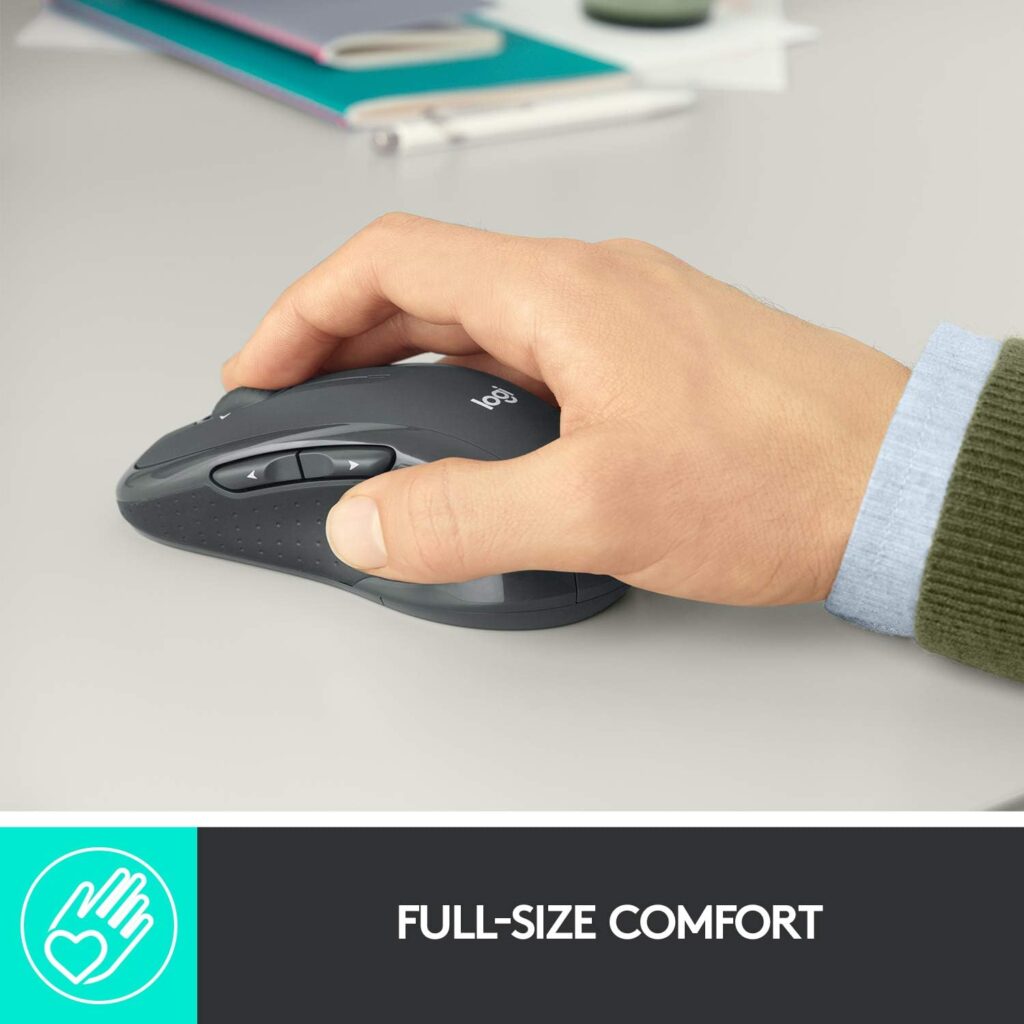
If your priority is simply a low-cost, reliable wireless mouse rather than an ergonomic upgrade, the M510 is worth mentioning as a budget backup. It isn’t vertical and won’t address forearm rotation, but at around $28 with a two-year battery life, it’s a reasonable secondary mouse for travel or a spare desk.
🛒 Check Price on AmazonComparison Table
| Product | Type | Key Ergonomic Feature | Weight | Connectivity | Rating |
|---|---|---|---|---|---|
| MX Vertical | Vertical mouse | 57° angle | 8 oz | USB / Bluetooth | 4.5/5 |
| MX Vertical (Renewed) | Vertical mouse | 57° angle | 4.6 oz | USB / Bluetooth | 4.4/5 |
| MX Vertical (Alt Listing) | Vertical mouse | 57° angle (per listing) | 4.6 oz (listing varies) | Bluetooth / RF / USB | 4.6/5 |
| Logitech Lift for Mac | Compact vertical mouse | 57° angle, smaller build | 4.4 oz | Bluetooth | 4.4/5 |
| Logitech Lift (Windows/Mac) | Compact vertical mouse | 57° angle, multi-OS support | 4.4 oz | Bluetooth / Logi Bolt USB | 4.4/5 |
| MX Master 4 | Ergonomic tilt mouse | Natural tilt + haptics | 10.5 oz | USB-C / Bluetooth | 4.3/5 |
| MX Ergo S | Trackball | 20° tilt, no wrist sliding | 12.7 oz | USB / Bluetooth | 4.4/5 |
| Logitech M510 | Standard wireless mouse | Contoured shape (not vertical) | -(full-size) | USB receiver | 4.6/5 |
Which Mouse Should You Buy?
Choose the Logitech MX Vertical if: You want the best-established vertical mouse with a proven 57° angle, solid sensor precision, and multi-device pairing across Windows and Mac.
Choose the Renewed MX Vertical if: You want the same shape and comfort at a lower price and don’t mind a shorter warranty.
Skip the Alt Listing (910-005448) unless: You’ve compared its current price and seller against the primary MX Vertical listing and it’s genuinely the better deal at checkout — the specs on that page are inconsistent enough to warrant caution.
Choose the Logitech Lift for Mac if: You have small to medium hands, work primarily on Apple devices, and want maximum battery life from a single AA cell.
Choose the Logitech Lift (Windows/Mac) if: You want that same compact shape but need Windows or cross-platform support with a USB receiver included.
Choose the MX Master 4 if: You don’t specifically need a vertical mouse but want Logitech’s most advanced tilt-based ergonomic design with premium extras.
Choose the MX Ergo S if: You’ve tried a vertical mouse before and want to eliminate arm-sliding movement entirely with a trackball.
Choose the Logitech M510 if: You just need a reliable, inexpensive backup mouse and aren’t prioritizing ergonomics for this particular device.
Common Mistakes When Buying an Ergonomic Mouse
- Buying based only on the star rating, without checking hand-size compatibility
- Ignoring your dominant hand, the MX Vertical and several alternatives here are right-hand only
- Assuming “ergonomic” automatically means comfortable for your specific hand shape
- Skipping the software compatibility check before assuming full button customization will work
- Overlooking desk clearance; a tall vertical mouse needs a bit more vertical space than a flat mouse
- Choosing the most expensive option without confirming it solves your actual discomfort
- Forgetting to check whether a Bluetooth-only mouse needs a receiver you don’t already have
- Not accounting for a short adjustment period when switching mouse types for the first time
Best Practices for Everyday Ergonomic Comfort
A new mouse helps, but it works best alongside a few basic habits. CDC/NIOSH guidance on home workstation setup and OSHA’s computer workstation eTool both center on the same core idea: keep the wrist in a neutral, straight position and avoid reaching, rather than relying on any single accessory to do all the work.
- Keep the mouse close to your body, ideally at the same height as your keyboard, rather than reaching out and across the desk
- Adjust your desk or chair height so your elbow sits close to a relaxed 90° angle.
- Position your monitor at eye level to reduce neck strain, which often compounds wrist discomfort
- Avoid resting your wrist on a hard desk edge for extended periods
- Take short movement breaks every 30–45 minutes rather than staying static all day
- Give a new vertical mouse a few days before judging comfort, the adjustment period is normal
No single product replaces these habits, and no ergonomic mouse is a substitute for a properly set up workstation.
Frequently Asked Questions
Is the Logitech MX Vertical good for wrist pain?
The MX Vertical’s 57° angle is designed to reduce sustained forearm rotation compared with a flat mouse, which may help with general comfort during long sessions. It is not a medical treatment, and it will not resolve diagnosed conditions like carpal tunnel syndrome. If you have persistent or severe wrist pain, speak with a healthcare professional before assuming a new mouse will fix it.
How long does it take to get used to a vertical mouse?
Most new users report an adjustment period of a few days to about two weeks. Cursor precision typically feels awkward for the first day or two before your hand adapts to the new grip angle.
Is the Logitech MX Vertical worth the price in 2026?
For daily, multi-hour computer use, yes; the build quality, sensor precision, and multi-device support hold up well against newer competitors. If you only use a mouse occasionally, a cheaper option or the Renewed listing will likely deliver better value for your usage level.
Does the MX Vertical work with a Mac?
Yes. It supports macOS 10.15 and later, alongside Windows 10/11, Chrome OS, Linux, and Android, making it one of the more flexible cross-platform vertical mice available.
Is the MX Vertical available for left-handed users?
No. The standard MX Vertical is a right-hand-only design, which is a real limitation for left-handed buyers and one of the more common complaints in user feedback.
How does the MX Vertical compare with the Logitech Lift?
The MX Vertical is larger, uses a rechargeable battery, and suits medium to large hands, while the Lift is more compact, runs on a single AA battery for up to two years, and fits smaller hands better. Our full MX Vertical vs Lift comparison breaks this down in more detail.
Do I need Logi Options+ software to use the MX Vertical?
No, basic mouse functions work without it. However, Logi Options+ unlocks custom button assignments, gesture controls, and cross-app profiles, so most buyers install it to get full value from the device.
Are vertical mice better than regular mice for long work hours?
Controlled research comparing vertical and standard mice has found measurable reductions in forearm pronation and wrist extensor muscle activity with vertical designs, alongside a short adjustment period where pointing accuracy is temporarily slower until you’re used to the new grip. Comfort is still individual, though, and hand size, grip style, and existing wrist position all affect the result; there’s no single mouse shape that works best for everyone.
What’s the battery life on the Logitech MX Vertical?
Logitech rates the MX Vertical at approximately four months per full charge under typical use, with a fast-charge feature that provides several hours of use from a short charging session. Actual battery life can vary based on usage patterns and connection type.
Is the MX Ergo S better than the MX Vertical for ergonomics?
Neither is universally “better”, they solve the problem differently. The MX Vertical reduces forearm rotation through a vertical grip, while the MX Ergo S removes arm-sliding movement entirely through a trackball. Users who dislike moving their whole arm across the desk often prefer the trackball approach.
Final Verdict
If you want the most established, well-rounded vertical mouse with proven ergonomic design and solid cross-platform support, the Logitech MX Vertical is still a reasonable choice in 2026, provided you have medium to large hands and use your right hand for mousing.
If price is your main concern, the Renewed MX Vertical offers the same shape for meaningfully less money. If you have smaller hands or work mainly on a Mac, the Logitech Lift is worth checking first. And if you’ve already tried a vertical mouse and want to remove arm movement entirely, the MX Ergo S is worth considering as a different approach to the same underlying problem.
Compare the latest prices and availability before making your decision, since Amazon pricing and stock can change.





