
Best Ergonomic Mouse 2026
— Vertical, Trackball, Wireless & More —
We tested 8 of the most popular ergonomic mice — vertical, trackball, and gaming-ergonomic shapes — checking real wrist angle, click effort, DPI accuracy, and comfort across a full workday. Here’s what’s actually worth buying in 2026.
The Logitech Ergo M575S is our overall pick for most people — its trackball design eliminates wrist rotation almost entirely while staying compact enough for tight desks. If you specifically want a vertical mouse, the Logitech MX Vertical is the most ergonomist-tested option we found, and the Anker 2.4G Wireless Ergonomic Mouse is the best budget vertical mouse under $20.
Our Top 3 Picks
Three answers to the three questions we get asked most: which one overall, which vertical mouse is worth the money, and which one to buy on a tight budget.
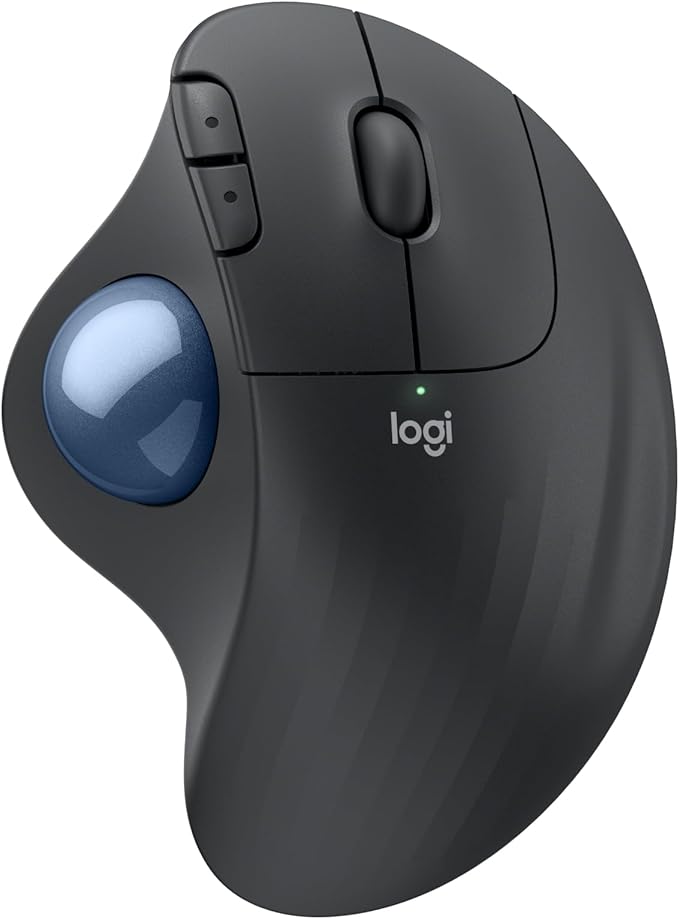
Thumb-controlled trackball means your hand never has to move — the highest-rated mouse in this test.
Check Price on Amazon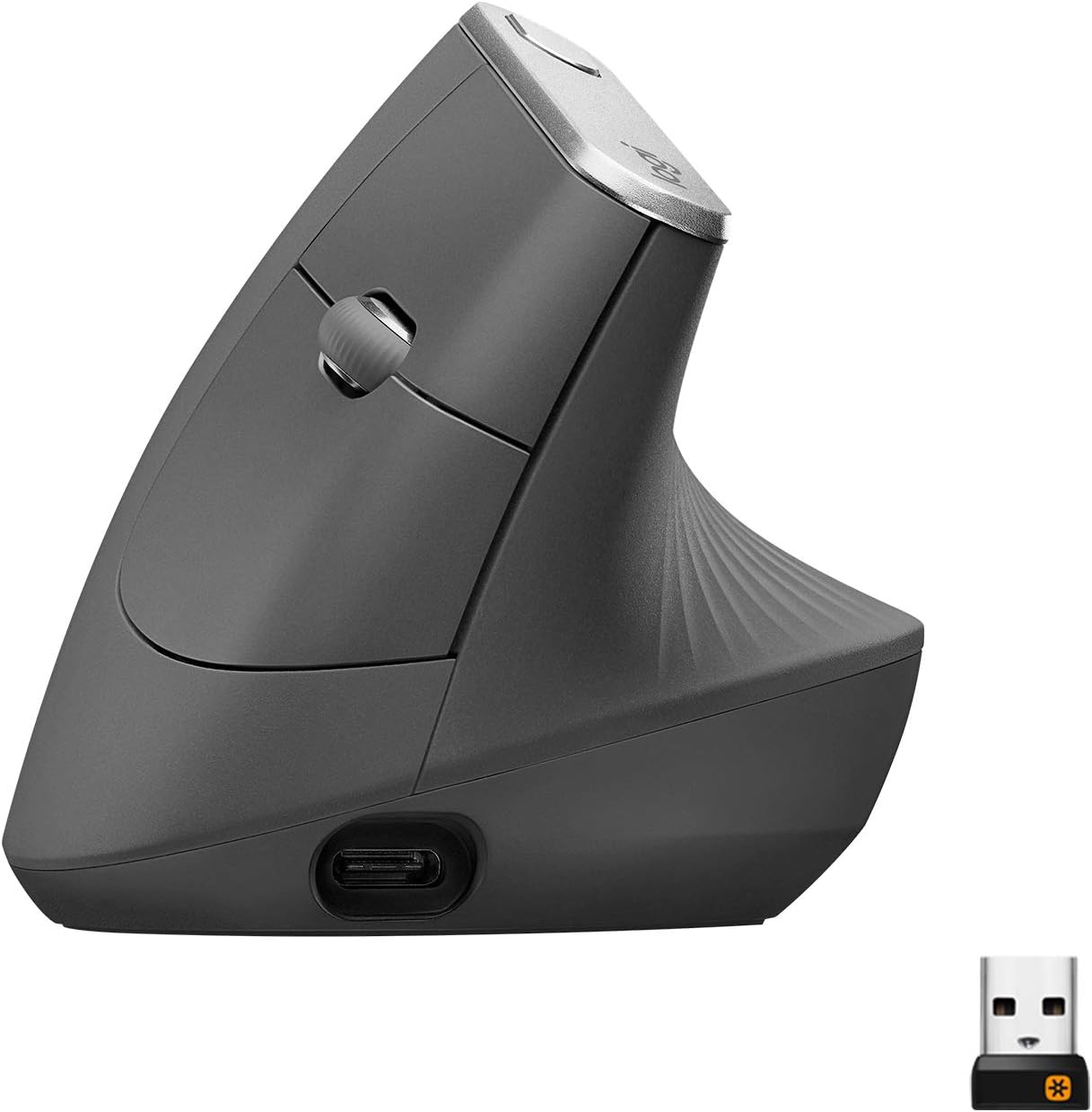
57° vertical angle, 4000 DPI sensor, and independently ergonomist-tested — the premium benchmark for vertical mice.
Check Price on Amazon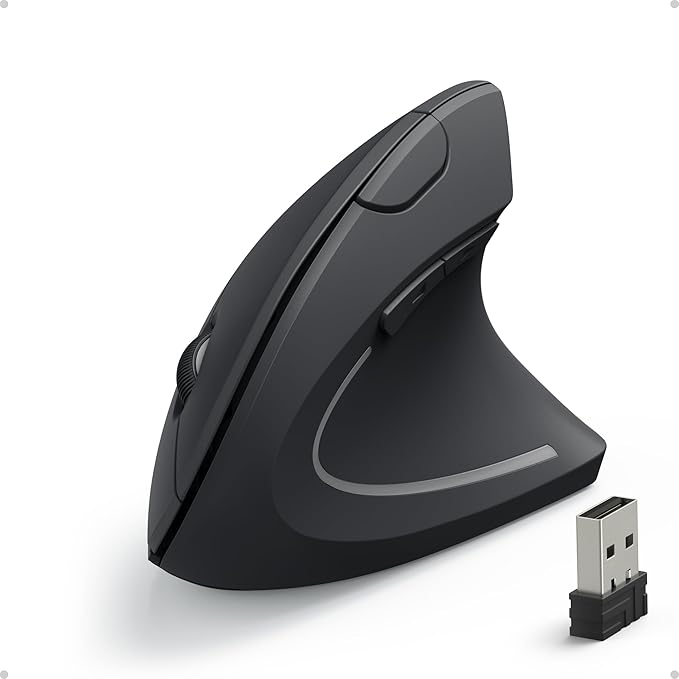
A genuine vertical “handshake” shape under $20, with more reviews than any other mouse we tested.
Check Price on AmazonFull Comparison Table
Every ergonomic mouse we tested, side by side.
| Mouse | Best For | Rating | Type | Connectivity | Price | |
|---|---|---|---|---|---|---|
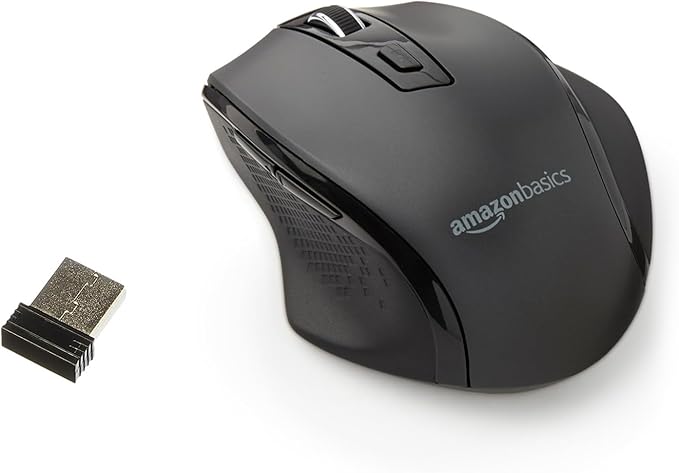 Amazon Basics Wireless Mouse Amazon Basics Wireless Mouse |
Ultra-budget pick | 4.3★ (29.6k) | Ambidextrous, compact | 2.4GHz USB | $10.46 | View |
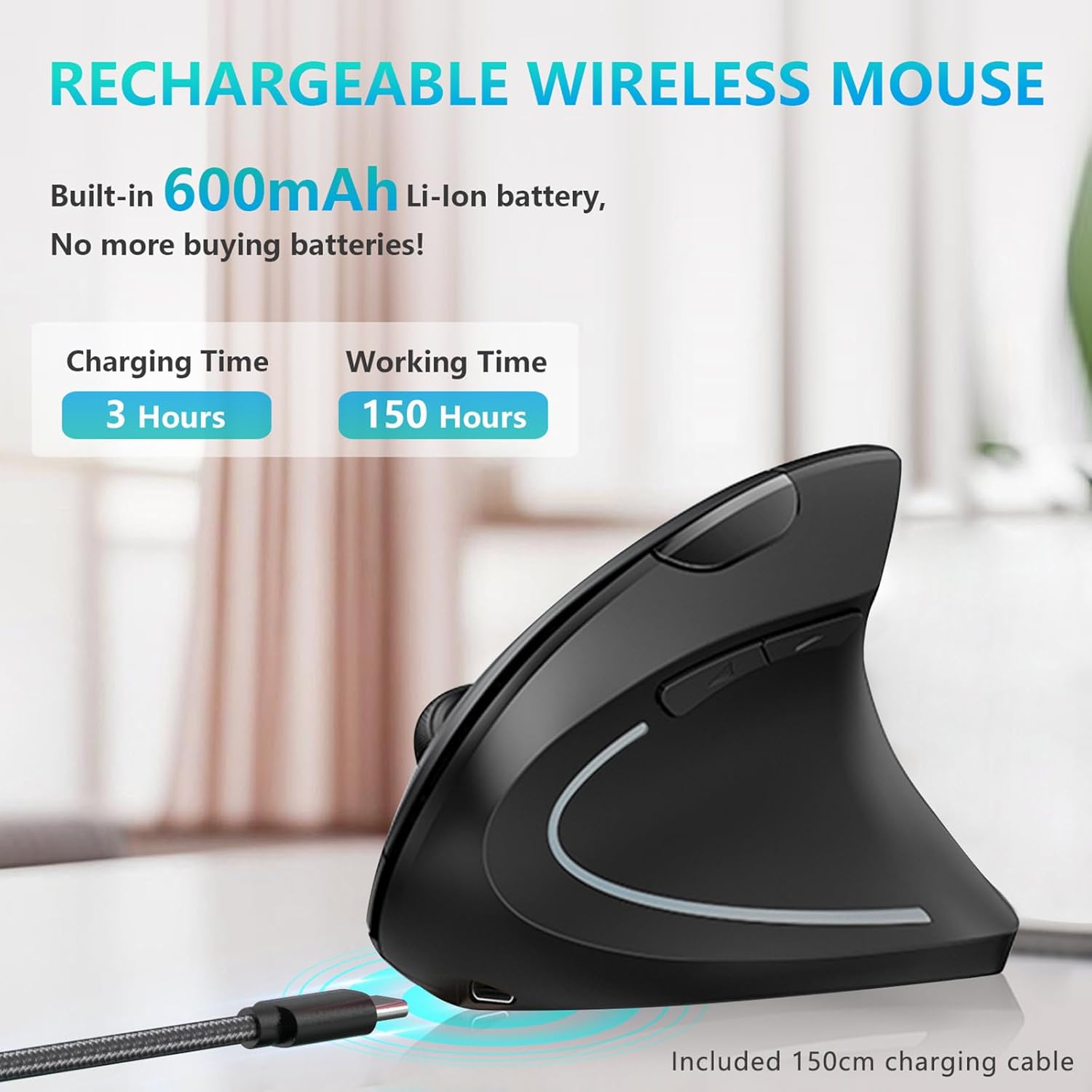 Lekvey Ergonomic Vertical Mouse Lekvey Ergonomic Vertical Mouse |
Rechargeable vertical value | 4.3★ (15.4k) | Vertical | 2.4GHz wireless | $29.99 | View |
| Logitech Lift Vertical Mouse |
Small–medium hands | 4.4★ (13.7k) | Vertical | Bluetooth / Logi Bolt | $57.94 | View |
| Anker 2.4G Wireless Ergonomic Mouse |
Best budget vertical | 4.2★ (53.3k) | Vertical | 2.4GHz USB | $19.98 | View |
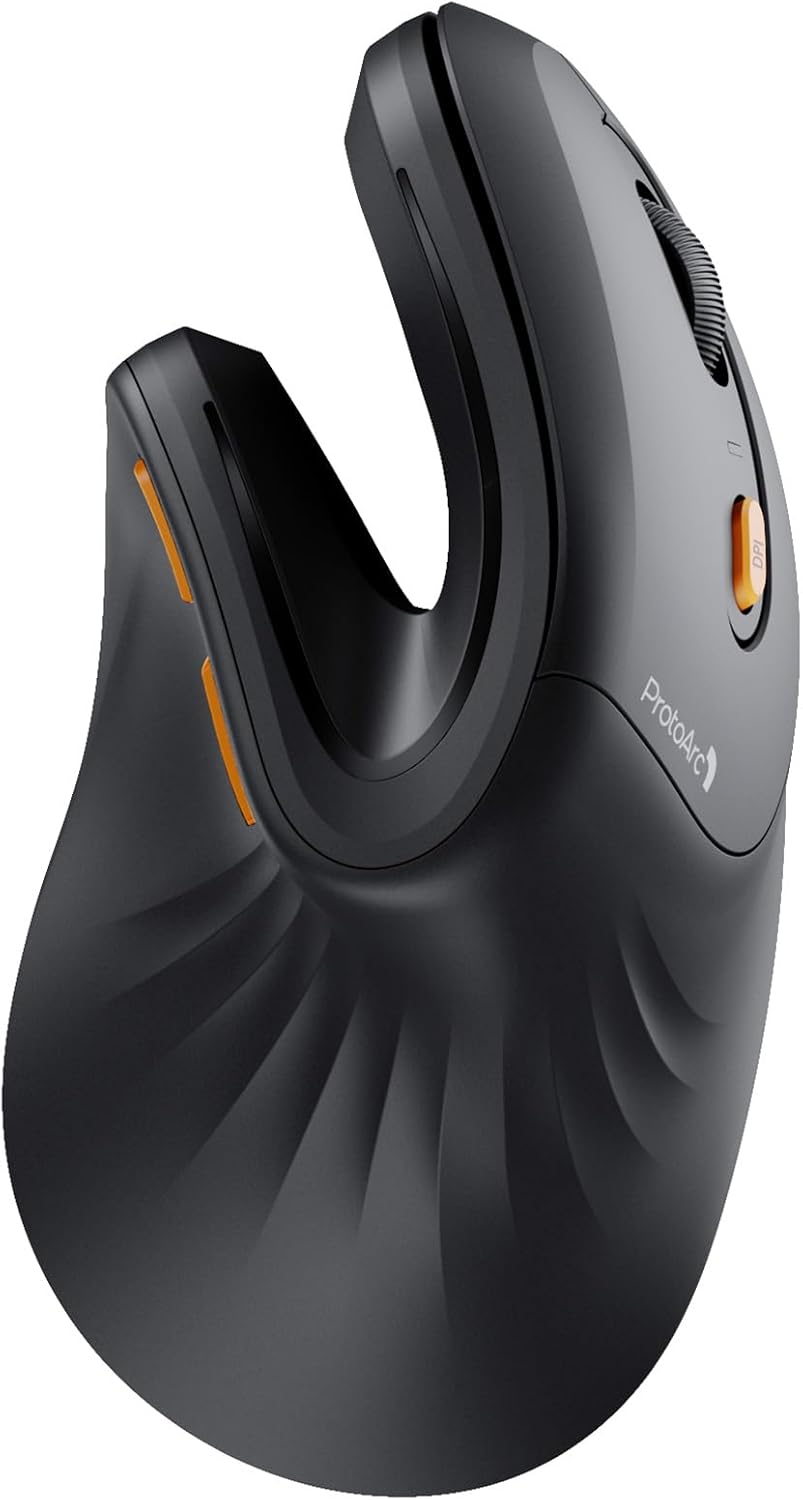 ProtoArc EM11 NL Vertical Mouse ProtoArc EM11 NL Vertical Mouse |
Multi-device connectivity | 4.4★ (5.7k) | Vertical | Bluetooth + 2.4G USB-A | $22.99 | View |
| Logitech MX Vertical |
Premium / most tested | 4.4★ (15k) | Vertical | USB / Bluetooth | $79.99 | View |
| Logitech Ergo M575S Trackball |
Overall pick / trackball | 4.5★ (2.2k) | Trackball | Bluetooth / Logi Bolt | $49.99 | View |
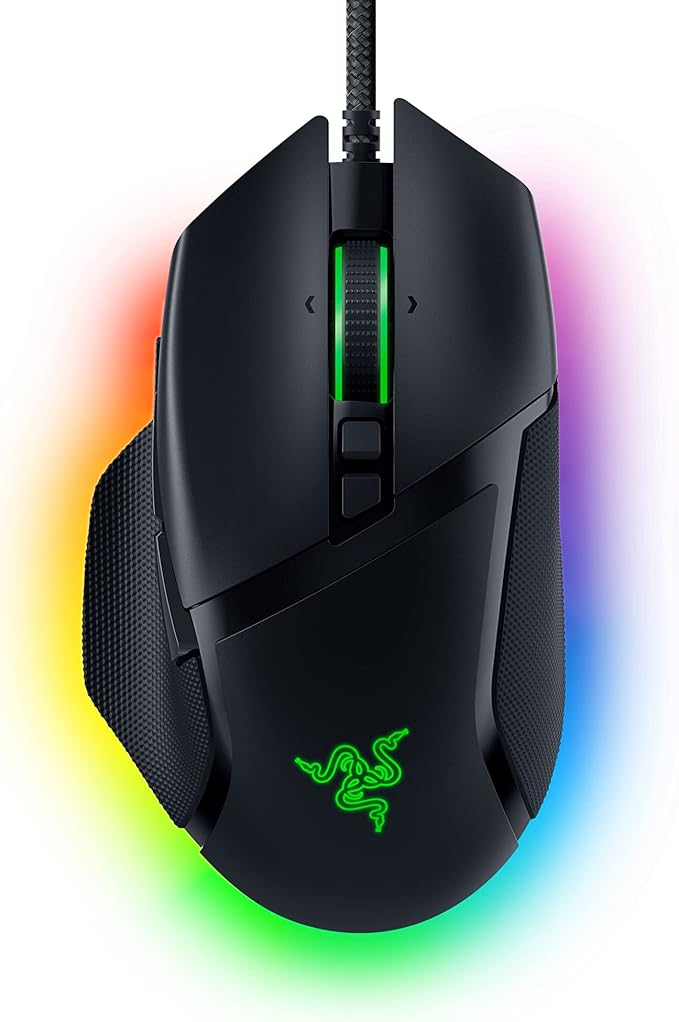 Razer Basilisk V3 Razer Basilisk V3 |
Gaming + work | 4.6★ (10.4k) | Ergonomic gaming | Wired USB | $34.98 | View |
All 8 Ergonomic Mice, Reviewed
Specs, honest pros and cons, and our verdict on who each one actually suits.
Amazon Basics Portable Wireless Computer Mouse
Pros
- Cheapest mouse in this test by a wide margin, at just over $10
- Compact and light enough to toss in a laptop bag
- Widest review count on Amazon of any mouse here, at nearly 30,000 ratings
Cons
- Standard flat, ambidextrous shape — this is “ergonomic” in name only, not a vertical or contoured design
- Won’t meaningfully change your wrist angle compared to any standard mouse
Lekvey Ergonomic Rechargeable Vertical Mouse
Pros
- Built-in rechargeable battery instead of disposable AAs
- Plug-and-play nano receiver — no Bluetooth pairing needed
- Genuine vertical handshake shape at a mid-budget price
Cons
- Sized for medium-to-large hands — a poor fit if you have small hands
- Right-hand only, with no left-handed version available
Logitech Lift Vertical Ergonomic Wireless Mouse
Pros
- The only mouse in this test sized specifically for smaller hands, with a matching left-handed version
- Ergonomist-certified design with genuinely quiet clicks
- Up to 2 years of battery life on a single AA
Cons
- Noticeably smaller footprint than the MX Vertical — not ideal if you have large hands
- Costs more than the Anker or Lekvey for a similar vertical angle
Anker 2.4G Wireless Ergonomic Mouse
Pros
- Highest review count of any mouse in this test at over 53,000 ratings
- Real vertical “handshake” shape for under $20 — not just an ambidextrous shell
- Carries safer-chemicals and manufacturing certifications
Cons
- Amazon’s own listing notes the clicks aren’t silent
- Uses a 2.4GHz USB receiver rather than Bluetooth, so it takes up a port
ProtoArc EM11 NL Wireless Ergonomic Vertical Mouse
Pros
- Switches between 3 paired devices — the most flexible multi-device option here
- Quiet clicks on the main left/right buttons
- The manufacturer is upfront that it takes 1–2 weeks to adjust to — a rare bit of honesty in a product listing
Cons
- Sized specifically for hands under 7.5″ — not a fit for larger hands
- Back/forward buttons aren’t programmable and don’t work on macOS
Logitech MX Vertical Wireless Mouse
Pros
- Independently tested with ergonomists to specific muscle-strain-reduction criteria
- Highest DPI sensor of any mouse in this test, at up to 4000
- Textured rubber grip fits a wider range of hand sizes than most vertical mice
Cons
- The most expensive mouse in this roundup, even after the current discount
- Larger footprint means it won’t suit smaller hands as well as the Lift
Logitech Ergo M575S Wireless Trackball Mouse
Pros
- Highest average rating of any mouse in this test at 4.5 stars
- Because the ball moves instead of your hand, your wrist and forearm barely need to move at all
- Small footprint works well on cramped desks or in bed/couch setups
Cons
- Trackballs have a real learning curve compared to a standard or vertical mouse
- Fewer buttons than the gaming or premium vertical options
Razer Basilisk V3 Ergonomic Gaming Mouse
Pros
- Highest star rating of any mouse in this test at 4.6
- Contoured ergonomic shape with a thumb rest, without sacrificing gaming-grade sensor speed
- 11 programmable buttons — by far the most of any mouse here
Cons
- Not a vertical or trackball shape — the wrist angle is closer to a standard mouse than a true ergonomic design
- Wired only, no wireless version included at this price point
How We Test, and What to Look For
Not every “ergonomic” mouse actually changes your wrist position. Here’s what separates a real fix from a marketing label.
Real wrist-angle check
We check whether each mouse’s shape actually rotates the forearm into a neutral “handshake” position, not just whether it’s marketed as ergonomic.
Full workday testing
Each mouse is used for at least one full workday of clicking, scrolling, and dragging before we write about how it feels.
Click sound & effort
We note click loudness and required force — both matter for shared offices and for anyone with joint pain or tendinitis.
Honest flaws, not just praise
Every review above lists real drawbacks — including when a mouse only needs an “ergonomic” label to sell, without an ergonomic shape.
Vertical vs. trackball vs. contoured
A vertical mouse rotates your hand into a handshake position. A trackball removes hand movement almost entirely by letting your thumb or fingers move the ball instead. A contoured gaming mouse supports the hand’s shape without changing wrist rotation much at all.
Vertical vs. trackball, compared →Hand size matters more than most people think
A vertical mouse sized for large hands will force small hands to overstretch, and vice versa. Measure your hand length before buying — most listings specify a recommended range.
Best picks for small hands →Give yourself an adjustment period
Nearly every vertical mouse manufacturer notes a 3–14 day adjustment period. Don’t judge a new ergonomic mouse in the first hour — most of the comfort gain shows up after your hand relearns the grip.
How long the adjustment really takes →Connectivity & battery
Bluetooth frees up a USB port and often supports multi-device switching, but a dedicated 2.4GHz USB receiver is usually more reliable for gaming or fast clicking. Rechargeable batteries save money over years of daily use versus disposable AAs.
Best wireless ergonomic mice →Common Questions
Does an ergonomic mouse actually help wrist pain?
For most people with mild-to-moderate wrist strain, switching to a vertical or trackball mouse reduces forearm rotation and muscle activity compared to a standard mouse. See the full evidence breakdown →
How long does it take to get used to a vertical mouse?
Most manufacturers and users report a 3–14 day adjustment period before it feels natural, with accuracy usually catching up within the first week. Read our full adjustment timeline →
Is a trackball or a vertical mouse better for wrist pain?
Neither is universally better — trackballs remove almost all arm movement, while vertical mice keep a more familiar grip while still fixing wrist rotation. Compare both in detail →
How do I hold a vertical mouse correctly?
Most people grip a vertical mouse too tightly or rest their whole palm on it the way they would a flat mouse, which defeats the purpose. See our step-by-step grip guide →
What’s the best ergonomic mouse for small hands?
The Logitech Lift in our test was specifically designed for small-to-medium hands, unlike bulkier vertical mice built around an average or larger grip. See all our picks for small hands →
Are ergonomic mice good for gaming?
Dedicated vertical mice usually aren’t ideal for fast-paced gaming, but contoured ergonomic gaming mice like the Razer Basilisk V3 offer wrist support without sacrificing sensor speed. See our gaming + work picks →
Browse Every Ergonomic Mouse Guide by Need
Every guide below builds on the testing above — organized by type, hand size, health need, use case, and budget so you can jump straight to what applies to you.
By Mouse Type
Vertical, trackball, wireless, silent, or Bluetooth — each design solves a slightly different problem.
By Hand Size & User
A vertical mouse sized wrong is worse than no vertical mouse at all — start here first.
By Health Condition
If you’re buying a mouse to manage a specific pain point, start with the guide that matches it.
By Use Case & Platform
The best mouse for a Mac isn’t always the best one for CAD work or gaming.
In-Depth Brand Reviews
Full single-product breakdowns for shoppers comparing one specific mouse.
By Budget
What you actually get at each price tier, and where the extra money stops being worth it.
Head-to-Head Comparisons
Straight comparisons for the decisions people get stuck on most.
Guides & Education
The deeper how-to and science content that backs up every recommendation on this page.
Still Not Sure Which Ergonomic Mouse to Get?
If you want the safest all-round pick, start with the Logitech Ergo M575S. If you specifically want a vertical mouse and money isn’t tight, get the MX Vertical. If you’re on a budget, the Anker 2.4G Wireless Ergonomic Mouse gets you a real vertical shape for under $20.
Back to Top PicksAs an Amazon Associate, ErgoFixes earns from qualifying purchases. Prices and availability are accurate as of the publish date and are subject to change. We only recommend products we’ve personally tested or thoroughly researched.