
Best Ergonomic Mouse for Arthritis 2026: 8 Low-Effort, Easy-Grip Options

If your fingers ache by mid-morning, or a full afternoon of clicking and scrolling leaves your hand stiff and sore, the mouse sitting under your palm right now might be making things harder than they need to be. A standard mouse asks your hand to stay twisted flat, your fingers to press down repeatedly, and your wrist to hold a fixed angle for hours. For someone managing arthritis, that combination can turn an ordinary workday into a genuinely uncomfortable one.
This guide compares eight ergonomic mice that are commonly recommended for people looking for a mouse for arthritic hands – vertical designs, lightweight bodies, low-effort click mechanisms, and shapes that ask less of the fingers and wrist. We’ll cover what actually matters when choosing an easy grip mouse for arthritis, where each product falls short, and how to match a mouse to your hand size, grip strength and daily workload.
A quick note before we start: ErgoFixes is an ergonomic product review site, not a medical provider. Nothing here is medical advice, and no mouse can treat or cure arthritis. What the right mouse can do is reduce some of the repetitive strain and awkward hand positioning that makes existing joint pain feel worse during computer use.
Quick Answer
What’s the best ergonomic mouse for arthritis? For most people, a lightweight vertical mouse with a moderate 52–57° angle, silent buttons, and adjustable DPI – such as the TECKNET Ergonomic Mouse – offers the best balance of low click effort, a neutral wrist position, and everyday usability. Hand size, grip strength on bad days, and how much you rely on scrolling should all factor into the final choice.🖱️Best Ergonomic Mice for Arthritis 2026
Our quick picks below are based on hand-friendly design, click effort, weight and everyday comfort for people managing arthritis. Full reviews and limitations are further down the page.


Quick Verdict
Understanding Arthritis and Mouse Use (What This Guide Can and Can’t Do)
Arthritis covers a range of conditions – osteoarthritis, rheumatoid arthritis and others – that affect the joints differently from person to person. What tends to be common across most of them is that repetitive gripping, pressing and fine motor control can become uncomfortable, especially during a flare. According to the Centers for Disease Control and Prevention, an estimated 58.5 million adults in the United States have arthritis, and hand osteoarthritis specifically affects millions of them – which is one reason hand-friendly input devices are a genuinely common search, not a niche concern.
An ergonomic mouse for arthritis is not a treatment. It’s a tool that can reduce some of the repetitive hand and wrist demands of computer use, which some people with arthritis find helpful for day-to-day comfort. The Arthritis Foundation notes that ergonomic mice and keyboards are designed to keep the hands and forearms in a more neutral position, and that vertical mice in particular support the hand in a more upright posture rather than a flat, twisted one – which is worth knowing when comparing your options. A systematic review of controlled trials on alternative mouse designs found that upper-limb discomfort during computer use is commonly linked to forearm pronation, ulnar deviation and wrist extension – the same postures a vertical mouse is specifically designed to reduce. In practical terms, this means the case for a vertical mouse rests on changing hand posture, not on any claim that it treats joint disease.
If you have persistent, worsening or severe joint pain, that’s a conversation for a doctor, rheumatologist or occupational therapist – not a mouse review. An occupational therapist in particular can assess your specific grip strength, range of motion and flare patterns, which a general buying guide simply cannot do.
What to Look for in an Easy Grip Mouse for Arthritis
Emily Richardson, ErgoFixes’ ergonomics and work-from-home product specialist, puts it this way: “The goal with an arthritis-friendly mouse isn’t finding the mouse with the most features – it’s finding the one that asks the least of your hand while still doing the job.” Here’s what to prioritize.
1. Button click effort. Some mice use “silent” switches, which primarily reduce noise rather than force. Look specifically for language around low actuation force or reduced click resistance, not just quiet clicking, if repeated pressing is your main pain point.
2. Weight. A lighter mouse means less muscular effort to lift, reposition and glide it across the desk throughout the day. In this roundup, weights range from roughly 2.8 ounces to over 10 ounces – a meaningful difference over an eight-hour workday.
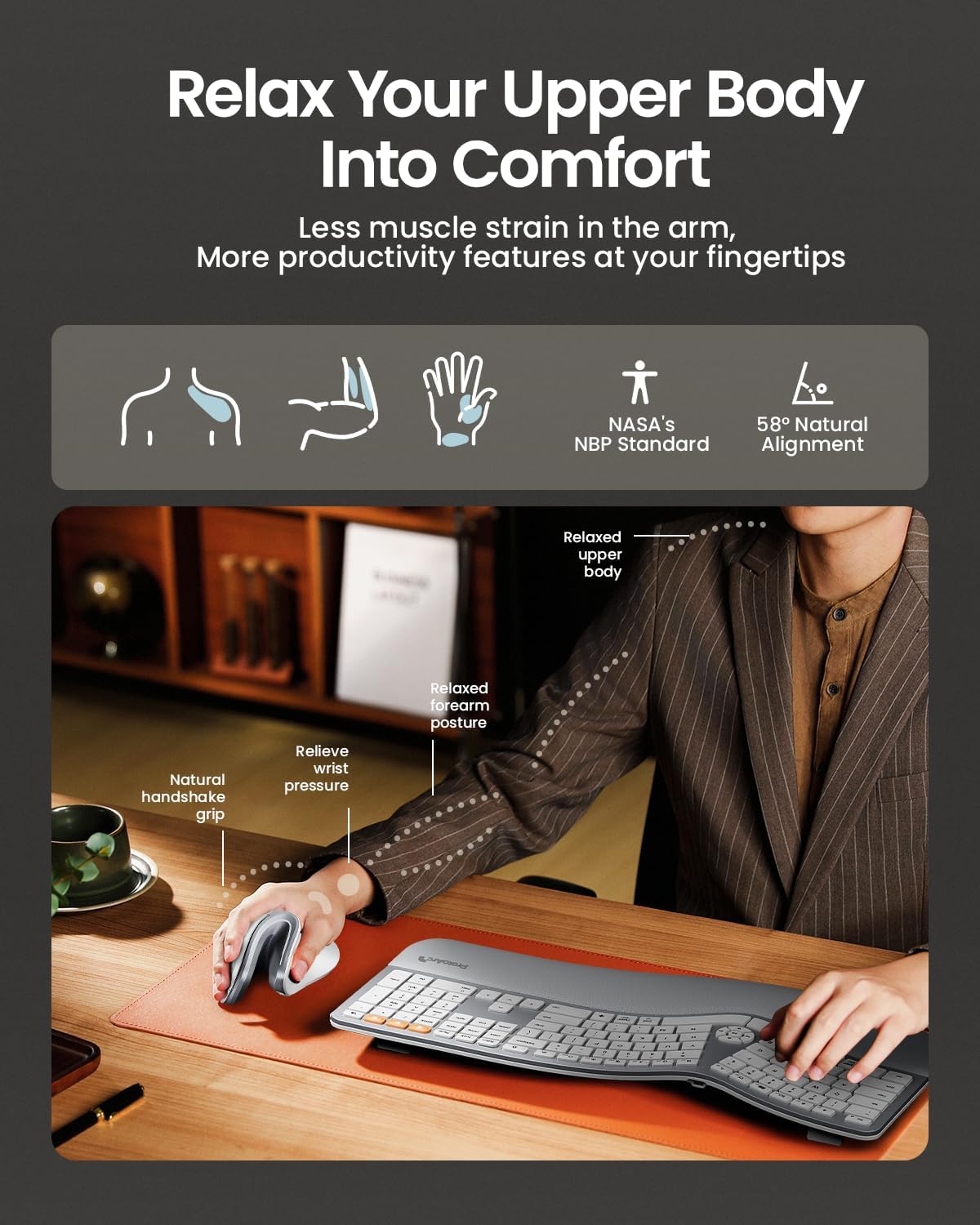
3. Vertical or handshake-style grip. A vertical mouse keeps the forearm and wrist in a more neutral, upright position rather than the pronated (palm-down, twisted) posture a flat mouse requires. This doesn’t eliminate strain, but it changes where and how the hand bears load. A controlled study published in the journal Ergonomics measured this directly with electromyography: participants using a vertical mouse showed roughly 28° of forearm pronation versus 42° with a standard mouse, along with lower wrist extensor muscle activity. The same research noted a genuine trade-off worth knowing about – it took participants longer to reach on-screen targets with the vertical mouse, so budgeting a short adjustment period is realistic rather than expecting an immediate improvement.
4. Hand size fit. A mouse that’s too large forces the fingers to stretch to reach the buttons; one that’s too small forces the hand to curl tightly. Both can add unnecessary joint stress. Several manufacturers publish hand-length recommendations – check them before buying.
5. Scroll wheel design. Repetitive scrolling can be just as taxing on the index finger as clicking. A free-spinning or “flying” scroll wheel that needs less repeated finger motion can help if you scroll through long documents or spreadsheets often.
6. Grip strength required to hold the shape. Some vertical mice need a light but sustained grip to keep the hand positioned correctly, which isn’t ideal on a flare day. If grip strength varies a lot for you, a mouse with more palm support and a wider resting surface is usually more forgiving.
7. Battery type and charging. Replacing small batteries or twisting open a battery compartment can itself be a fiddly, finger-heavy task. A rechargeable mouse with a simple USB-C cable removes that friction.
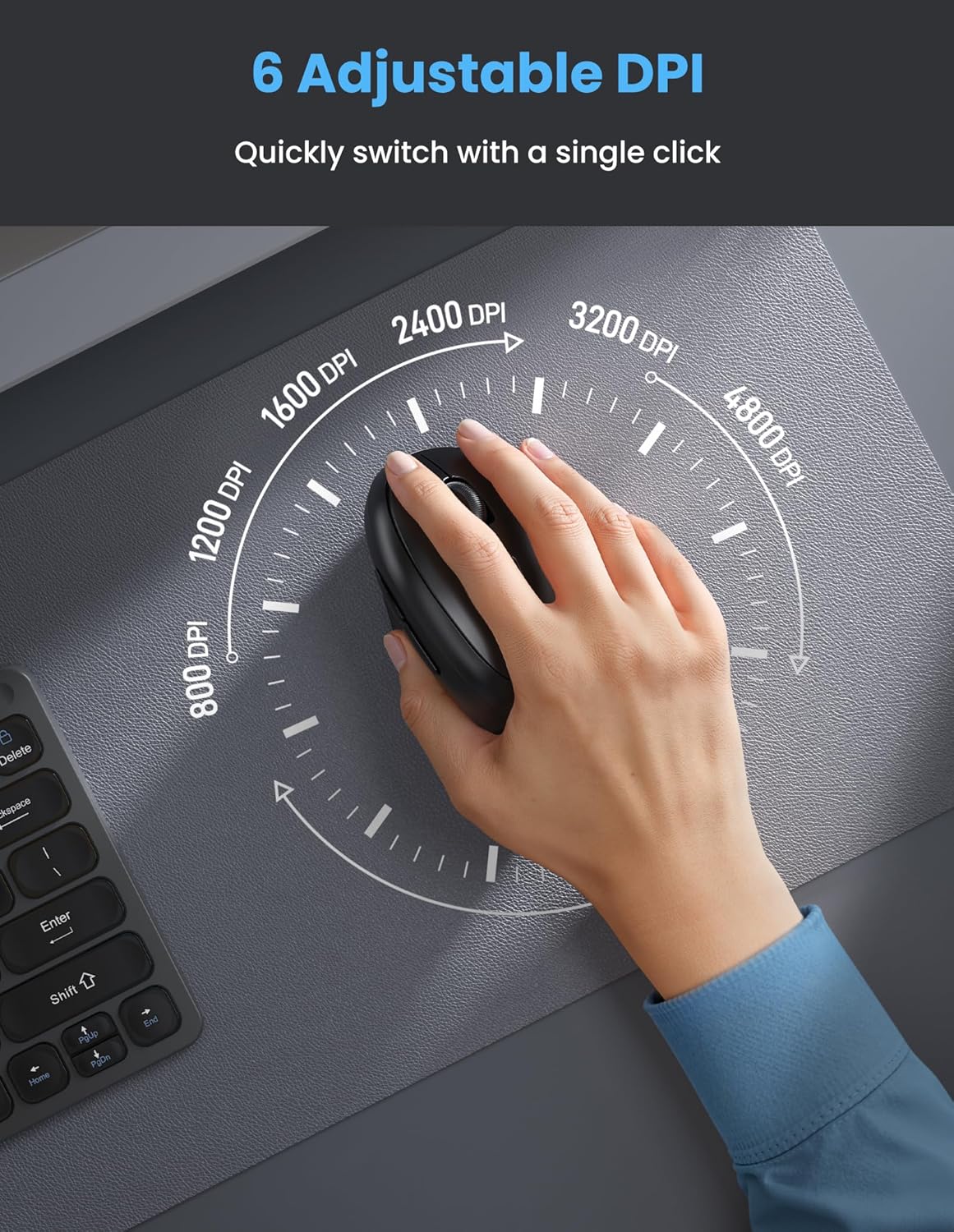
8. DPI adjustability. Higher, adjustable DPI settings mean the cursor moves further with less physical hand movement – useful on days when reaching across the screen feels like more effort than usual.
If you want a deeper look at how mice affect wrist strain more broadly, our article on does an ergonomic mouse really help wrist pain breaks down the evidence in more detail.
Product Reviews
1. TECKNET Ergonomic Mouse – Best Overall
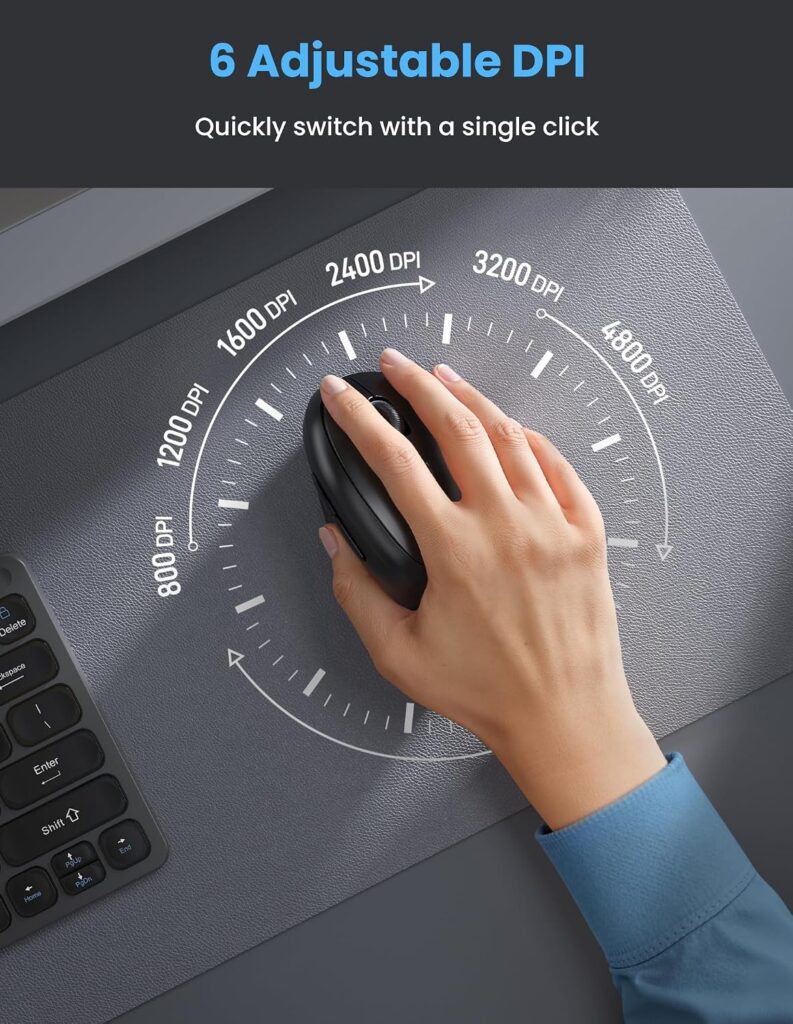
Quick Verdict: The TECKNET Ergonomic Mouse pairs a 52° vertical angle with silent clicks, a rechargeable battery and six adjustable DPI levels, and it’s the most reviewed mouse in this list at over 7,200 ratings. It’s a sensible starting point if you’re not sure exactly what shape or feature set works best for your hands yet.
Best For: Right-handed users with small to medium hands who want a well-rounded, widely available option.
Key Specifications
- Connectivity: Bluetooth 5.0/3.0 and 2.4G USB receiver
- DPI: 800–4,800, adjustable in six steps
- Weight: approximately 5 ounces
- Battery: built-in rechargeable, roughly two months per charge
- Buttons: 6, including forward/back navigation
What We Like
- Light, well-balanced body that doesn’t demand a firm grip to hold in place
- Silent clicking reduces auditory feedback that some users find fatiguing over long sessions
- Rechargeable battery avoids the fiddly task of swapping small batteries
What We Don’t Like
- Right-handed shape only, so it won’t suit left-handed users
- Forward and back buttons don’t work on macOS
Ergonomic Analysis: The 52° angle is a moderate vertical tilt – less extreme than some competitors, which can make it easier to adjust to if you’ve always used a flat mouse. Design-based analysis suggests a moderate angle like this asks less of the hand to maintain the grip position compared to steeper 57–58° designs, though comfort here is genuinely individual.
Who Should Buy It? Anyone testing out a vertical mouse for the first time, or looking for a dependable everyday option without paying premium pricing.
Who Should Skip It? Left-handed users, and Mac users who specifically need working forward/back navigation buttons.
Value for Money: At around $25, the feature set – rechargeable battery, adjustable DPI, silent clicks – represents solid value for a first arthritis-friendly mouse.
🛒 Check Price on Amazon2. Logitech MX Vertical – Best Premium
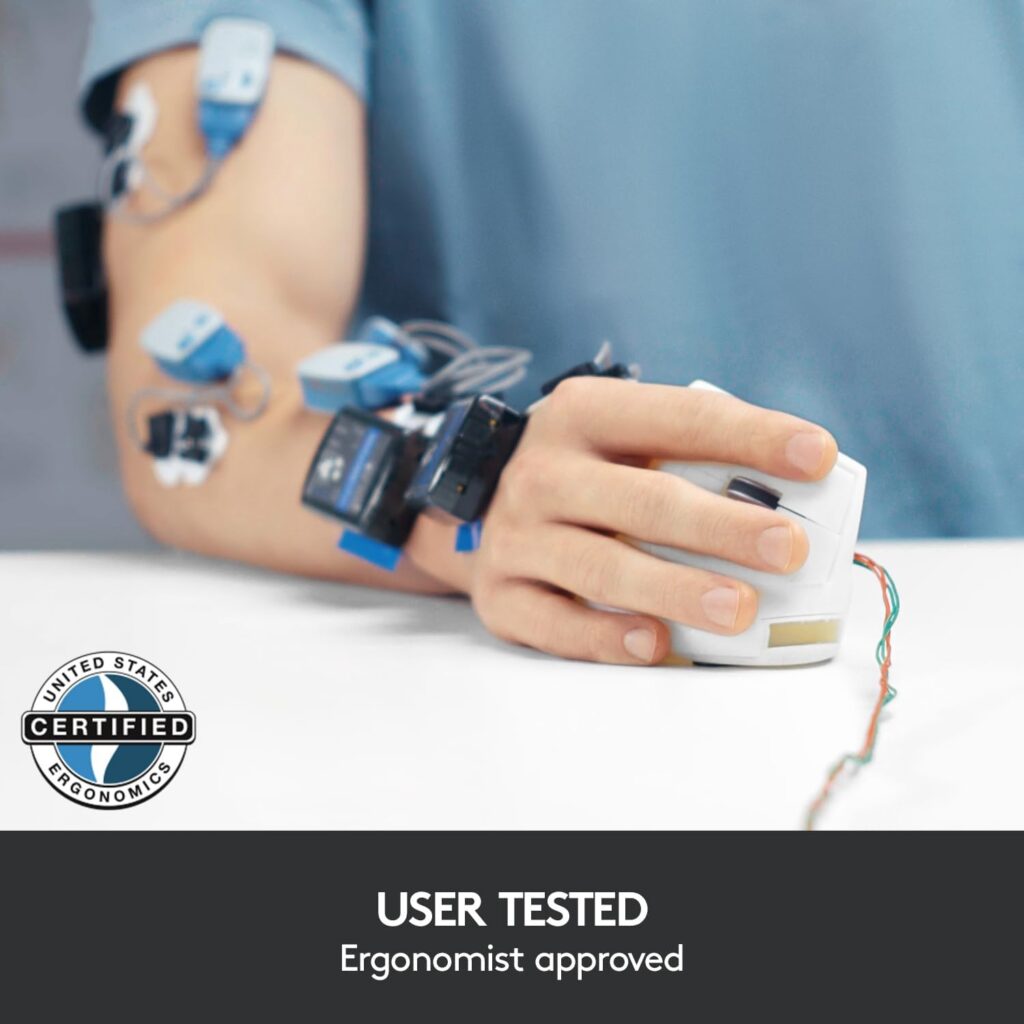
Quick Verdict: Logitech markets the MX Vertical as tested with criteria from ergonomists, with a 57° angle and a textured, contoured shape designed to reduce muscular activity compared to a standard mouse. It’s the most established, best-built option here – but it’s also the heaviest and most expensive.
Best For: Users who want a premium build and don’t mind paying more, and whose grip strength is generally consistent day to day.
Key Specifications
- Connectivity: USB receiver or Bluetooth
- DPI: up to 4,000, with a cursor speed switch
- Weight: approximately 8 ounces
- Battery: rechargeable, roughly four months per charge
- Buttons: 4, plus a thumb rest
What We Like
- Textured surface and contoured shape offer good palm support, reducing how tightly the hand needs to grip
- Higher-precision sensor can mean less physical hand movement is needed to move the cursor across the screen
- Long battery life between charges
What We Don’t Like
- At roughly 8 ounces, it’s noticeably heavier than most other mice in this guide, which may add fatigue for users prioritizing minimal effort
- Meaningfully more expensive than the other options here
- Right-handed shape only, with only 4 buttons versus 6 on several competitors
Ergonomic Analysis: The 57° angle and thumb rest are designed to keep the wrist in a more neutral position and reduce the muscular effort of holding the mouse shape. However, the added weight works somewhat against the goal of minimizing hand effort, which is worth weighing carefully if fatigue – not just wrist angle – is your primary concern.
Who Should Buy It? Users who want the most established, ergonomist-referenced design and are comfortable with the higher price and added weight.
Who Should Skip It? Anyone specifically prioritizing the lightest possible mouse, or working with a tighter budget – the TECKNET or JYKEYMOUT below offer a gentler entry point.
Value for Money: It’s a premium product at a premium price. The build quality and design pedigree justify the cost for some users, but it isn’t the best value pick in this category.
🛒 Check Price on Amazon3. KYSONA Ergonomic Mouse – Best for Small or Sensitive Hands
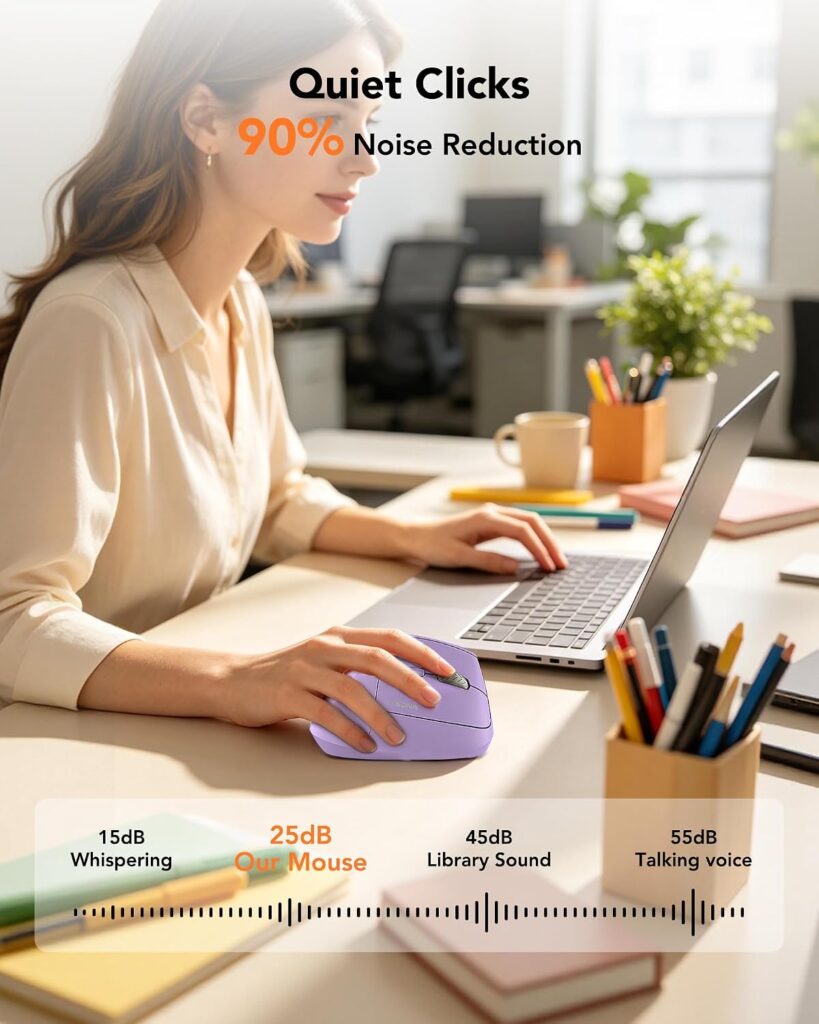
Quick Verdict: KYSONA’s mouse is explicitly sized for small to medium hands, with published dimensions and a hand-measurement recommendation before purchase – a level of transparency that’s genuinely useful for arthritis-conscious buyers. At around 4.2 ounces, it’s also one of the lightest mice in this comparison.
Best For: Users with smaller hands who want a light, compact mouse with a silent switch.
Key Specifications
- Connectivity: Bluetooth 3.0/5.0 and 2.4G wireless
- DPI: 800/1,200/1,600/2,400/4,000, five adjustable levels
- Weight: approximately 4.2 ounces
- Battery: 2 AAA batteries required (not included)
- Buttons: 5
What We Like
- Published hand-size guidance (10.7 x 7.4 x 7.1 cm body) helps avoid buying a mouse that’s the wrong fit
- One of the lightest mice tested here, reducing lifting and repositioning effort
- Silent switch for quieter clicking
What We Don’t Like
- Sized specifically for smaller hands, so it won’t suit users with larger hands comfortably
- Requires 2 AAA batteries, which aren’t included and need periodic replacement
- Right-handed only
Ergonomic Analysis: The 57° angle combined with a genuinely compact, lightweight shell means less muscular effort is needed both to hold the mouse and to move it. For users whose hand size is on the smaller side, a properly fitted mouse like this generally requires less finger stretching than a one-size-fits-all design.
Who Should Buy It? Anyone with small to medium hands who has struggled with mice designed primarily for average or large hand sizes.
Who Should Skip It? Users with larger hands, and anyone who prefers not to manage replaceable batteries.
Value for Money: At around $20, it’s competitively priced for a mouse with clearly documented sizing – a detail that’s often missing from competitors’ listings.
🛒 Check Price on Amazon4. JYKEYMOUT Vertical Mouse – Best Budget / Lightest
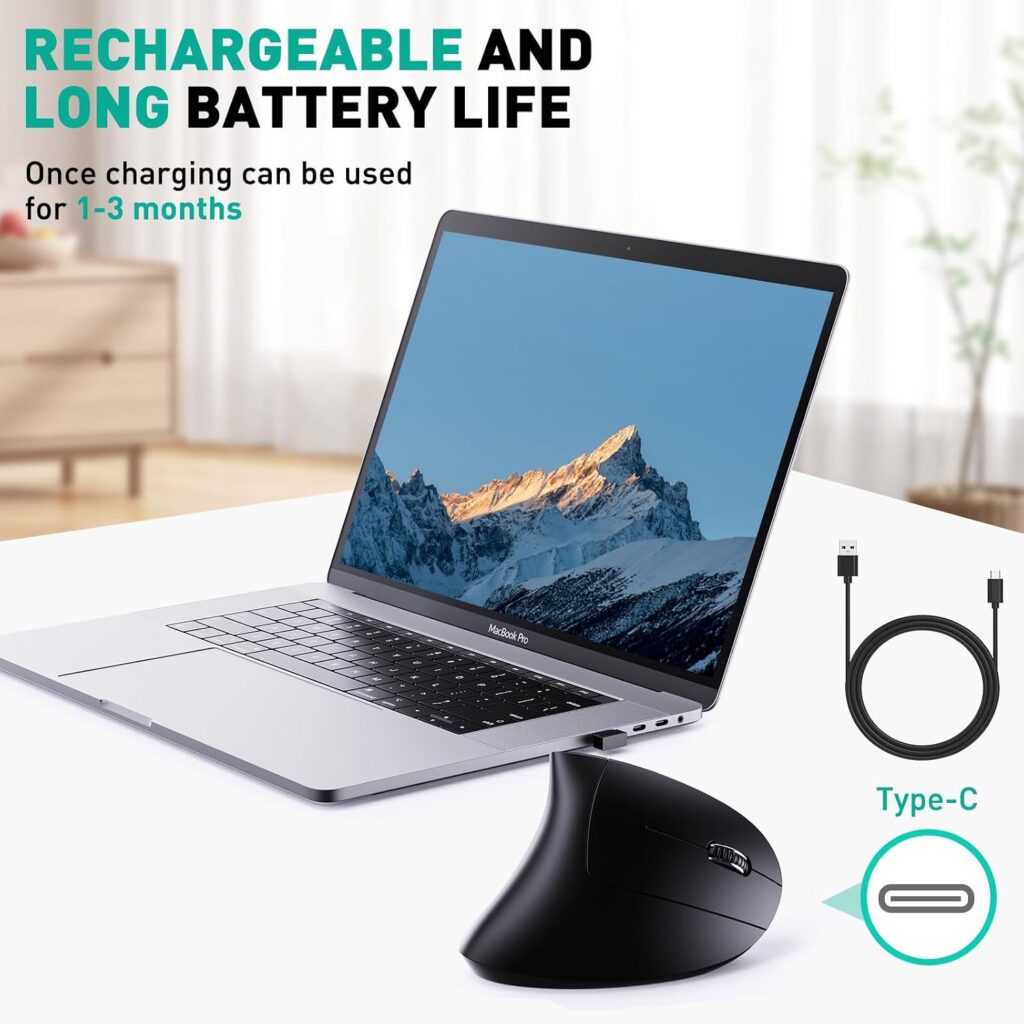
Quick Verdict: At roughly 2.8 ounces, the JYKEYMOUT is the lightest mouse in this entire comparison, and it’s also the cheapest at around $12. If minimizing weight and cost is your top priority, this is worth a look – with a couple of trade-offs.
Best For: Budget-conscious users who want the lowest possible weight for reduced lifting and repositioning effort.
Key Specifications
- Connectivity: Bluetooth 5.2/3.0 and 2.4G USB
- DPI: 1,000/1,200/1,600, three adjustable levels
- Weight: approximately 2.8 ounces
- Battery: built-in rechargeable, roughly 1–3 months per charge
- Buttons: 6, silent clicking
What We Like
- Notably lighter than every other mouse in this guide, which reduces the physical effort of moving and lifting it
- Low price point makes it easy to try without a big financial commitment
- Six silent buttons with dedicated forward/back navigation
What We Don’t Like
- Lower overall rating (4.2 stars) than most other options here, and a narrower DPI range
- Reported battery life on a full charge is shorter than several competitors
- Right-handed only, and back/forward buttons aren’t compatible with macOS
Ergonomic Analysis: A lighter mouse body generally means less sustained muscular effort to move and reposition the mouse throughout the day, which can matter more than angle alone for some arthritis symptoms. The trade-off is a build that feels less substantial and a narrower DPI range than pricier competitors.
Who Should Buy It? Anyone who wants to test whether a lighter mouse meaningfully reduces their hand fatigue, without a large upfront cost.
Who Should Skip It? Users who want the widest possible DPI range, longer battery life between charges, or the highest-rated option in this list.
Value for Money: Excellent for the price. It won’t out-perform the pricier picks on refinement, but as a low-cost way to test whether weight reduction helps your hands, it’s hard to beat.
🛒 Check Price on Amazon5. INFINMIND Wireless Side Scroll Mouse – Best for Reduced Scrolling Strain
Quick Verdict: Unlike the other mice in this list, the INFINMIND isn’t a full vertical design – it’s a contoured, soft-grip mouse built around a free-spinning “flying scroll” wheel. If repetitive scrolling is more of a pain trigger for you than click force or wrist angle, this is the most relevant option here.
Best For: Users whose main discomfort comes from scrolling through long pages, spreadsheets or documents.
Key Specifications
- Connectivity: 2.4G USB and dual Bluetooth, up to 3 devices
- DPI: 1,000/1,600/2,400/3,000, four adjustable levels
- Weight: approximately 5.3 ounces
- Battery: 2 AA batteries included
- Buttons: 7, including a side scroll wheel
What We Like
- Free-spinning scroll wheel needs far less repeated finger motion than a standard notched wheel, which one contributor with rheumatoid arthritis specifically identified as a source of index-finger pain in her own writing about office ergonomics
- Soft rubber grip reduces the pressure needed to hold the mouse
- Side scroll wheel allows left-right page scrolling without extra clicking
What We Don’t Like
- Not a true vertical mouse, so it offers less forearm rotation benefit than the other picks here
- Heavier than the lightest options in this list at 5.3 ounces
- Right-handed only, and listed OS compatibility is less clearly documented than some competitors – worth double-checking against your device before buying
Ergonomic Analysis: The main ergonomic advantage here isn’t wrist angle – it’s reducing the number of small, repeated finger movements required to scroll through content, which some people with arthritis in the fingers find more taxing than clicking itself.
Who Should Buy It? Anyone whose discomfort centers on scrolling rather than gripping or clicking, especially for spreadsheet-heavy or document-heavy work.
Who Should Skip It? Users who specifically want the neutral forearm position of a true vertical mouse – pair this with our best vertical mouse guide if wrist rotation is your bigger concern.
Value for Money: Reasonably priced for a mouse with a genuinely distinct feature, though it’s a more specialized pick than an all-purpose recommendation.
🛒 Check Price on Amazon6. Nulea Ergonomic Vertical Mouse – Best Simple Layout
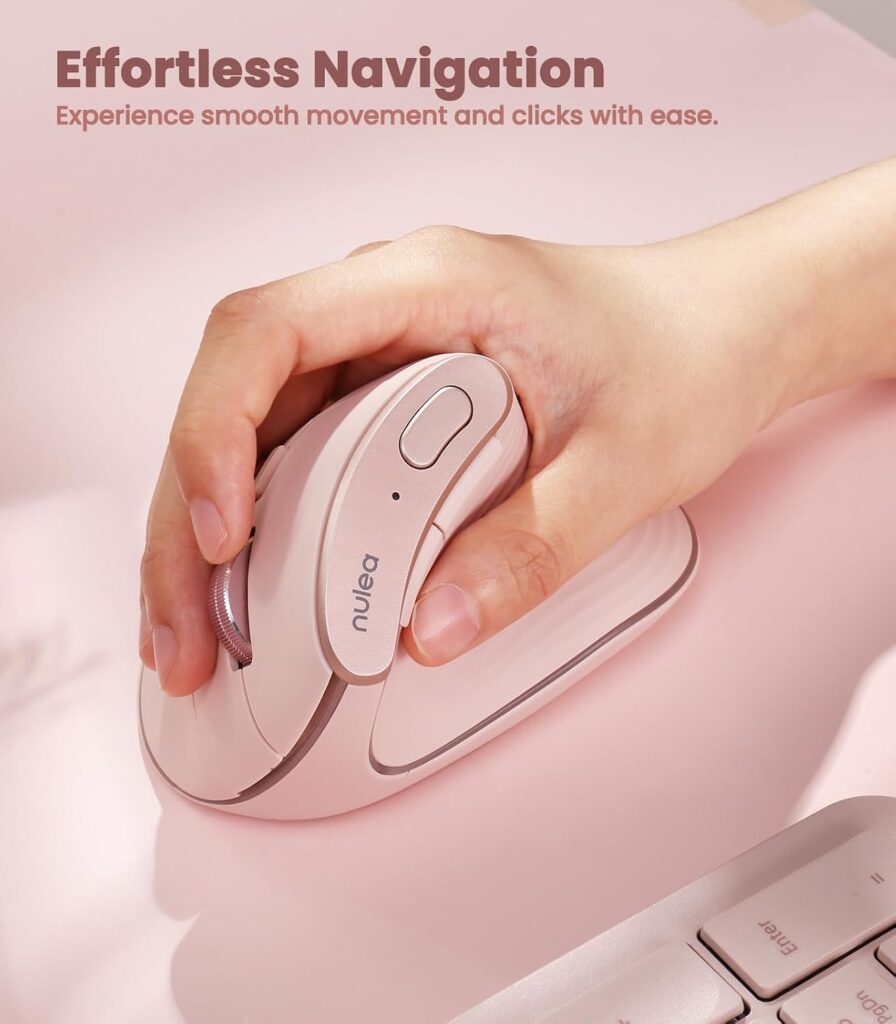
Quick Verdict: The Nulea keeps things simple – three DPI levels instead of five or six, a straightforward five-button layout, and a 57° handshake angle. For users who find too many settings and buttons overwhelming or fiddly to configure, that simplicity can itself be a comfort feature.
Best For: Users who want an uncomplicated vertical mouse without extensive customization to fuss over.
Key Specifications
- Connectivity: 2.4G USB wireless
- DPI: 800/1,200/1,600, three adjustable levels
- Weight: approximately 5.3 ounces
- Battery: 1 AA battery required (not included)
- Buttons: 5, plus a metal scroll wheel
What We Like
- Simple three-level DPI switch is easy to operate without fine finger control
- Non-slip metal scroll wheel provides tactile, controlled scrolling
- Competitively priced with a real, visible discount from list price
What We Don’t Like
- Fewer DPI options than most competitors, which may limit precision for detailed work
- Requires a single AA battery, not included, adding an occasional fiddly task
- Right-handed only
Ergonomic Analysis: The 57° handshake angle is consistent with the steeper end of the vertical mice in this guide, which some users find more effective at reducing forearm pronation, though it can take longer to adjust to than a moderate 52° angle.
Who Should Buy It? Anyone who wants a no-frills vertical mouse without a steep learning curve around settings and buttons.
Who Should Skip It? Users who want maximum DPI flexibility or prefer to avoid managing replaceable batteries.
Value for Money: Fair pricing for what it offers, particularly if simplicity matters more to you than a long feature list.
🛒 Check Price on Amazon7. UGREEN Ergonomic Wireless Mouse – Best Ambidextrous Value
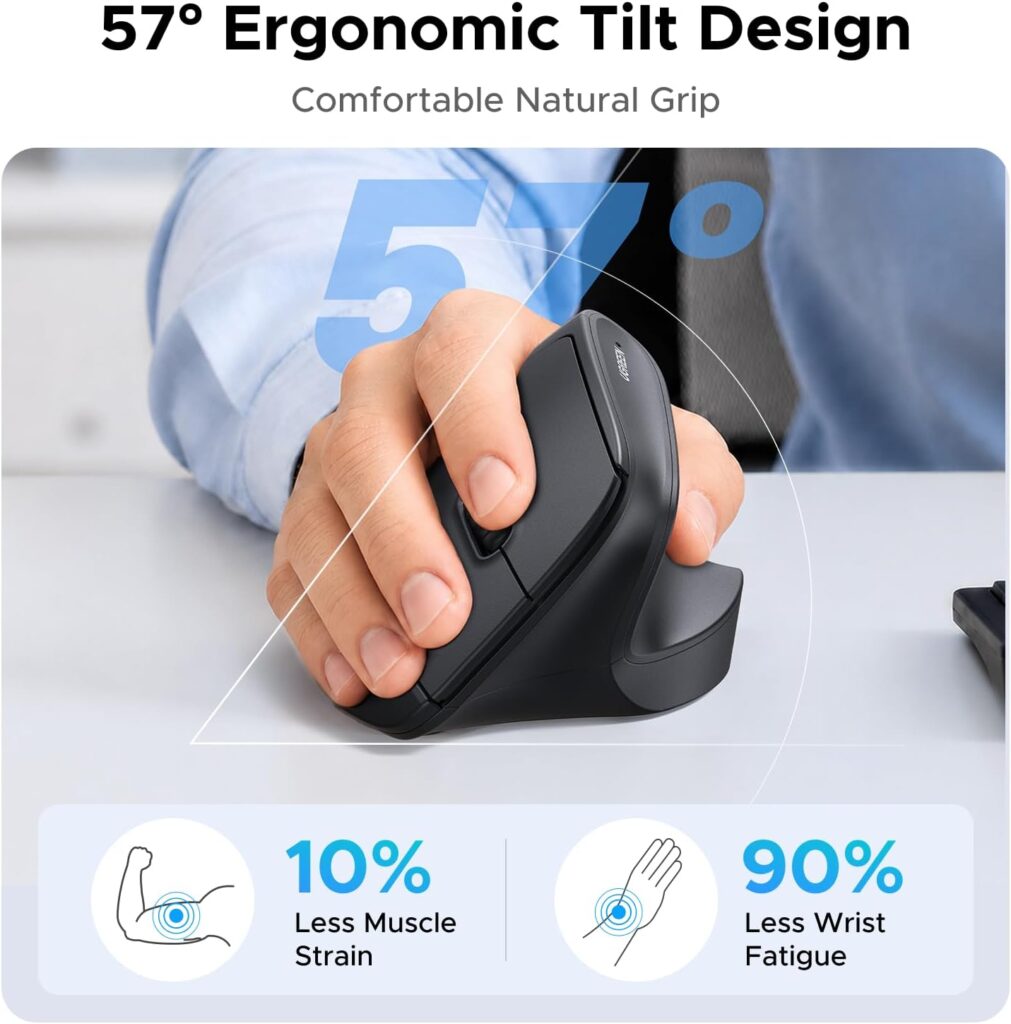
Quick Verdict: UGREEN’s mouse is the only ambidextrous design in this list, making it a rare option for left-handed users or households sharing a single computer between left- and right-handed people. It’s also affordably priced with quiet clicks and adjustable DPI.
Best For: Left-handed users, or anyone who wants one mouse that works for multiple household members.
Key Specifications
- Connectivity: Bluetooth and 2.4G wireless, up to 3 devices
- DPI: 1,000/1,600/2,000/4,000, four adjustable levels
- Weight: approximately 6 ounces
- Battery: 1 AA battery required (not included)
- Buttons: 5–6, quiet clicks
What We Like
- Genuinely ambidextrous shape, unlike the right-hand-only design of most other mice reviewed here
- Quiet click buttons and PTFE glide feet for smoother, quieter tracking
- Broad system compatibility across Windows, macOS, Linux, ChromeOS and Android
What We Don’t Like
- Ambidextrous shapes typically offer less hand-specific contouring than a dedicated right- or left-hand design, which may mean slightly less palm support
- Requires a single AA battery, not included
- Heavier than the lightest options in this comparison at around 6 ounces
Ergonomic Analysis: Ambidextrous mice trade some of the fitted contouring of a hand-specific vertical mouse for flexibility. For arthritis specifically, this is a reasonable compromise if you’re left-handed, since most dedicated vertical ergonomic mice on the market – including most of the others in this guide – are built for right-hand use only.
Who Should Buy It? Left-handed users, or anyone who wants flexibility across users or hands.
Who Should Skip It? Users who want the most contoured, hand-specific grip possible and don’t need ambidextrous flexibility.
Value for Money: Strong value at around $15, particularly given the lack of alternatives for left-handed buyers in this category.
🛒 Check Price on Amazon8. ProtoArc EM11 NL – Best for Multi-Device Switching
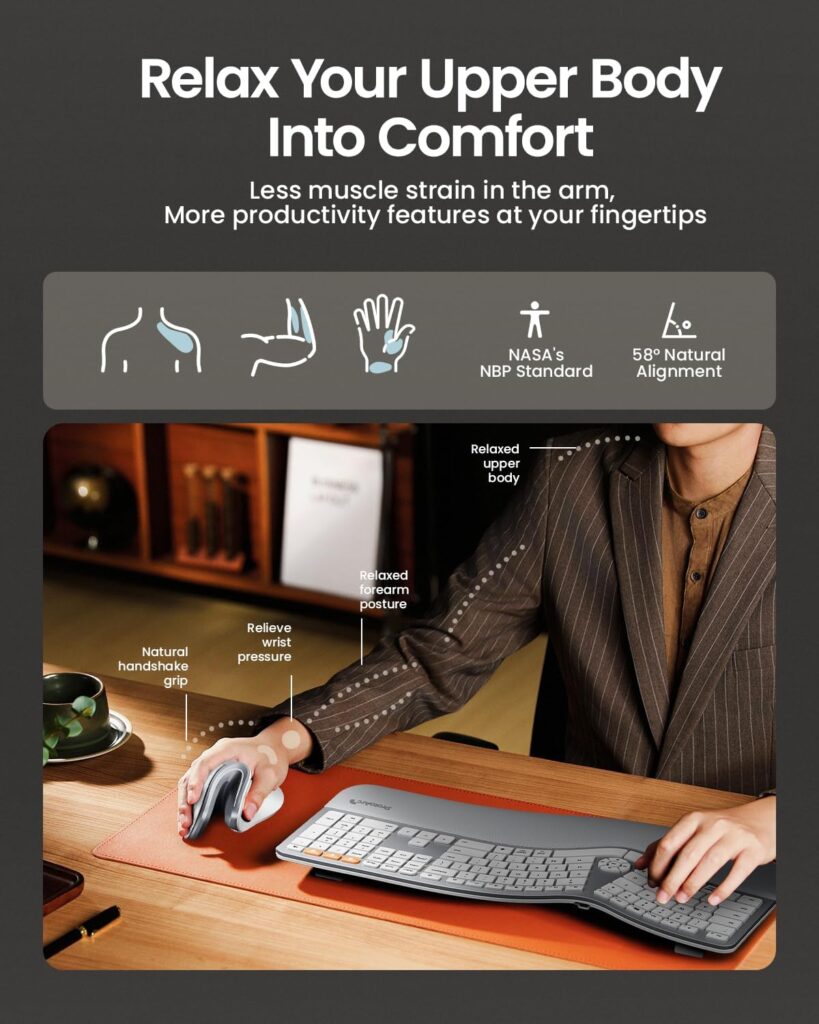
Quick Verdict: The ProtoArc EM11 NL offers a steep 58° angle and easy switching between three connected devices, which is genuinely useful if you regularly move between a laptop, desktop and tablet. That said, it’s the heaviest mouse in this entire list relative to its compact size – a real trade-off worth flagging clearly for arthritis-focused buyers.
Best For: Users who switch frequently between multiple devices and have small to medium hands (under 7.5 inches).
Key Specifications
- Connectivity: Bluetooth and 2.4G USB-A, up to 3 devices
- DPI: 1,000/1,600/2,400, three adjustable levels
- Weight: approximately 10.2 ounces
- Battery: 500mAh rechargeable, up to 100 hours of use
- Buttons: 6, with silent left/right clicks only
What We Like
- Fast one-click switching between three paired devices is genuinely convenient for multi-device workflows
- Clear published hand-size guidance (under 7.5 inches) helps buyers self-select correctly
- Long standby time of roughly 200 days on a single charge
What We Don’t Like
- At 10.2 ounces, it’s noticeably the heaviest mouse in this comparison despite its compact footprint – a meaningful downside if minimizing hand effort is your priority
- Only the left and right click buttons are silent; the scroll wheel and back/forward buttons are not
- Right-handed only
Ergonomic Analysis: The 58° angle is the steepest in this list, which some users find gives the most pronounced neutral-wrist benefit. However, the added weight works against the lower-effort goal that matters most for many arthritis-related buying decisions, so it’s worth weighing this trade-off honestly rather than focusing on angle alone.
Who Should Buy It? Users who genuinely need fast switching across three devices and are less sensitive to overall mouse weight.
Who Should Skip It? Anyone whose primary concern is minimizing the physical effort of lifting and moving the mouse – several lighter options in this guide, including the KYSONA and JYKEYMOUT, are better suited to that priority.
Value for Money: Reasonably priced for the multi-device feature set, but the weight trade-off means it isn’t the strongest general-purpose pick for arthritis specifically.
🛒 Check Price on AmazonComparison Table
| Product | Best For | Angle | Weight | DPI Levels | Rating |
|---|---|---|---|---|---|
| TECKNET | Best overall | 52° | ~5 oz | 6 | 4.6/5 |
| Logitech MX Vertical | Premium build | 57° | ~8 oz | 1 (4,000 max) | 4.4/5 |
| KYSONA | Small hands | 57° | ~4.2 oz | 5 | 4.4/5 |
| JYKEYMOUT | Budget / lightest | Vertical | ~2.8 oz | 3 | 4.2/5 |
| INFINMIND | Reduced scrolling strain | Contoured, not vertical | ~5.3 oz | 4 | 4.4/5 |
| Nulea | Simple layout | 57° | ~5.3 oz | 3 | 4.3/5 |
| UGREEN | Ambidextrous / left-handed | Vertical | ~6 oz | 4 | 4.3/5 |
| ProtoArc EM11 NL | Multi-device switching | 58° | ~10.2 oz | 3 | 4.4/5 |
Decision Framework: Which Mouse Should You Buy?
Choose the TECKNET Ergonomic Mouse if: You want a well-balanced, widely reviewed starting point and aren’t sure yet what specific feature matters most to you.
Choose the Logitech MX Vertical if: You want the most established, ergonomist-referenced design and the added weight and price aren’t a concern.
Choose the KYSONA Ergonomic Mouse if: You have small to medium hands and want one of the lightest mice available.
Choose the JYKEYMOUT Vertical Mouse if: Budget and minimum weight are your top priorities.
Choose the INFINMIND Side Scroll Mouse if: Scrolling, not clicking, is your main source of hand discomfort.
Choose the Nulea Ergonomic Mouse if: You want a vertical mouse without a long list of settings to configure.
Choose the UGREEN Ergonomic Mouse if: You’re left-handed, or need one mouse that works for more than one person.
Choose the ProtoArc EM11 NL if: You regularly switch between three or more devices and are comfortable with a heavier mouse in exchange for that convenience.
Alternatives Worth Considering
If none of the vertical mice above feel right, it’s worth knowing about the broader landscape:
- Trackball mice eliminate the need to move the whole hand and arm across the desk, since only the thumb or fingers roll the ball. Some people with arthritic wrists find this reduces strain more than a vertical mouse does, though it introduces its own demands on finger dexterity. Our ergonomic trackball mouse guide covers vertical alternatives if you want to compare shapes before deciding.
- Carpal tunnel-focused mice overlap heavily with arthritis-friendly features, since both conditions benefit from a neutral wrist position and reduced repetitive strain. See our best ergonomic mouse for carpal tunnel guide for more options.
- Wrist-pain-specific picks may prioritize different features, such as wrist rests or lower profile shapes. Our ergonomic mouse for wrist pain guide is a useful companion read.
Common Mistakes to Avoid
- Buying based only on star ratings. A 4.6-star mouse that’s too large for your hand will still hurt to use.
- Ignoring hand size. Several manufacturers publish hand-length guidance – measure before ordering rather than guessing.
- Assuming “silent” means “low effort.” Quiet clicking reduces noise, not necessarily the force needed to press the button.
- Overlooking weight. A mouse’s angle gets most of the attention, but body weight matters just as much for repetitive lifting and repositioning.
- Choosing the steepest vertical angle without adjusting gradually. A 58° angle can feel like a big change if you’re used to a flat mouse – some people prefer easing in with a moderate 45–52° design first.
- Ignoring battery type. Mice requiring AA or AAA batteries add an occasional fiddly task that isn’t always trivial with sore fingers.
- Not checking software or OS compatibility. Some buttons, like forward/back navigation, don’t function on every operating system.
- Expecting a mouse alone to solve the problem. Desk height, chair support and monitor position all influence how your hand and wrist feel during a workday.
Best Practices for Reducing Hand Strain During Computer Use
- Keep the mouse close to your body rather than reaching for it, which reduces shoulder and forearm tension that can compound hand discomfort.
- Take regular movement breaks. Research on office computer work has found that short “microbreaks” – typically 30 seconds to a few minutes taken every 15–20 minutes – reduced musculoskeletal discomfort without hurting productivity, with wrist extensor muscles showing the clearest benefit. In practice, that could mean gently stretching the fingers and wrist for 30 seconds every time you finish an email or reach a natural pause in a task, rather than waiting for a scheduled break.
- Adjust desk and chair height together so your forearm rests roughly parallel to the floor while using the mouse.
- Avoid gripping the mouse tightly. A lighter mouse can help here, since a heavier one may encourage a firmer, more fatiguing grip.
- Switch grip style occasionally if comfortable, alternating between the mouse hand and other input methods like a trackpad, where practical.
- Position your monitor at eye level to reduce the tendency to hunch forward, which can indirectly add tension through the shoulder and forearm.
According to general office ergonomics guidance from the Arthritis Foundation, these small adjustments – alongside the right equipment – are commonly recommended alongside ergonomic mice and keyboards to support a more neutral, comfortable working position.
Frequently Asked Questions
What is the best ergonomic mouse for arthritis?
There isn’t a single best mouse for everyone, since arthritis affects hands differently. For most people, a lightweight vertical mouse with silent buttons and a moderate 52–57° angle, such as the TECKNET Ergonomic Mouse, offers a good balance of neutral wrist position and low physical effort.
Can an ergonomic mouse help with arthritis pain?
An ergonomic mouse may help reduce some repetitive strain and awkward hand positioning associated with computer use, which some people with arthritis find more comfortable. It is not a medical treatment and cannot cure or reverse arthritis. Persistent or worsening pain should be discussed with a doctor or occupational therapist.
Is a vertical mouse good for arthritic hands?
A vertical mouse can be a good option for many people with arthritis because it keeps the forearm in a more neutral, upright position rather than the flat, twisted posture a standard mouse requires. Some users still need a light but sustained grip to maintain the shape, so hand size and comfort should be tested where possible.
Are trackball mice better than vertical mice for arthritis?
Trackball mice remove the need to move your whole hand and arm across the desk, which some people with arthritis find reduces strain more effectively than a vertical mouse. Others find the fine finger movement needed to roll the ball uncomfortable. The better option depends on which specific joints and motions are most affected for you.
What DPI is best for someone with limited hand mobility?
A higher DPI setting generally means the cursor moves further on screen for a smaller physical hand movement, which can reduce the need to lift and reposition the mouse repeatedly. Look for a mouse with adjustable DPI so you can find a comfortable setting rather than relying on a single fixed sensitivity.
Do lighter mice really make a difference for hand pain?
Weight affects how much muscular effort is needed to lift, move and reposition the mouse throughout the day. In this comparison, weights ranged from about 2.8 ounces to over 10 ounces – a meaningful difference for repetitive daily use, though individual sensitivity to weight varies.
How do I know what mouse size fits my hand?
Several manufacturers, including some products in this guide, publish hand-length or body dimension guidance. Measuring your hand length and comparing it against the listed specifications before purchasing is more reliable than guessing based on general “small,” “medium” or “large” labels.
Are silent-click mice actually easier to use with arthritis?
Silent-click mice primarily reduce the noise of clicking rather than the force needed to press the button. Some do use lower-resistance switches, but this isn’t guaranteed by “silent” branding alone, so it’s worth checking specific product details if click force is your main concern.
Should I see a doctor before buying an ergonomic mouse for arthritis?
If your joint pain is new, worsening, or significantly affecting daily tasks, it’s worth speaking with a doctor, rheumatologist or occupational therapist before assuming a product alone will resolve it. An ergonomic mouse can be a helpful part of a broader approach to managing comfort during computer use, but it isn’t a substitute for professional medical guidance.
Can a left-handed person with arthritis find a good ergonomic mouse?
Options are more limited, since most dedicated vertical ergonomic mice – including most of the products in this guide – are built for right-hand use only. Ambidextrous designs, such as the UGREEN Ergonomic Mouse reviewed above, are one of the more practical routes for left-handed buyers looking for ergonomic features.
Final Verdict
If you want the best all-around balance of low effort, neutral wrist position and everyday usability, the TECKNET Ergonomic Mouse is our top recommendation for most people with arthritis. If your budget is tight or minimizing weight is the priority, the JYKEYMOUT Vertical Mouse is the lightest and most affordable option here. Small-handed users should look closely at the KYSONA Ergonomic Mouse, and anyone whose pain centers on scrolling rather than clicking should consider the INFINMIND Side Scroll Mouse. Left-handed buyers have limited choices in this category, but the UGREEN Ergonomic Mouse is a reasonable ambidextrous option.
No mouse on this list will eliminate arthritis pain, and none should be treated as a medical solution. What the right choice can do is remove some of the unnecessary physical demands of a standard mouse, which for many people makes a genuine difference across a full working day.
Compare the latest prices and availability before making your decision, since Amazon pricing, discounts and stock can change.





