
Best Ergonomic Desk Setups by Persona 2026
— Built From Every Category We’ve Tested —
There’s no single “best” desk setup — a programmer’s needs aren’t a wheelchair user’s needs, and a small apartment setup looks nothing like a dual-monitor finance desk. This hub pulls together our top picks across chairs, keyboards, mice, footrests, cushions, laptop stands, headsets, standing desks, blue light glasses, desk lighting, and cable management into complete setups built around who you are and how you work.
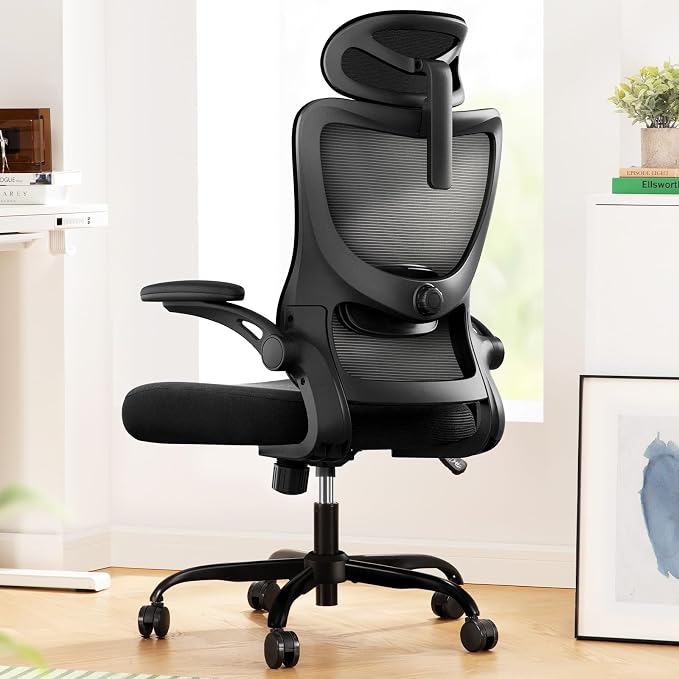
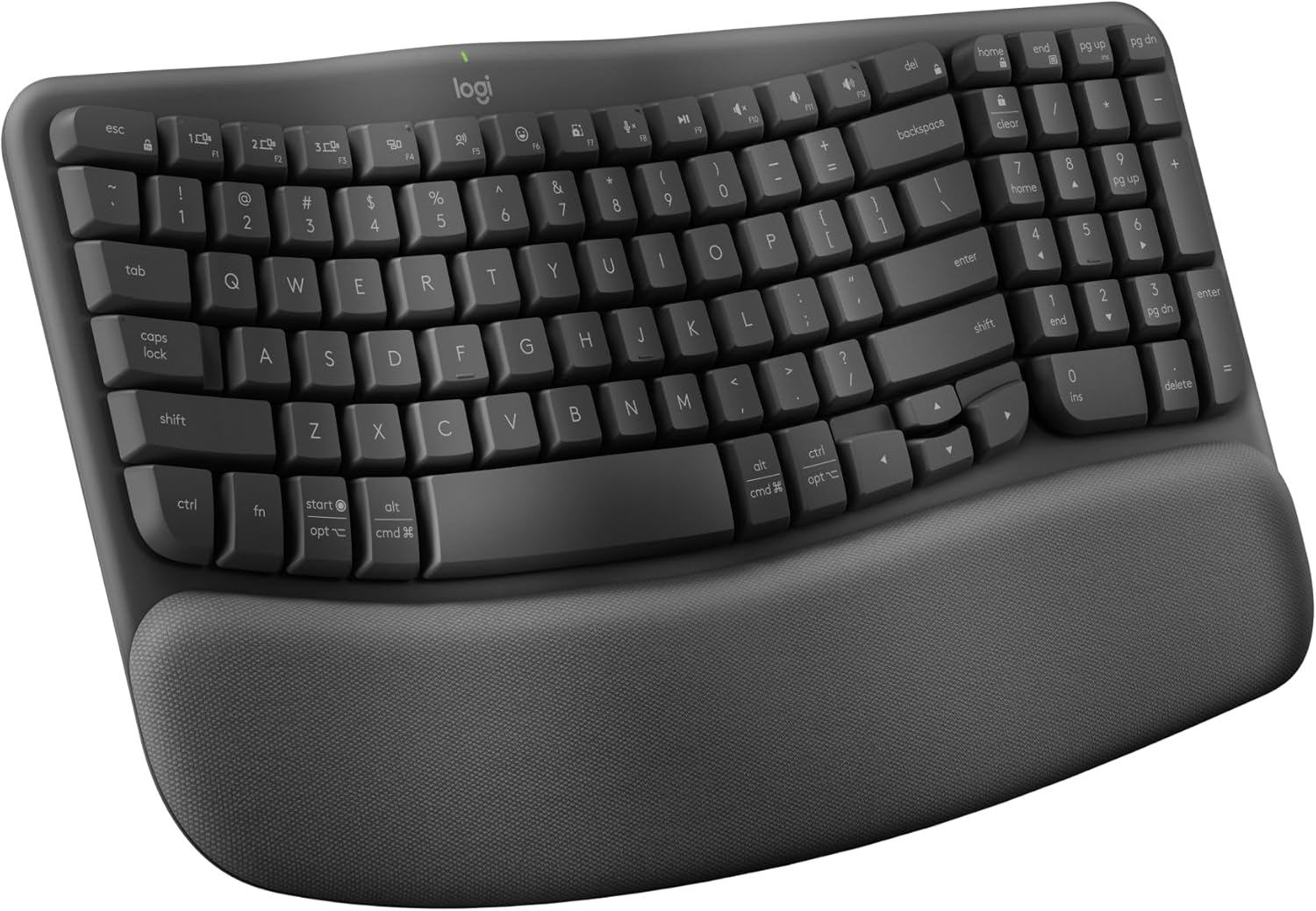
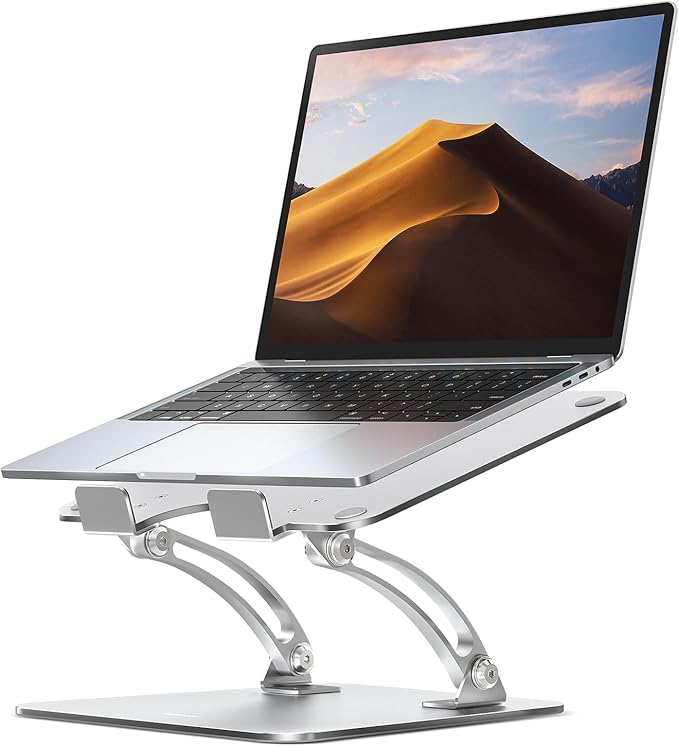
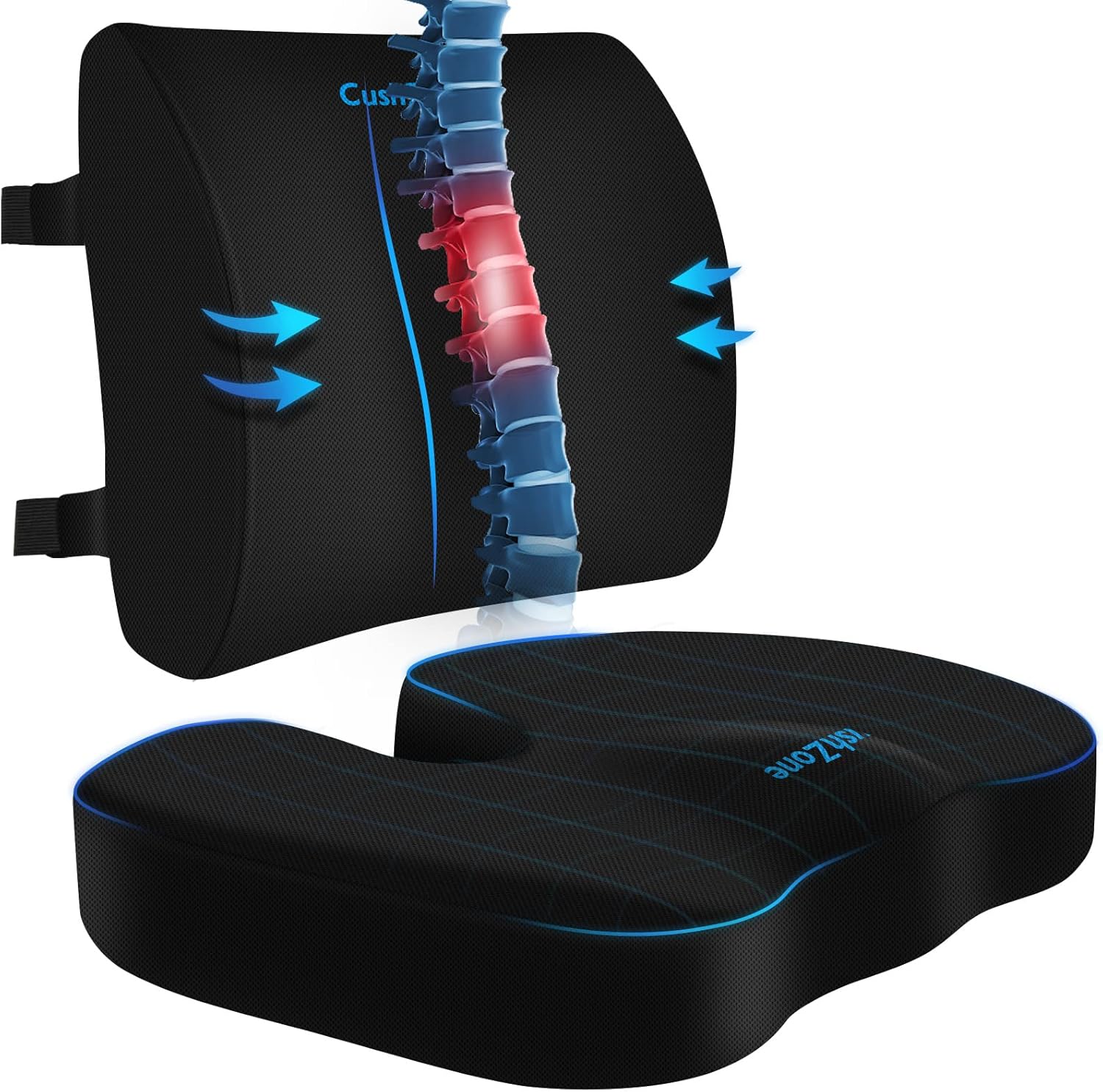
A genuinely ergonomic setup is built from several pieces working together, not one “magic” product: a supportive chair, a keyboard and mouse that keep your wrists neutral, a monitor or laptop stand at eye level, a footrest if your feet don’t reach the floor, lumbar support for your lower back, and — increasingly — the right lighting, eyewear, and cable setup to match. Below, we’ve assembled complete example setups for common personas — programmers, shorter users, small-space workers, and video-call-heavy roles — using our top-rated pick from each of the 11 categories we’ve tested, plus 18 dedicated guides for every body type, role, and space.
The 11 Building Blocks of an Ergonomic Setup
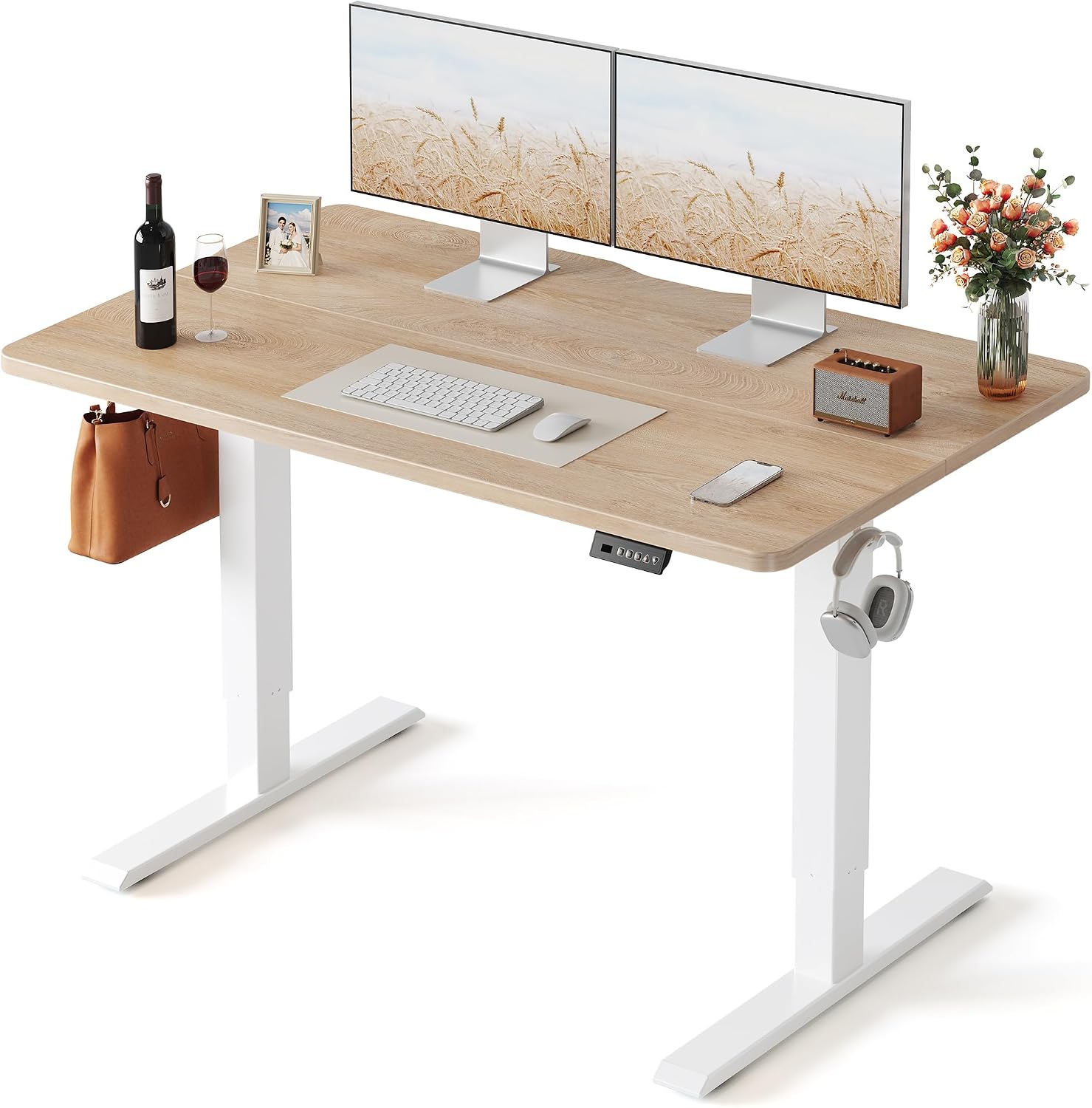
Our current overall pick from each category we’ve tested — mix and match based on the personas and needs below.



4 Complete Example Setups
A preview of what our full persona guides cover — real products, real prices, assembled around a specific need.
The All-Day Typing Setup
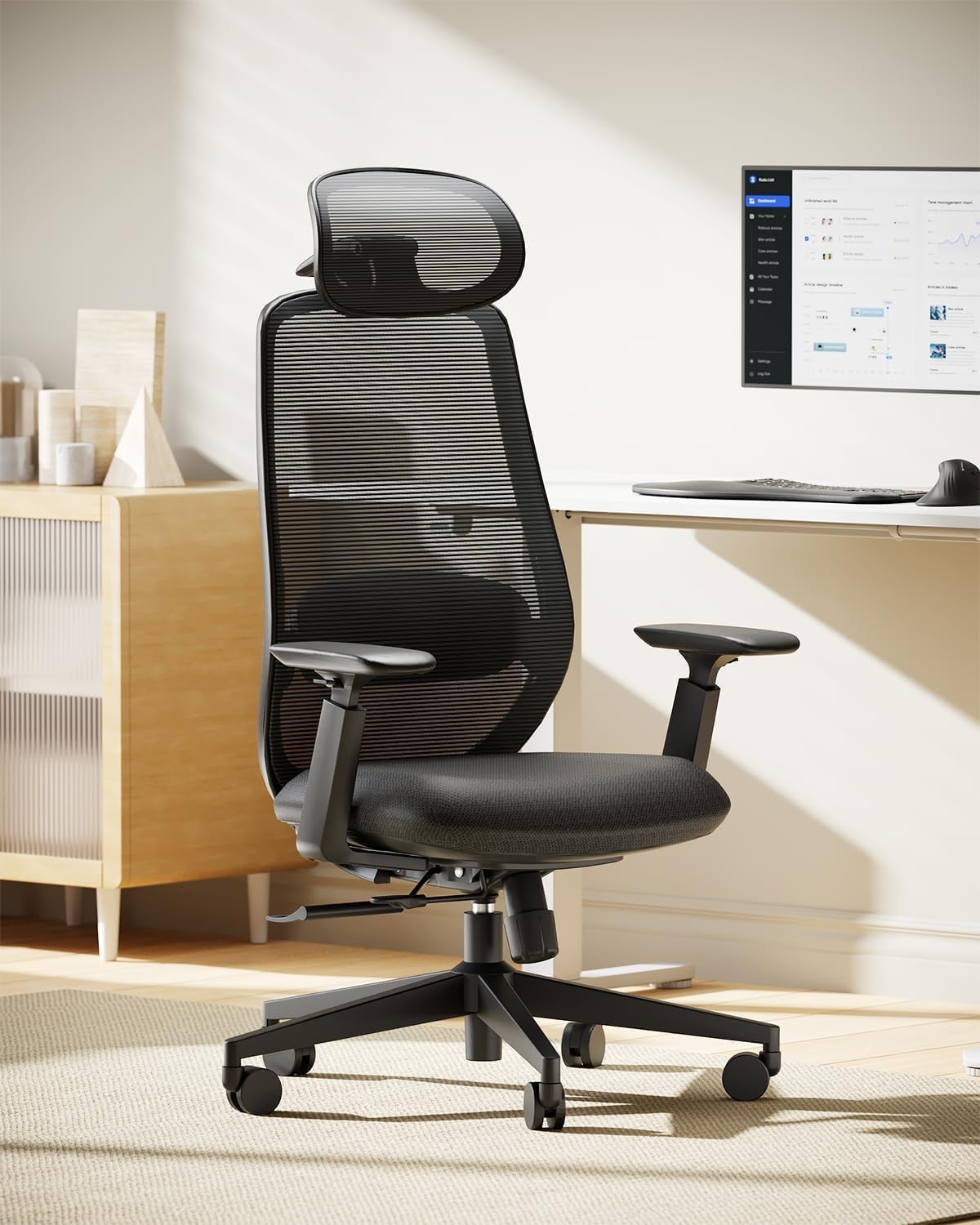
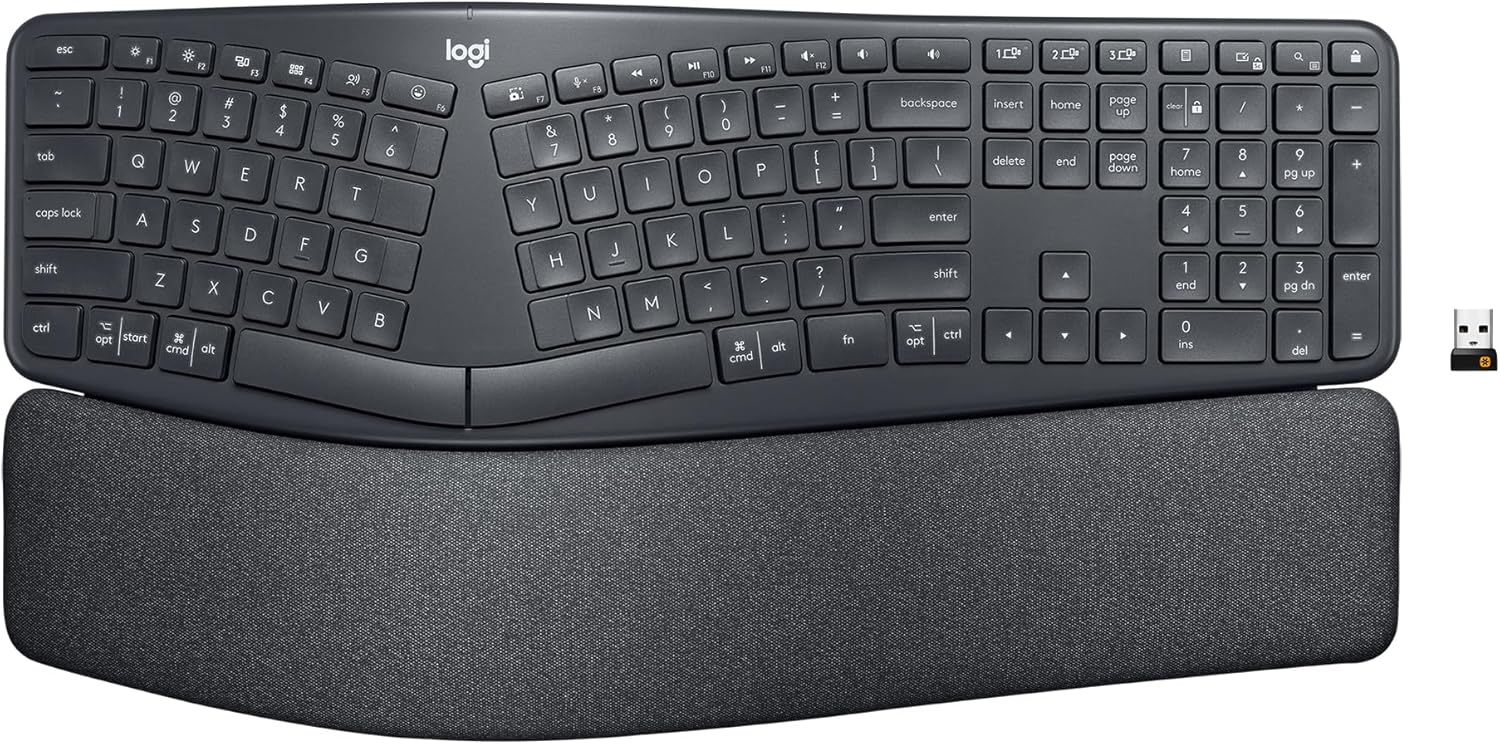
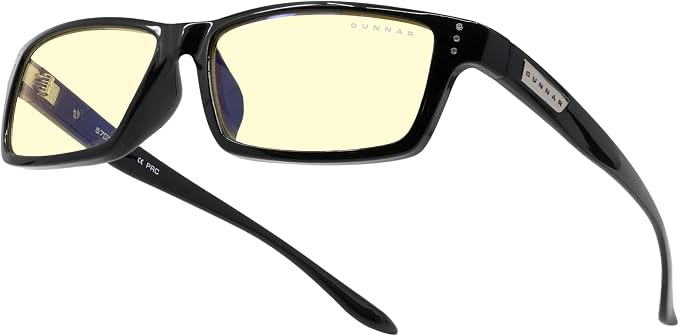
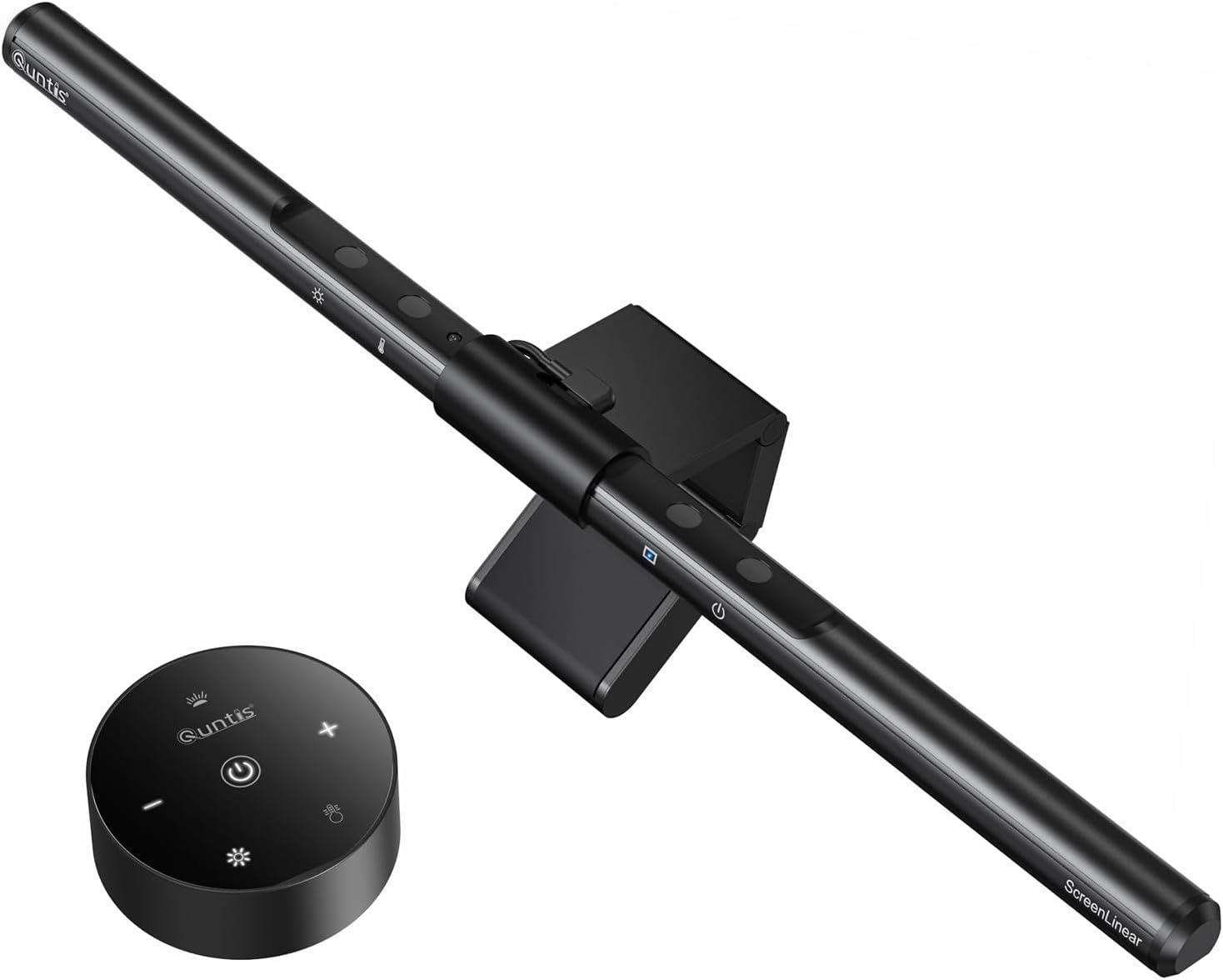
Long typing sessions are hardest on wrists and forearms — this setup pairs a genuine split keyboard with a trackball mouse, so neither hand has to twist or reach. The seat-depth-adjustable chair keeps you supported through 8+ hour days, a monitor light bar cuts eye strain during long dark-mode sessions, and doctor-recommended lenses round out the screen-heavy workload.
The Feet-On-The-Floor Setup
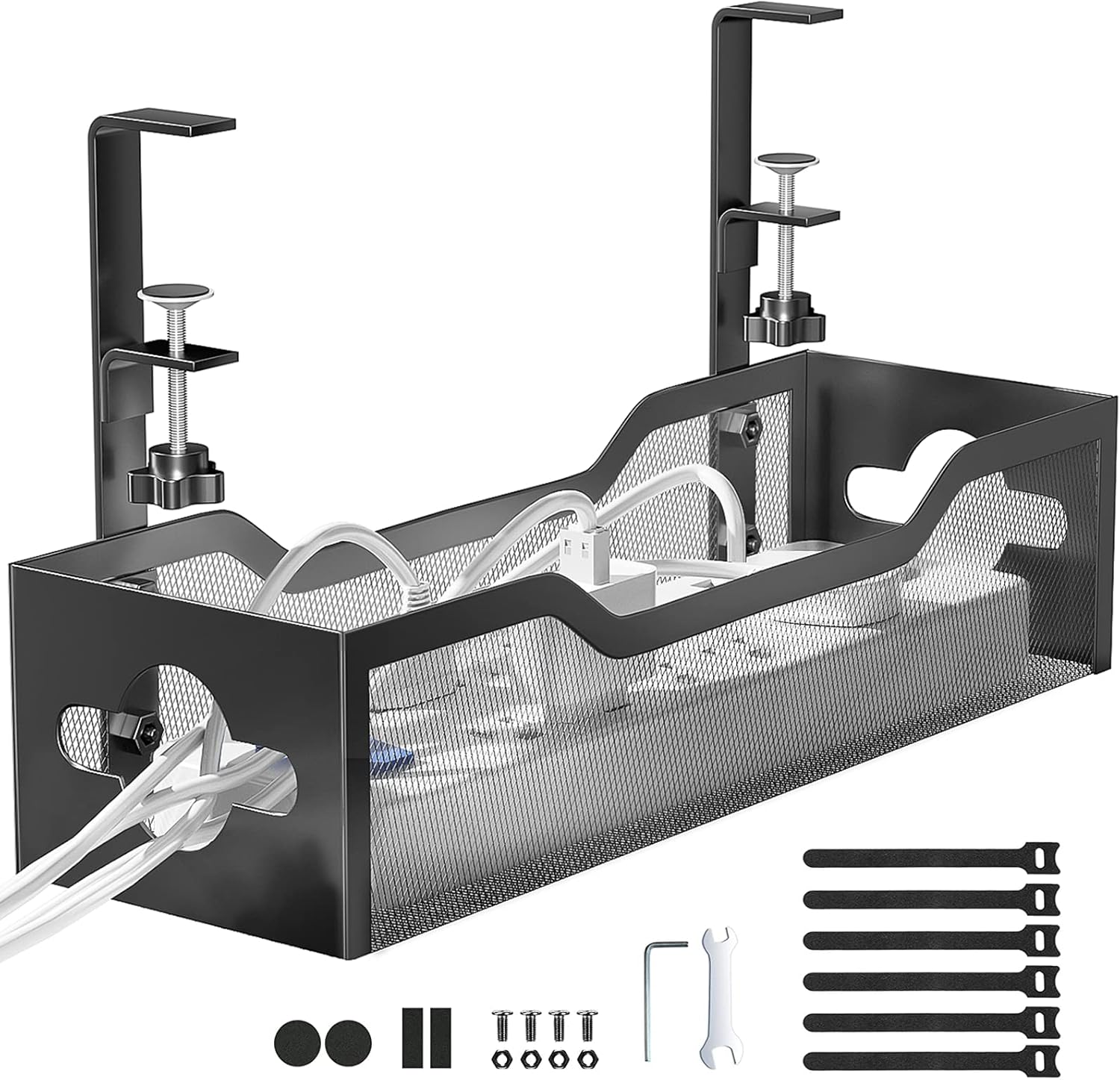
The most common problem for shorter users isn’t the chair height — it’s everything downstream of it. A footrest closes the gap when your feet don’t reach the floor at the correct desk height, an adjustable-seat-depth chair stops the backrest from pushing your lower back forward, a compact lumbar cushion fills in what a one-size lumbar bump misses, and a cable tray keeps cords from tangling around a footrest that now sits closer to the floor.
The Compact Everything Setup
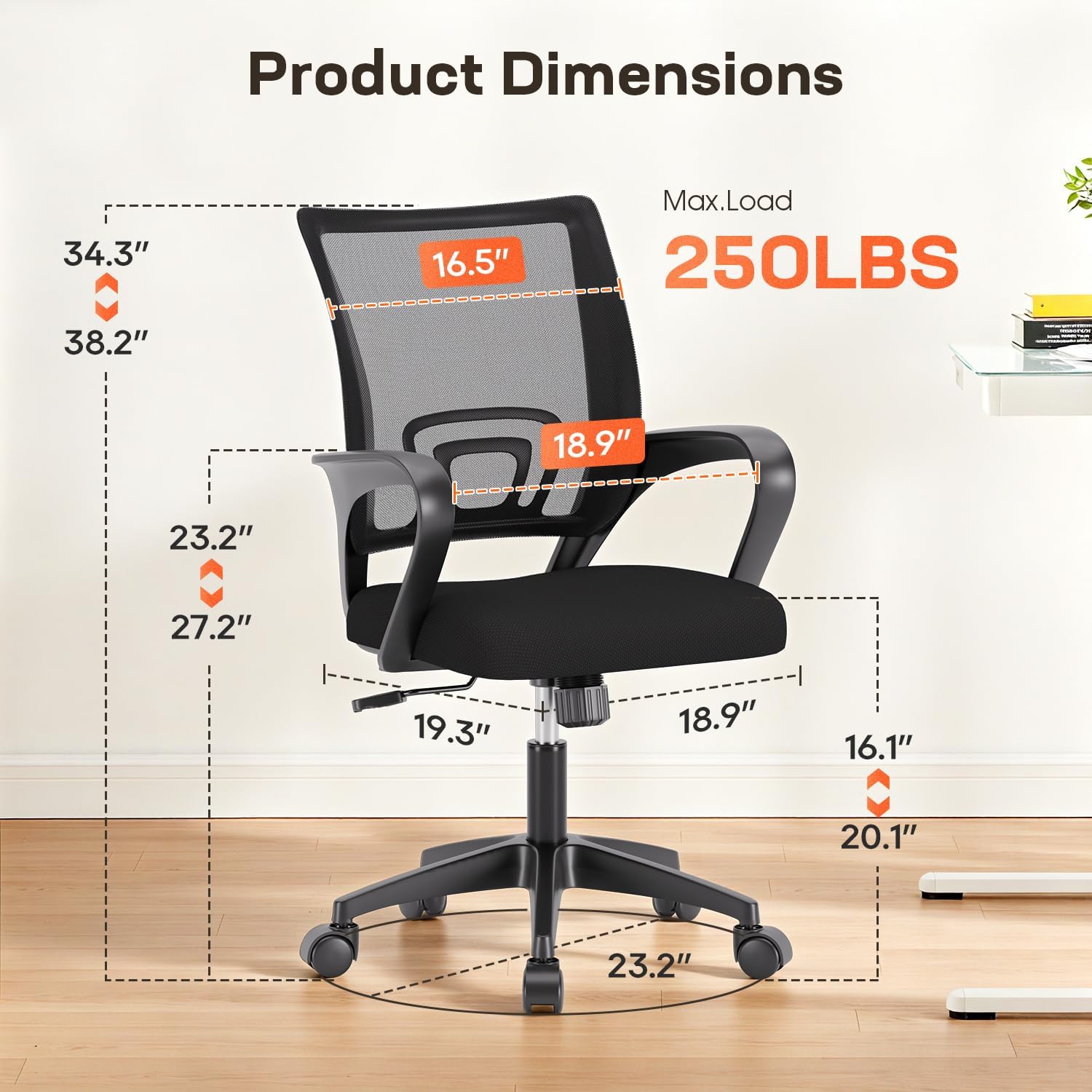
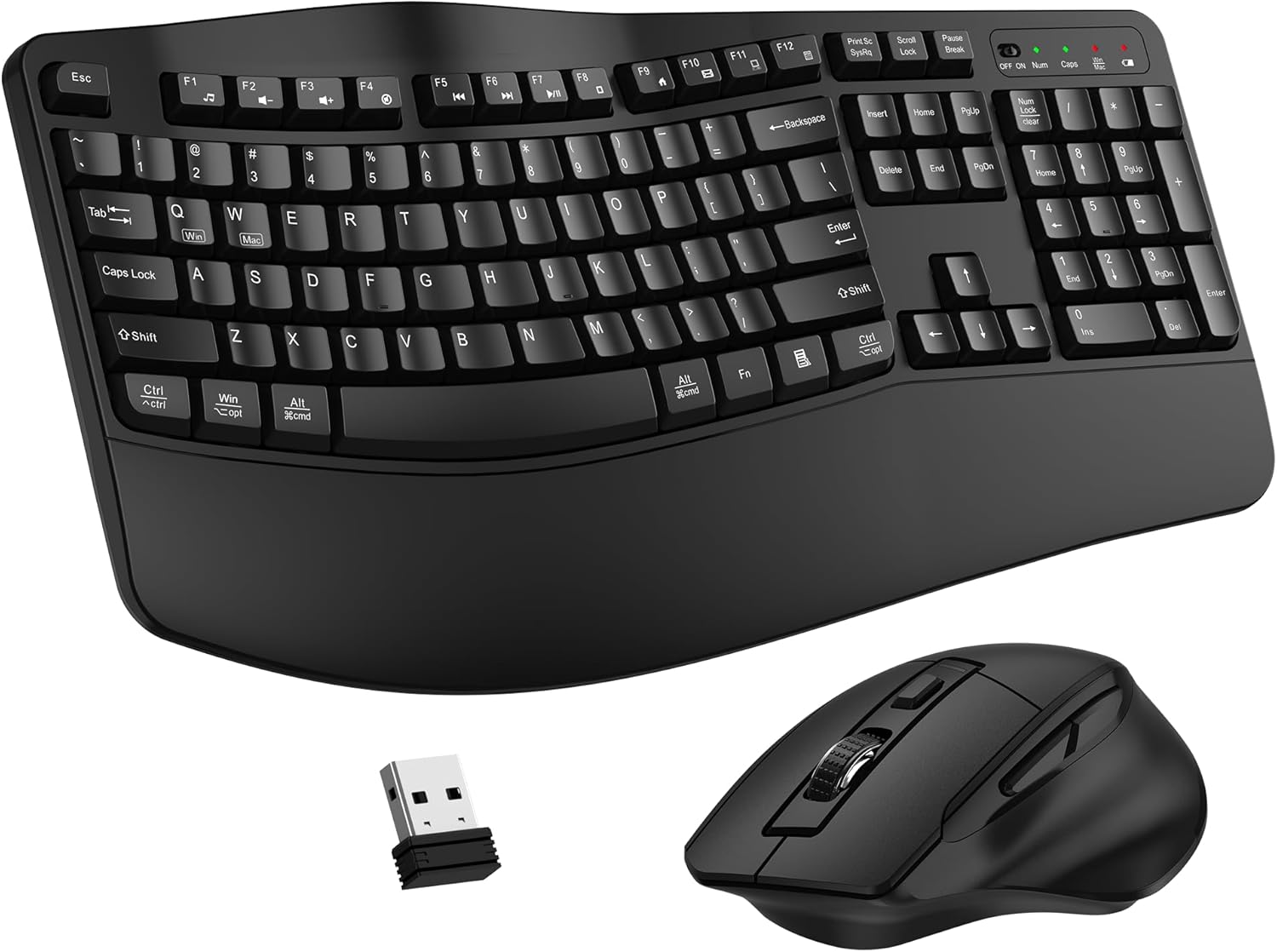

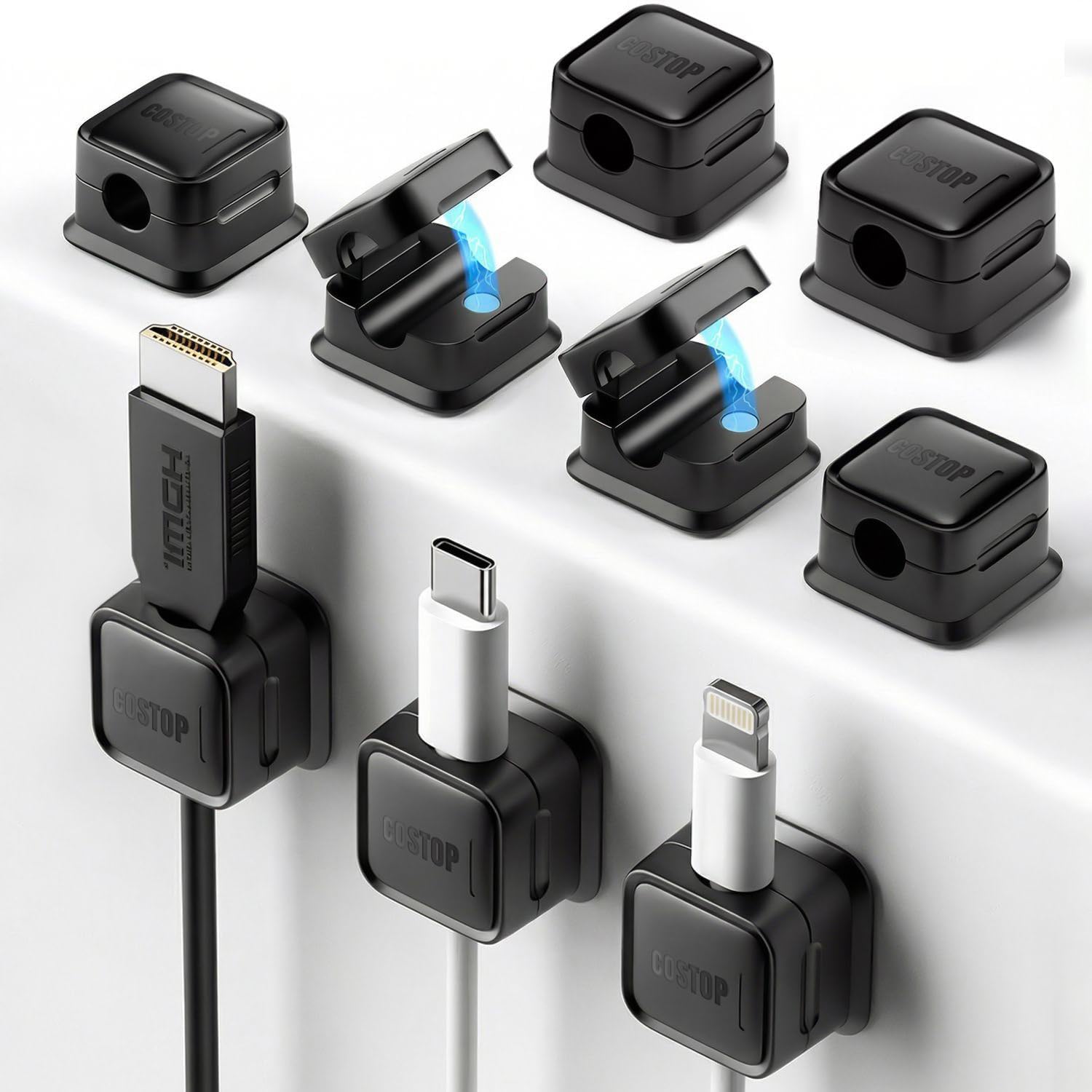
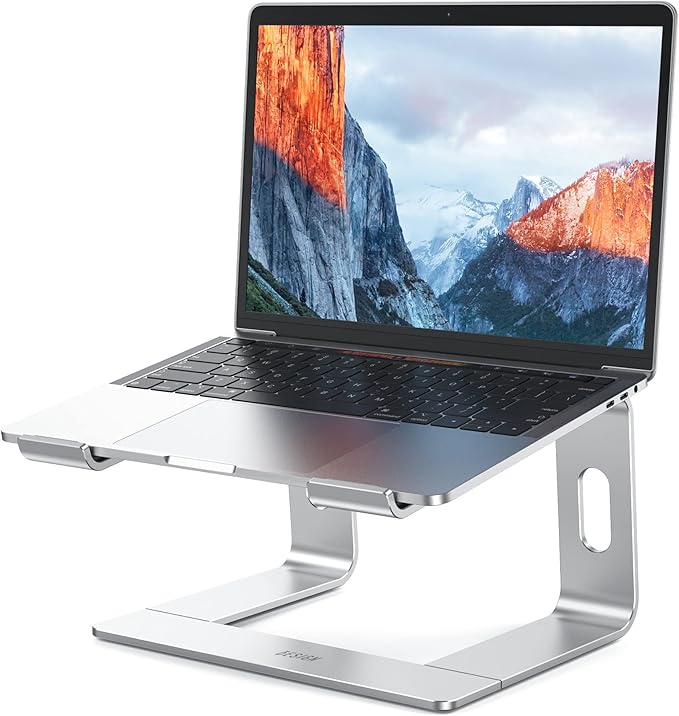
You don’t need a large desk to sit correctly — every piece here is chosen specifically for footprint. The BESIGN stand folds flat for storage, the ULSOU combo replaces two devices with one, the compact rocking footrest tucks away under even a small desk when you’re not using it, and adhesive cable clips route cords along the desk edge instead of letting them pile up on a small floor area.
The Camera-Ready Setup
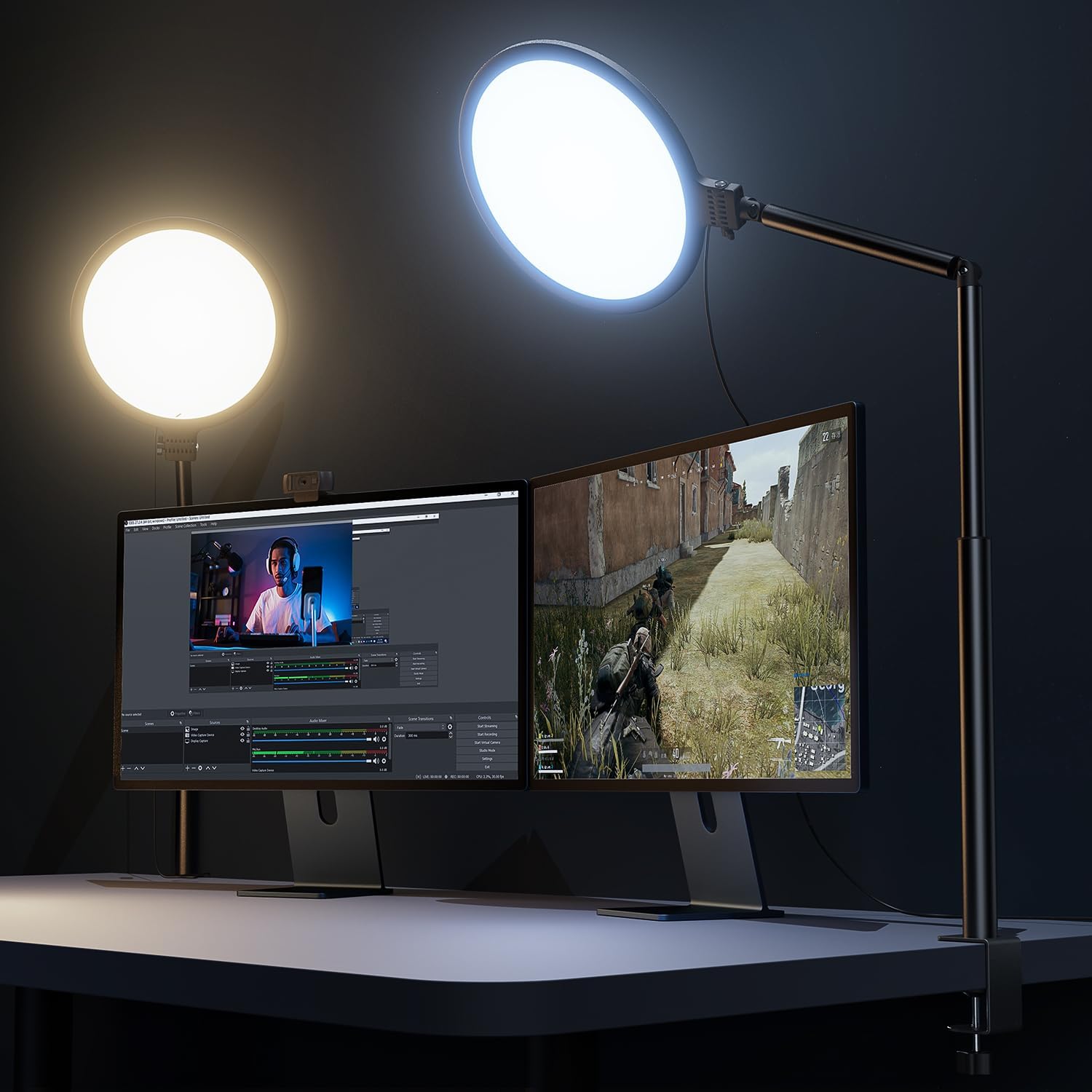
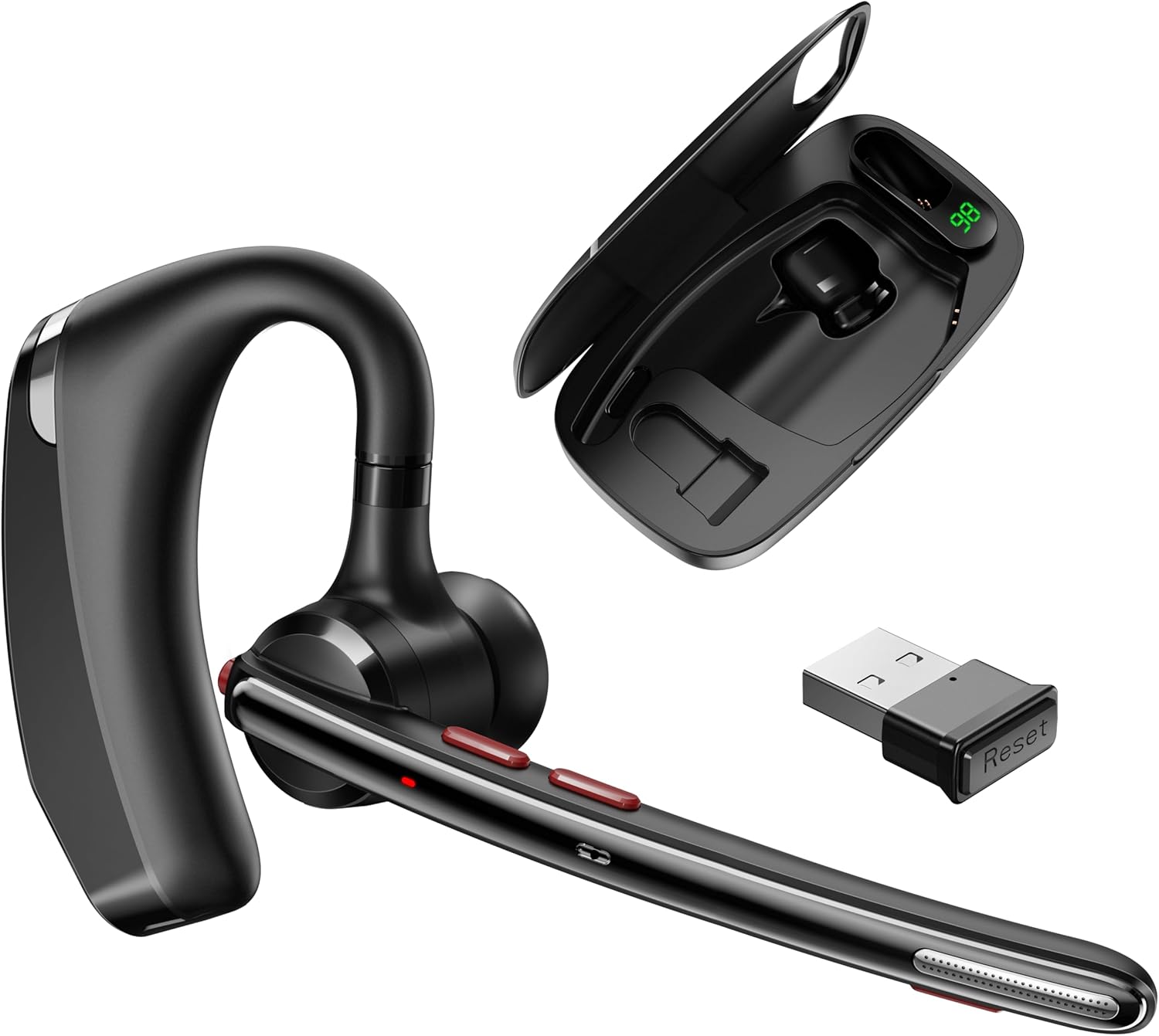
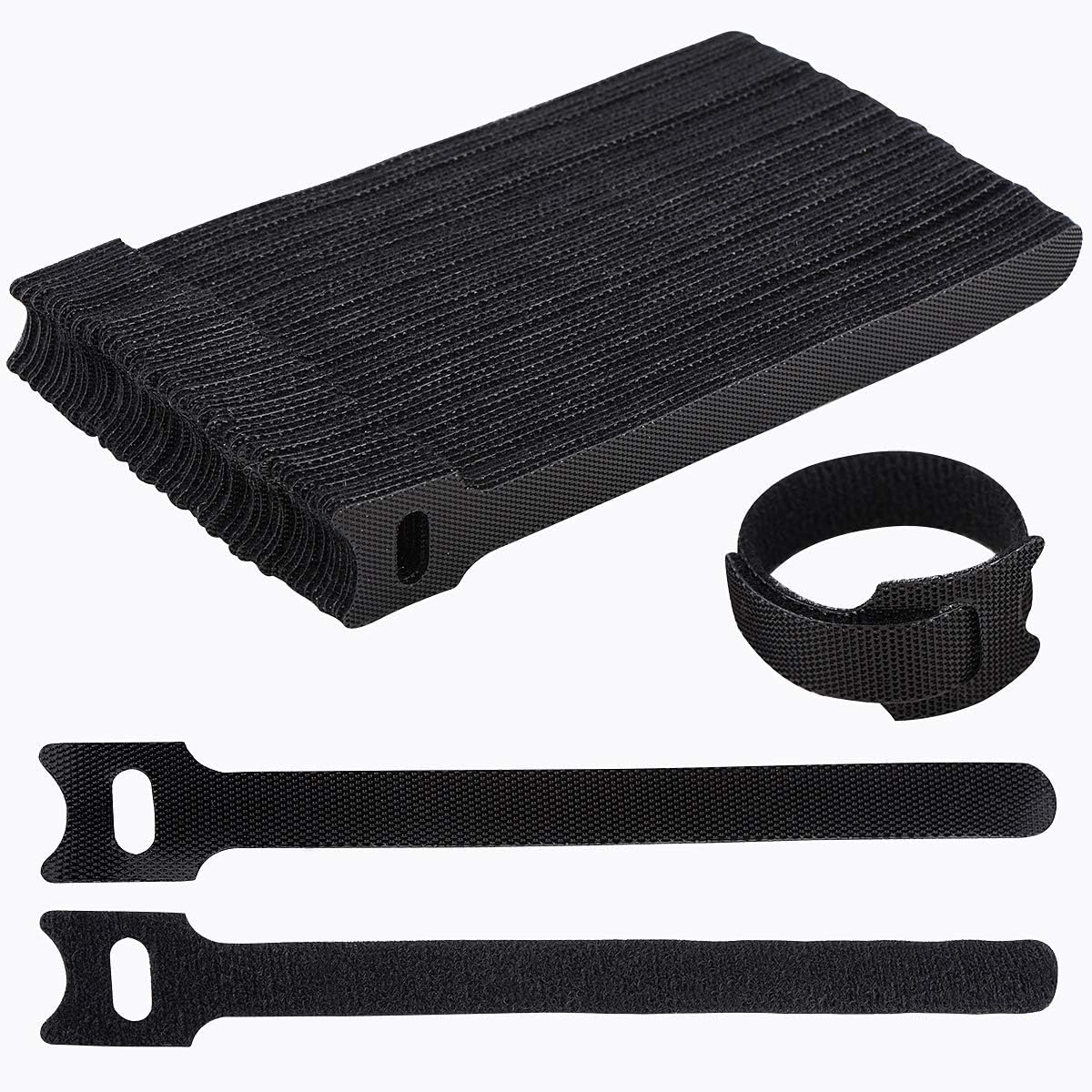
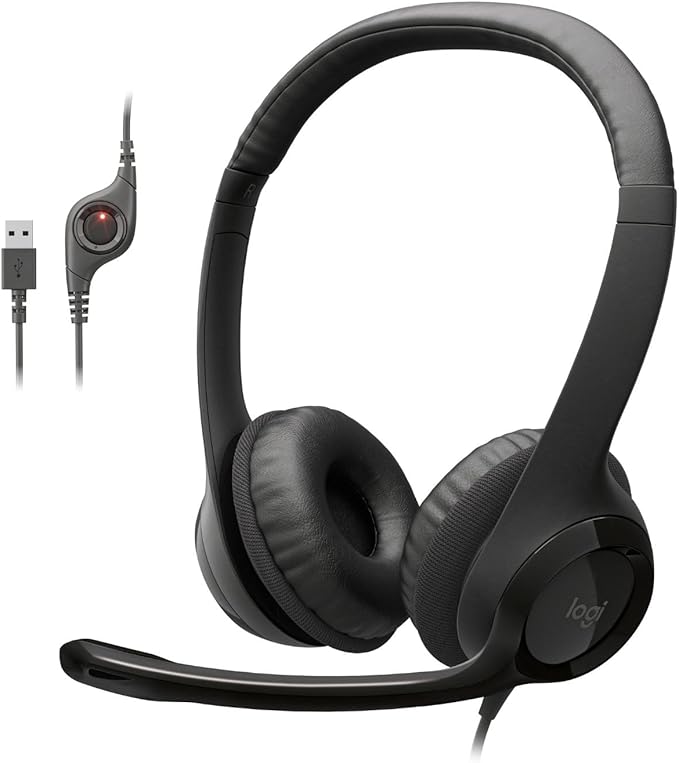
If your job is mostly Zoom and Teams calls, comfort matters less than how you come across on camera and how your voice sounds. A ring light removes the shadows an overhead desk lamp leaves on your face, blue light glasses cut the glare fatigue from back-to-back calls, a discreet earbud-style headset keeps your ears free between meetings, and cable ties keep the desk behind you looking tidy on camera.
How to Build Your Own Setup
You don’t need to buy everything at once. Here’s the order that actually matters, and why.
Start with the chair
Everything else in your setup is positioned relative to how you sit. Get your chair’s height, lumbar support, and armrests dialed in first — a great keyboard on a badly-adjusted chair still leads to pain.
See our chair picks →Fix your feet next
If your feet don’t rest flat on the floor once your chair is at the correct height for your desk, a footrest is the cheapest, highest-impact fix in this entire list — closing that gap changes your whole sitting posture.
See our footrest picks →Get your screen to eye level
A laptop stand or monitor arm should put the top third of your screen at or just below eye height. This single change does more for neck strain than almost anything else on this page.
See our laptop stand picks →Then upgrade keyboard and mouse
Once your seating and screen height are sorted, a split or wave keyboard and a vertical or trackball mouse address the last major source of daily strain — repetitive wrist and forearm movement.
See our keyboard picks →Common Questions
What’s the single most important piece of an ergonomic setup?
For most people, it’s the chair — it determines your baseline posture that everything else (screen height, keyboard position, footrest need) is measured against. See our chair guide →
How much does a full ergonomic setup cost?
Our example setups above range from roughly $100 for a compact small-space build to $400+ for a fully-loaded programmer setup — you can build toward either extreme piece by piece. Get our free setup checklist →
Do I need a different setup if I’m short or tall?
Yes — the products themselves don’t necessarily change, but which sizes, height ranges, and accessories you need absolutely do. See our short-people setup → or our tall-people setup →
Can I have an ergonomic setup in a small apartment?
Yes — footprint and posture support aren’t mutually exclusive. Folding laptop stands, compact footrests, and a mid-size chair cover most of what a larger setup does. See our small-space setup →
Should I use one monitor or two?
It depends on your workflow more than ergonomics alone — dual monitors need careful angling to avoid neck twisting, while an ultrawide keeps everything in one field of view. See our dual-monitor guide → or our ultrawide guide →
Where should I start if I’m setting up a home office from scratch?
Start with our step-by-step guide, which walks through the order to buy and adjust everything so you’re not redoing work later. Read the full setup guide →
Browse Every Desk Setup Guide by Persona
Every guide below builds on the picks above — organized by role, body type, monitor setup, and space so you can jump straight to what applies to you.
By Role & Profession
What you do all day changes which pieces of an ergonomic setup matter most.
By Body Type & Need
A setup built for an average adult body doesn’t automatically work for everyone.
By Monitor Setup
How your screens are arranged matters as much as what’s under your desk.
By Space
Full ergonomic support doesn’t require a large room.
Guides & Tools
The step-by-step content that ties every category on this page together.
Not Sure Where to Start?
If you’re building from zero, start with the chair, then the footrest, then screen height — in that order. Pick the persona guide closest to your situation above, or grab our free checklist to audit what you already have.
Get the Free Setup ChecklistAs an Amazon Associate, ErgoFixes earns from qualifying purchases. Prices and availability are accurate as of the publish date and are subject to change. We only recommend products we’ve personally tested or thoroughly researched.