
Best Budget Ergonomic Desk Setups 2026
— From $50 to $1,000 —
You don’t need to spend $1,000 to fix a bad desk setup — and you don’t need to stop at $50 either. This guide breaks down exactly what to buy at five real budget levels, using the actual products and prices from our chair, keyboard, mouse, footrest, cushion, laptop stand, headset, desk lighting, blue light glasses, and cable management testing, so you know exactly what you’re getting at every price point.
At under $50, focus on a seat cushion, footrest, laptop stand, and a set of cable ties rather than a chair. At under $100, a proper ergonomic chair and blue light glasses become possible. At under $200, add a real ergonomic mouse and a cable tray. At under $500, you can build a genuinely complete setup with a split keyboard, headset, and task lighting. Above $500, the money buys longevity, finer adjustment, and a monitor light bar plus a proper cable tray — not a fundamentally different level of core support.
What to Buy at Every Price Point
Each tier below is a real, buildable setup using products we’ve actually tested — not a hypothetical list.
Under $50 Setup
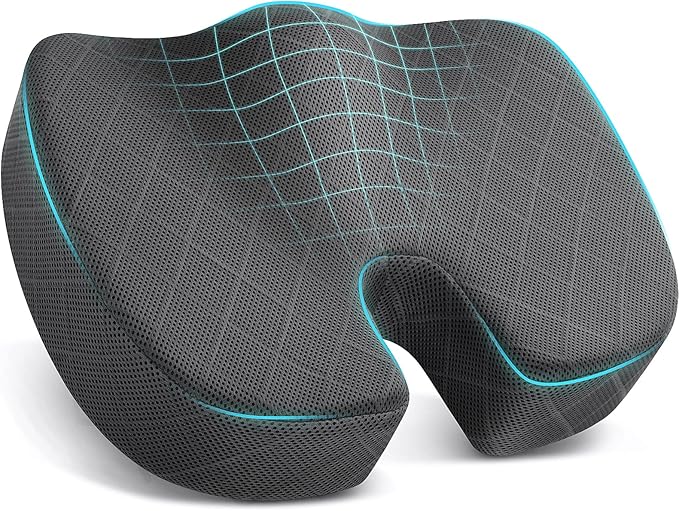

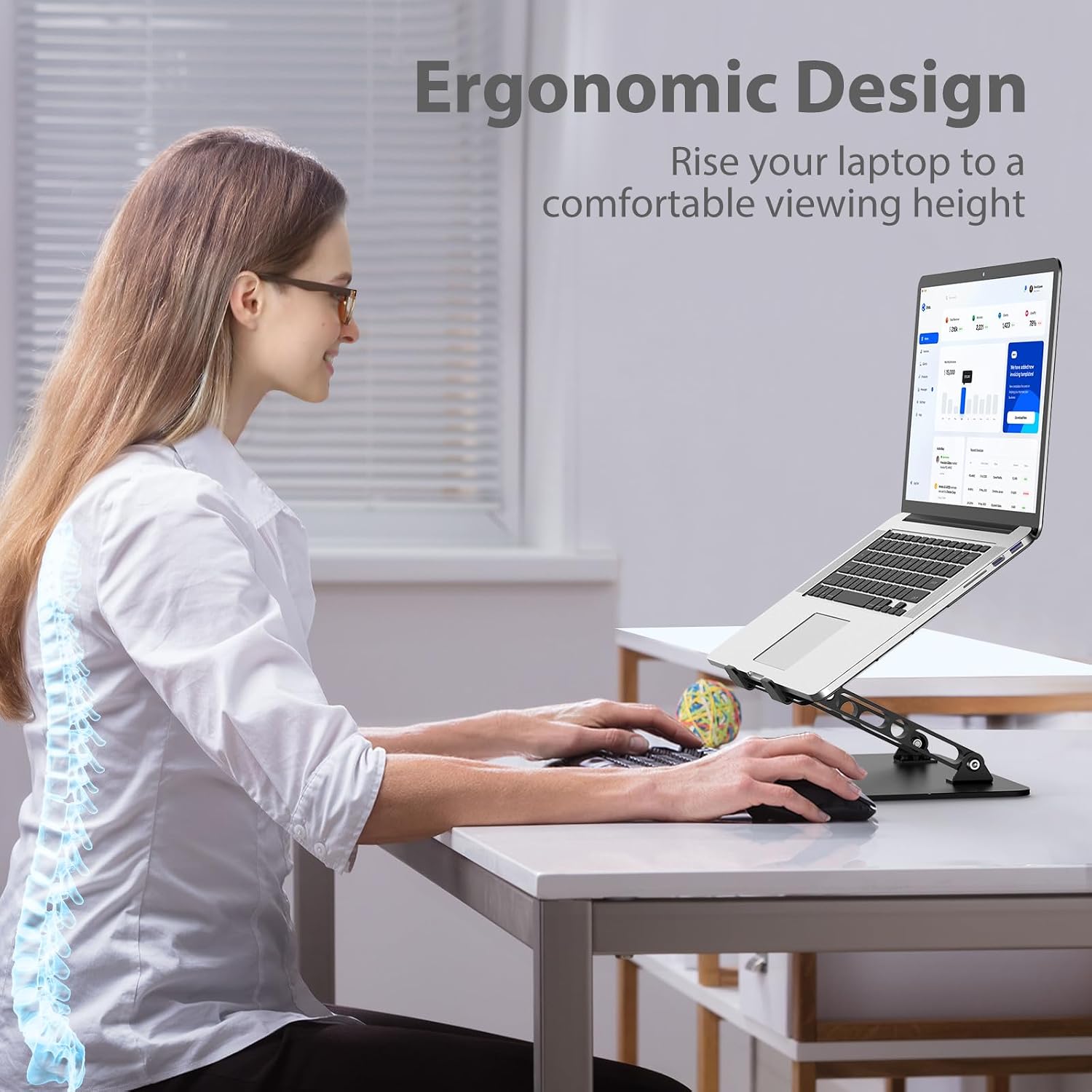
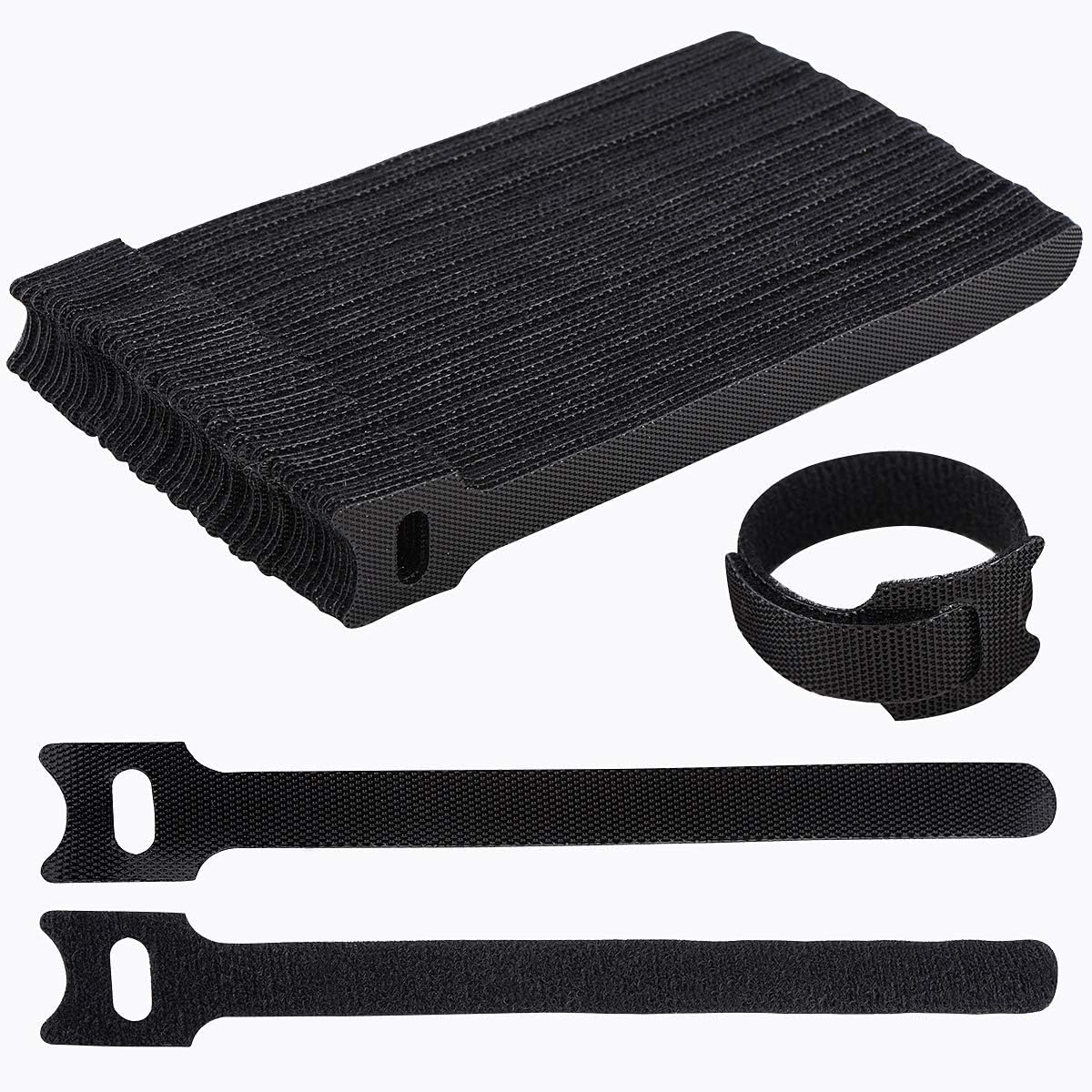
At this budget, don’t try to replace your chair — you can’t get a genuinely ergonomic one for under $50. Instead, this tier fixes the things that actually cost the least to improve: tailbone pressure (cushion), feet not reaching the floor (footrest), screen height (laptop stand), and a set of reusable ties so nothing dangles loose on the floor.
Under $100 Setup
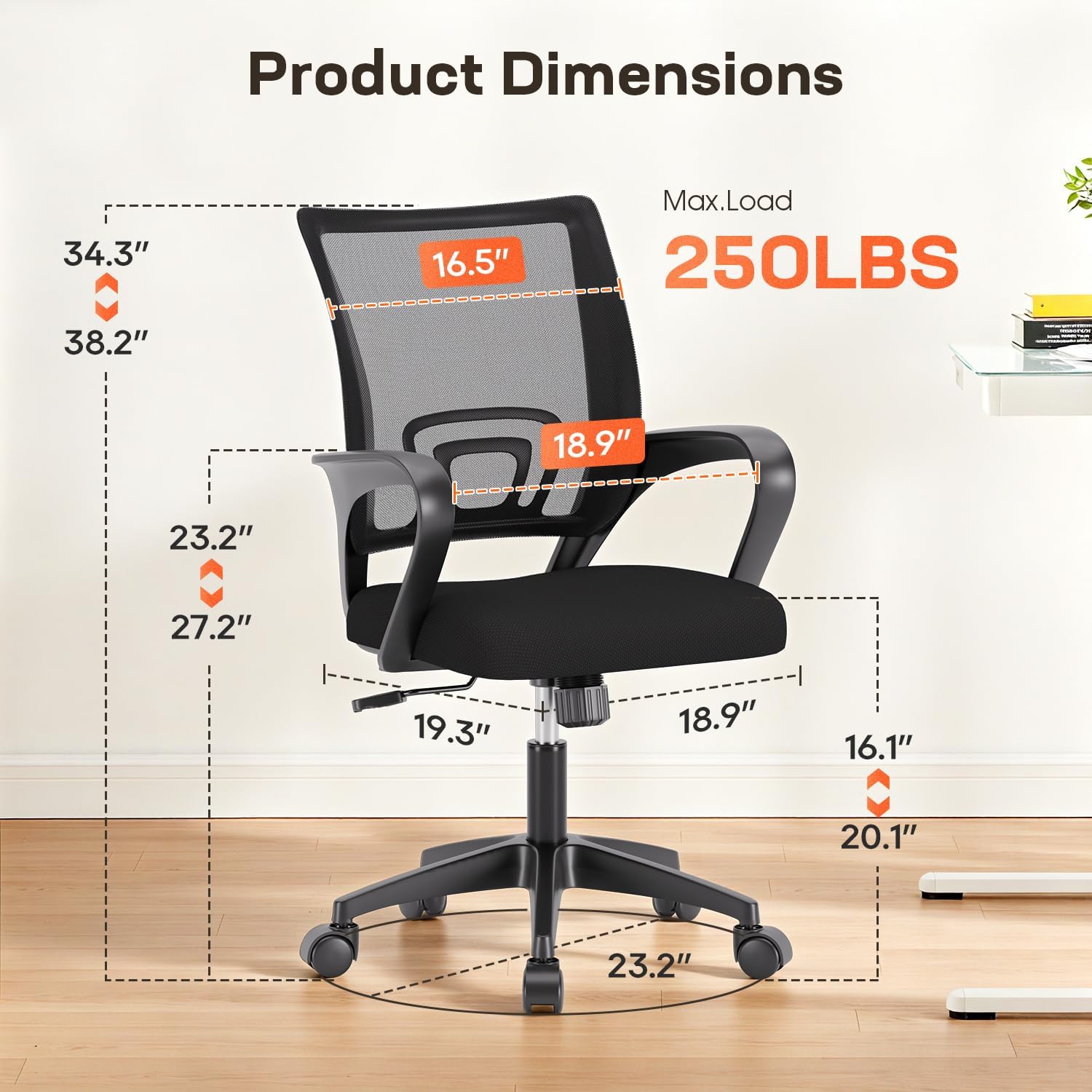

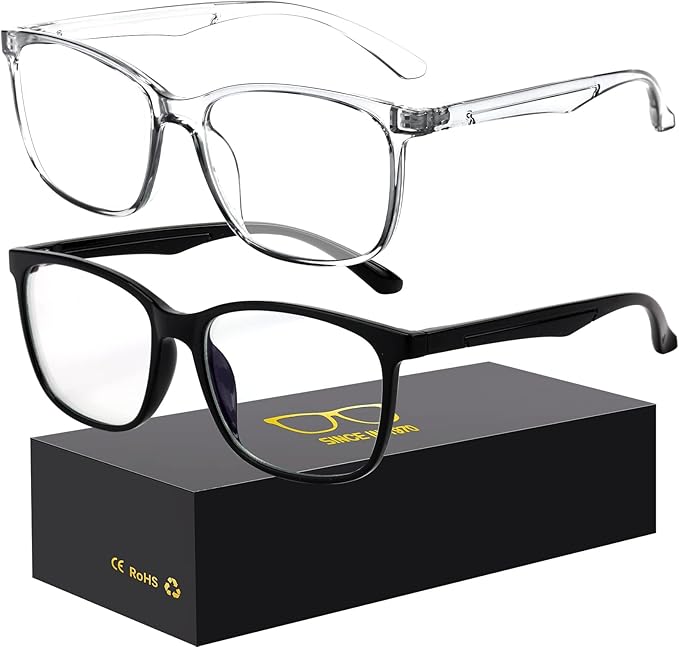
This is the first budget where a genuine ergonomic chair — with mesh back, swivel, and BIFMA testing — fits alongside a real footrest, screen-height fix, and a pair of blue light glasses for long screen sessions. It’s the tier we’d recommend most people start at if they can stretch past $50.
Under $200 Setup
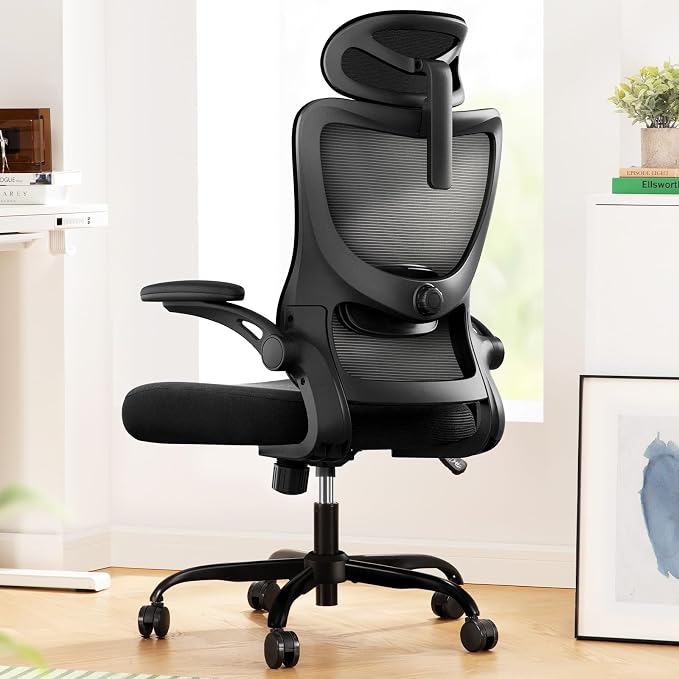
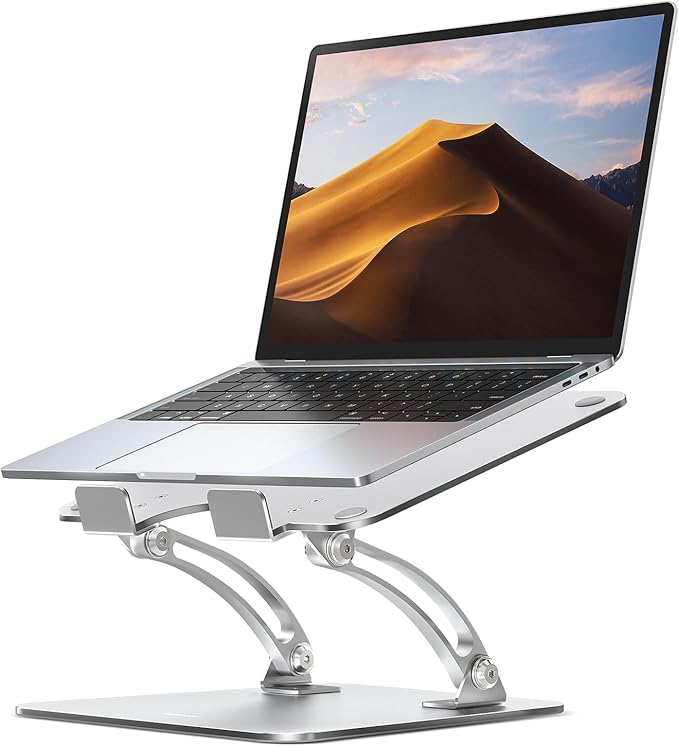
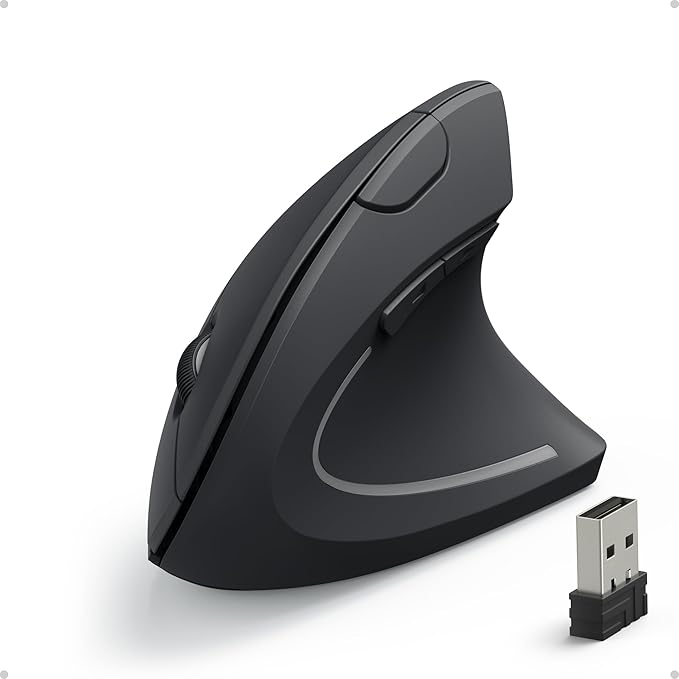
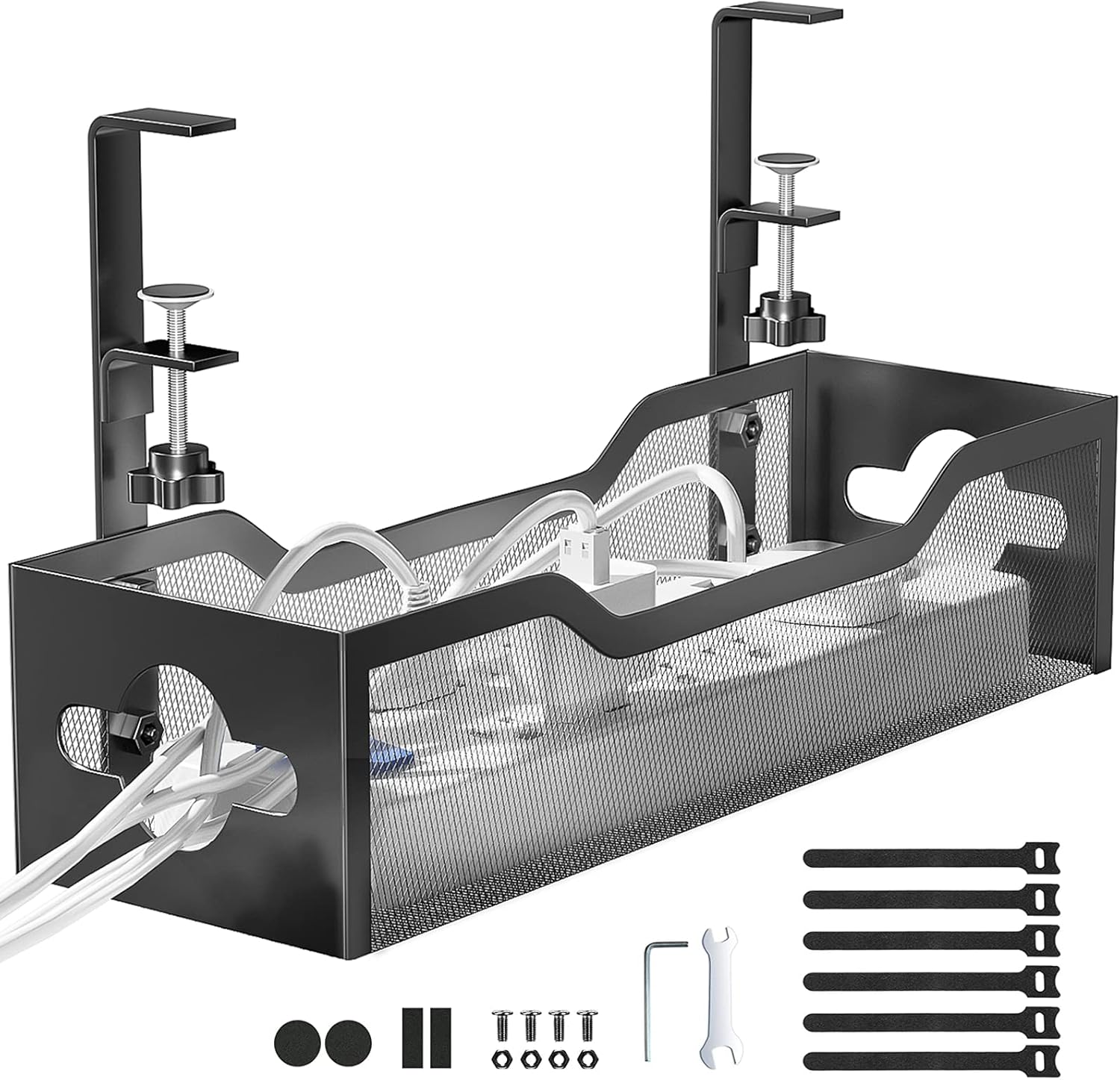
Upgrading the chair to one with adjustable lumbar depth and height makes the biggest single jump in comfort of any tier here. Adding a genuine vertical mouse at this budget is the first real wrist-specific upgrade in this guide, and a cable tray keeps the floor around your new footrest clear.
Under $500 Setup
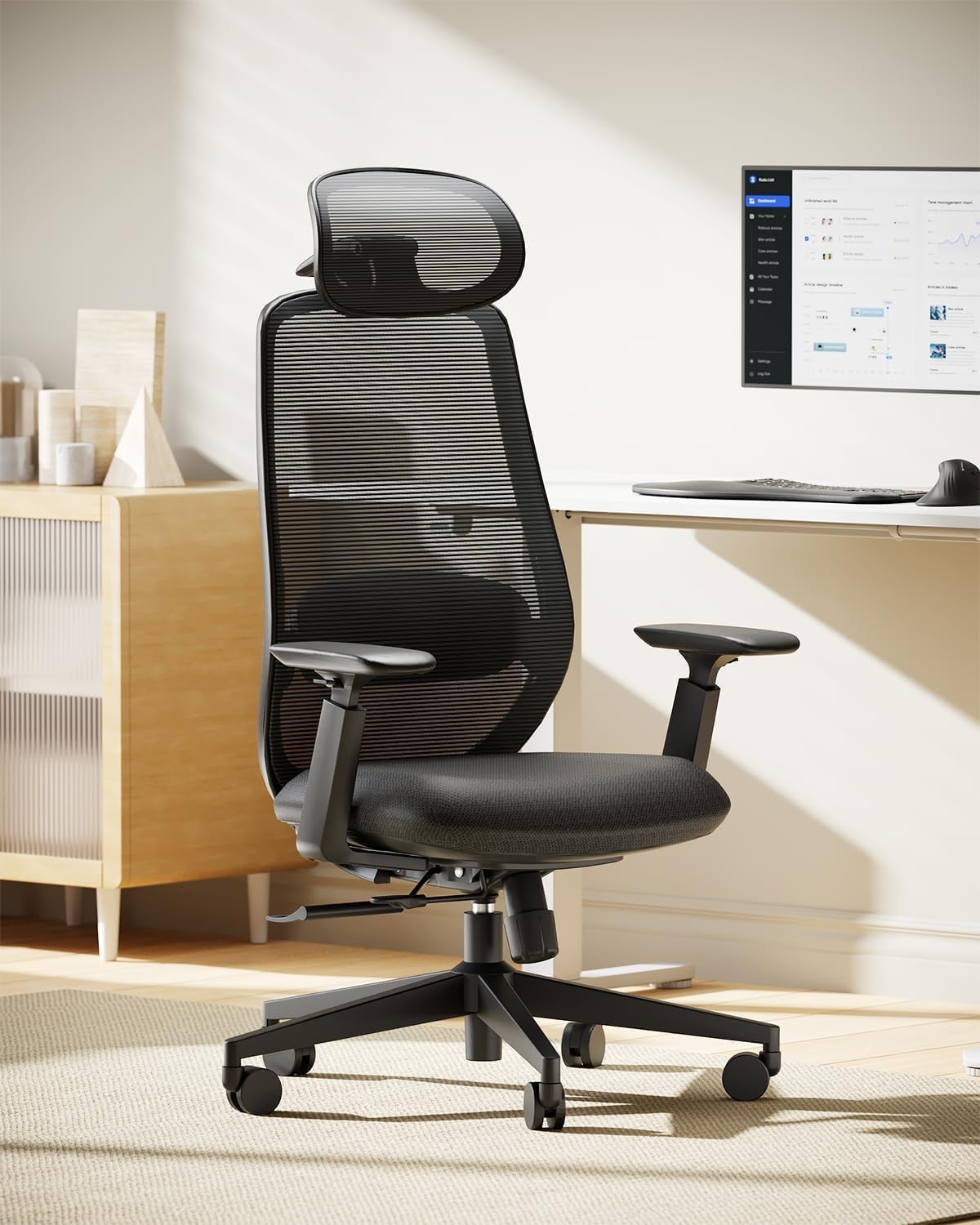
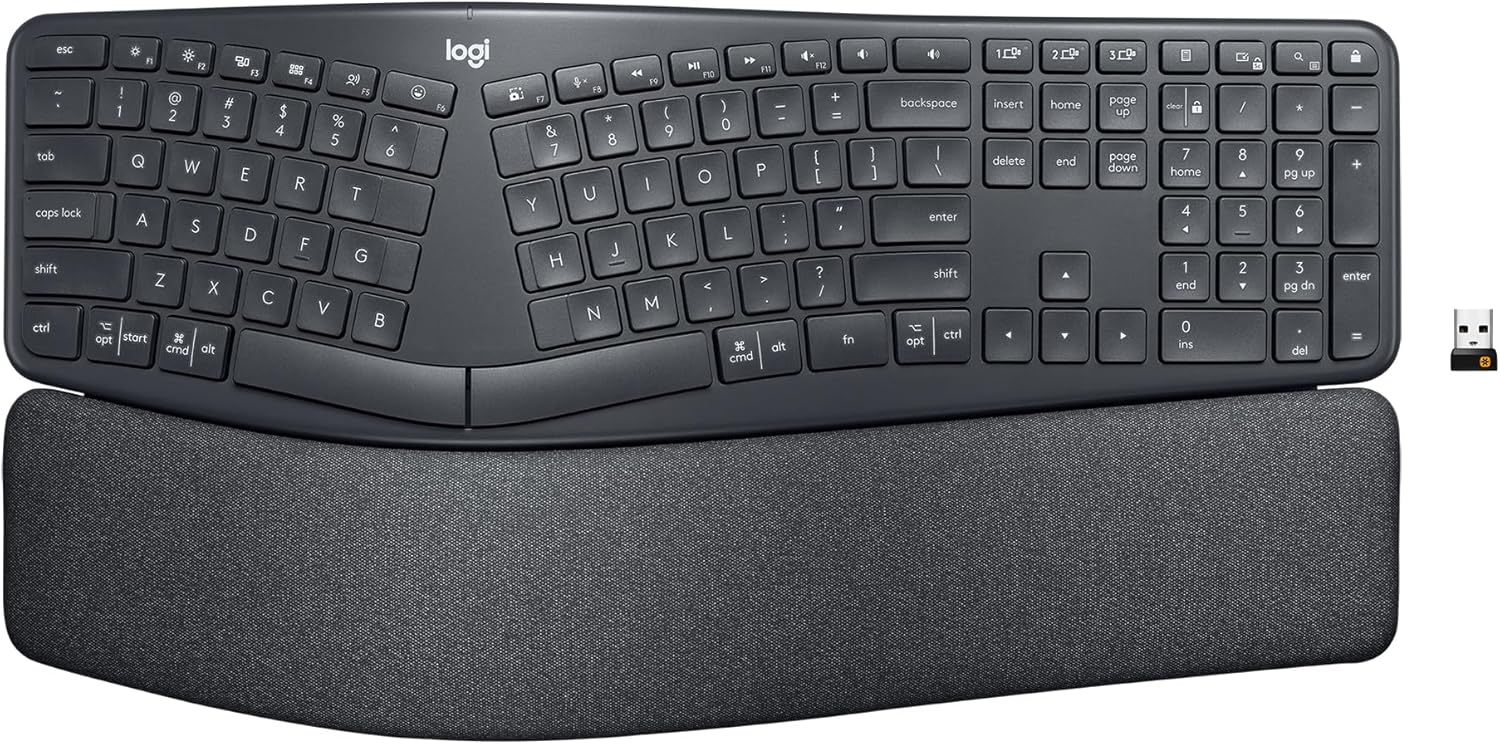
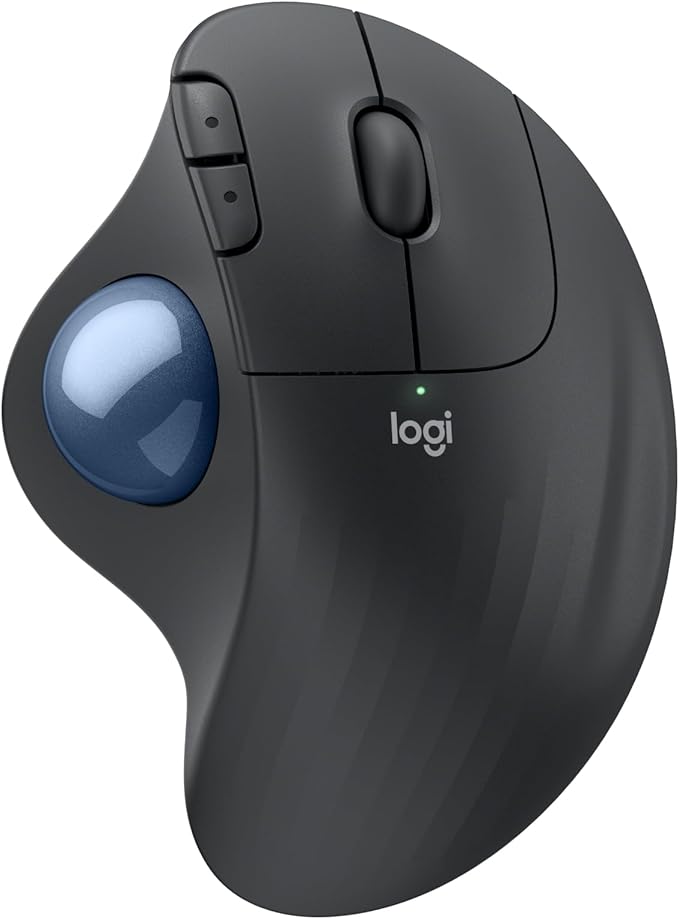
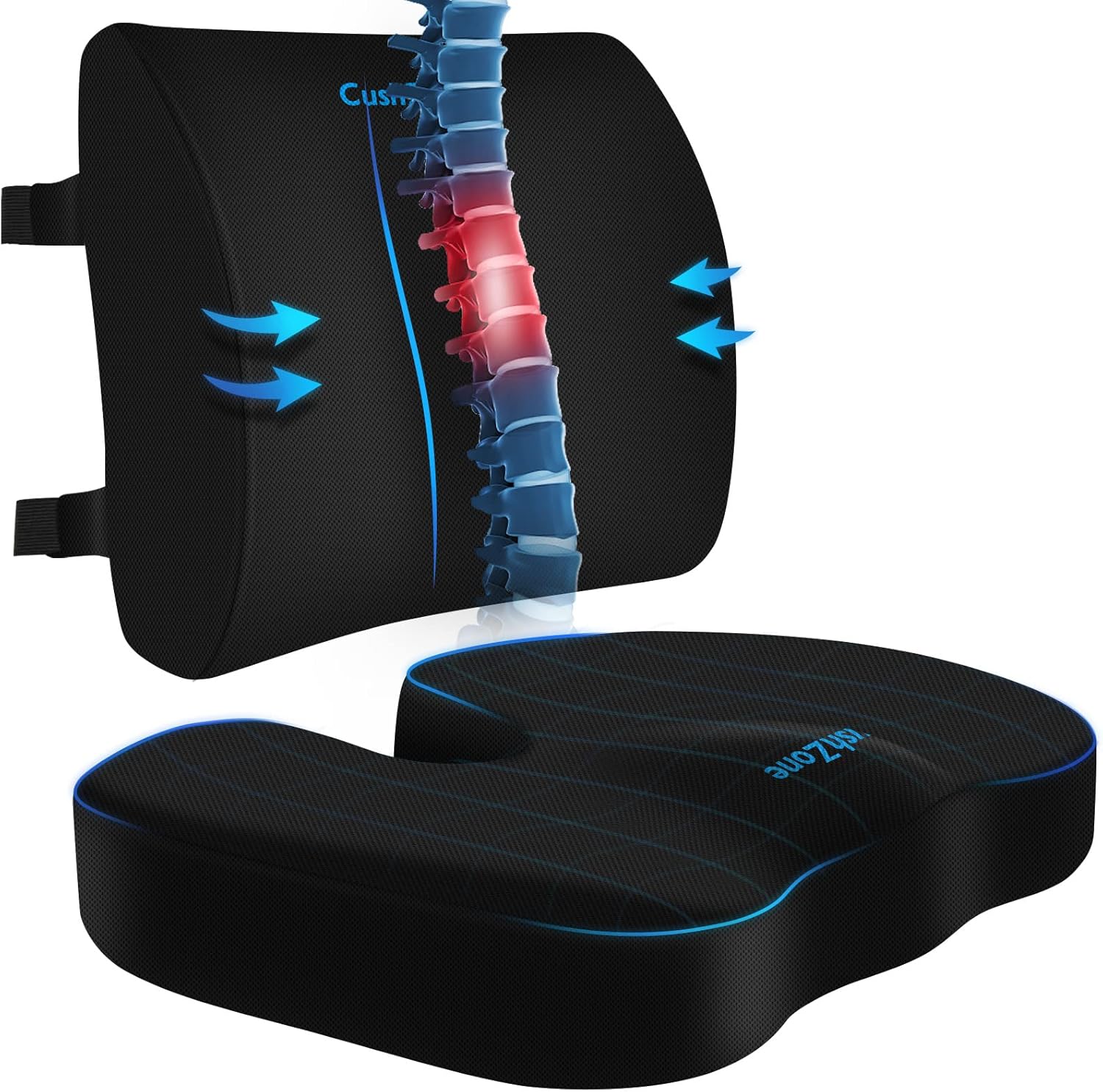
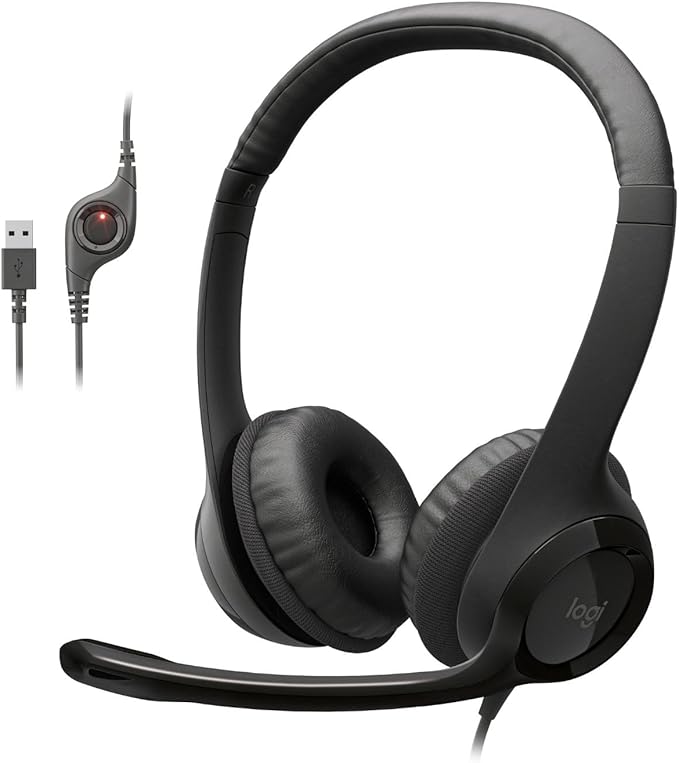
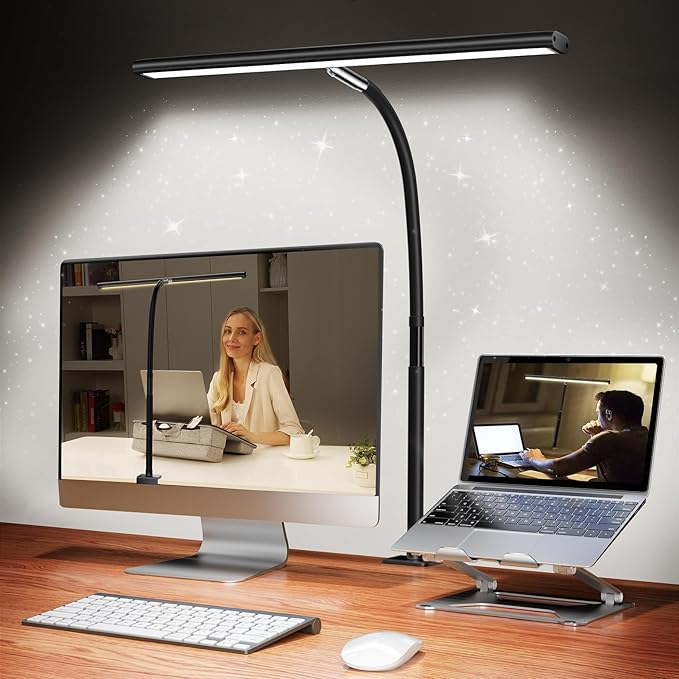
This is the first tier that covers every major category at once — a chair with adjustable seat depth, a true split keyboard, a trackball mouse, screen height, lumbar support, a headset for calls, and now proper task lighting too. For most home offices, this is the practical ceiling where more spending buys refinement, not new categories.
$500–$1,000 Setup

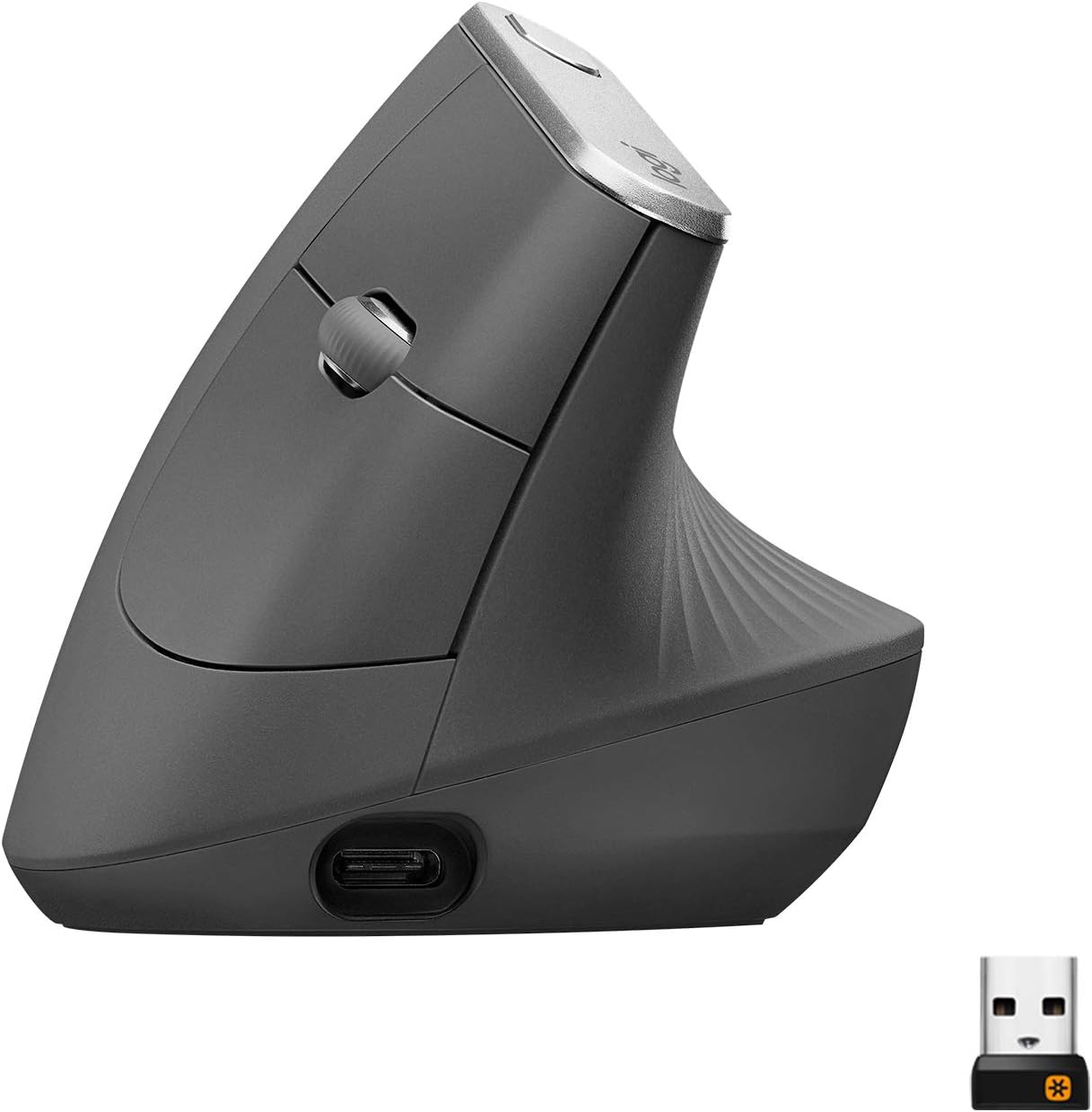
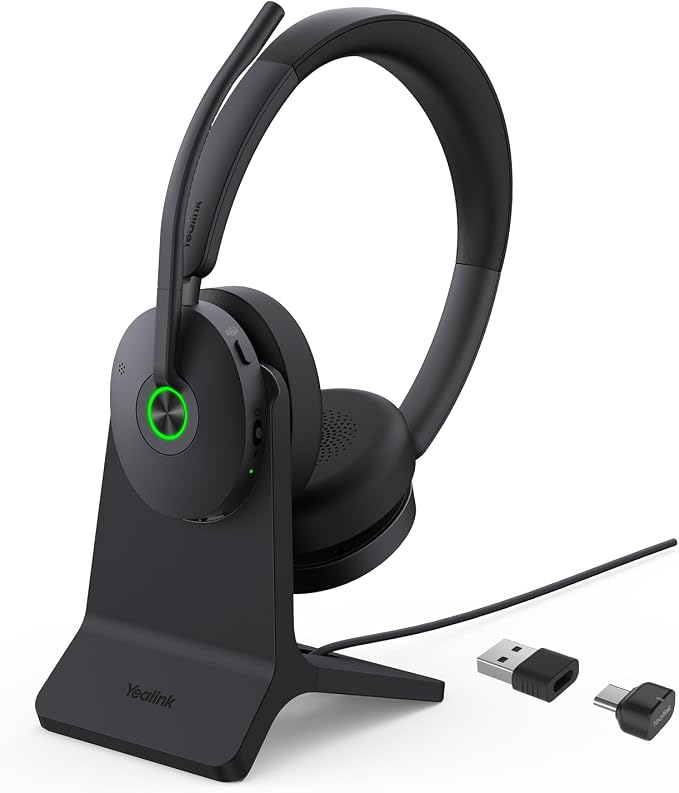
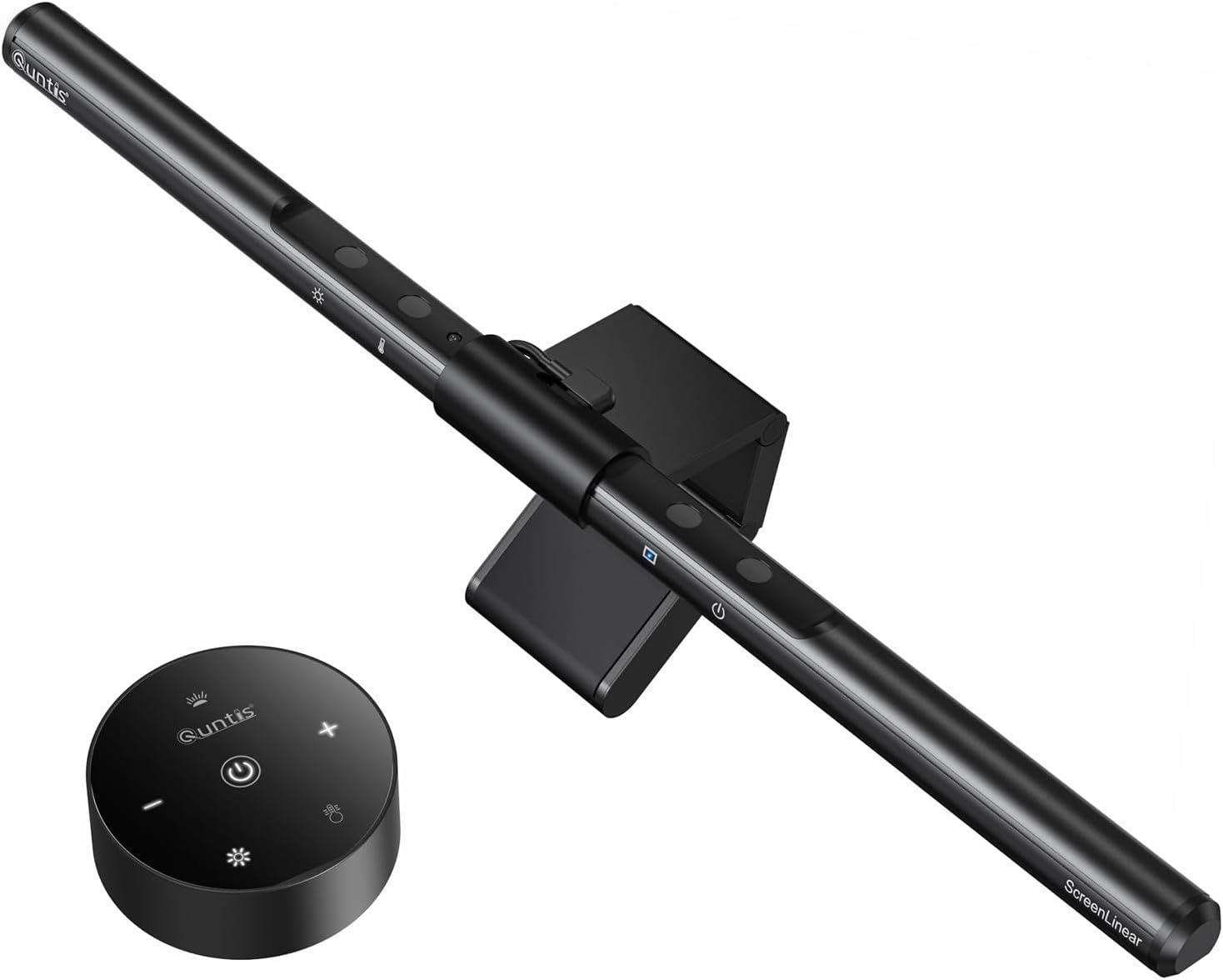
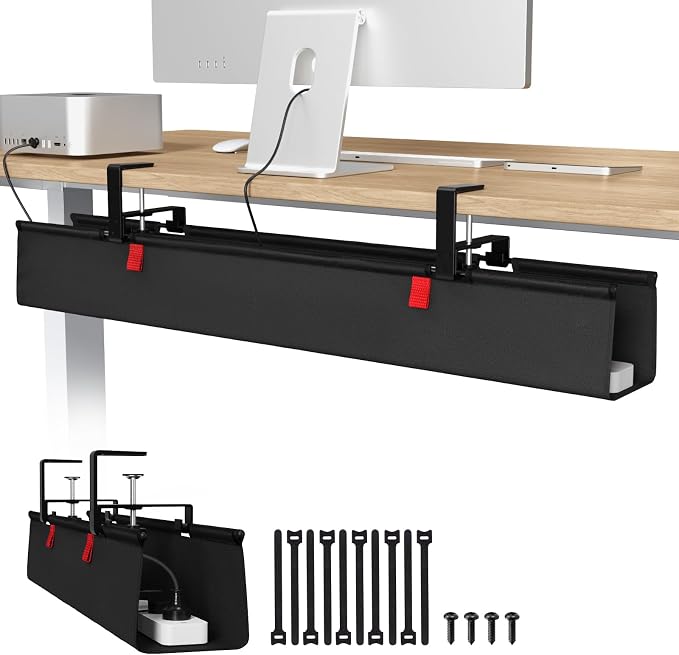
Above $500, the honest truth is that you’re paying for certification depth, warranty length, and finer adjustment range — not a fundamentally different level of ergonomic support than the $500 tier above. What the extra budget does buy here is completeness: a monitor light bar and a large fabric cable tray round out every category we test, not just the core five. Worth it if you sit for 8+ hours daily and want the most dialed-in, longest-lasting version of each.
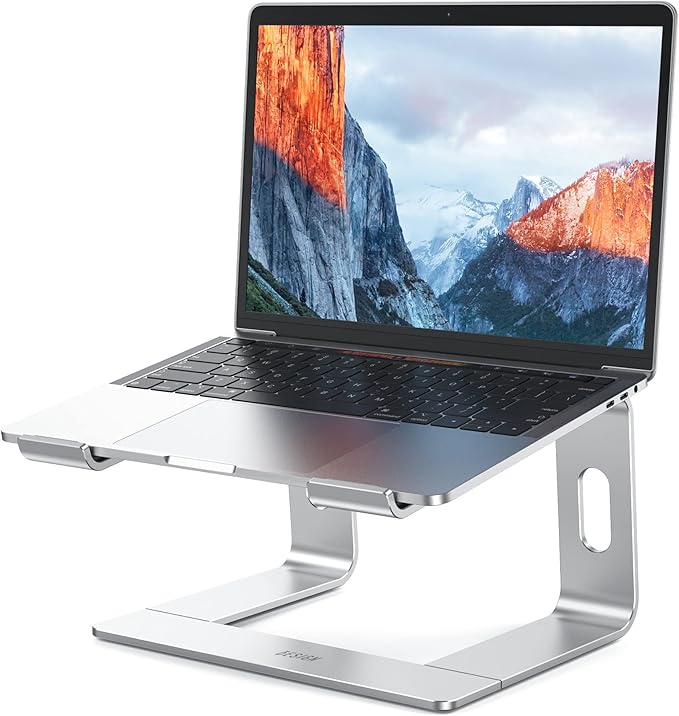
Ergonomic Accessories Under $30 Each
If a full setup overhaul isn’t in the budget right now, any one of these makes a genuine difference on its own.
What to Buy First
If you can only buy one or two things right now, buy in this order.
Fix your feet before your chair
If your feet don’t touch the floor at the correct desk height, a $10–30 footrest fixes more of your posture than an expensive chair will on its own. It’s the single highest-value-per-dollar purchase in this entire guide.
See our footrest picks →Raise your screen before upgrading your input devices
A $15 laptop stand does more for neck strain than a $130 keyboard does for wrist strain, simply because most people’s screens sit far too low. Fix height before you fix grip.
See our laptop stand picks →The chair is worth saving up for
Unlike accessories, a chair is something you sit in for the entire workday. If your budget only stretches to one $100+ purchase, make it the chair — everything else on this page compounds around it.
See our chair picks →Keyboard and mouse come last, not first
Wrist-specific upgrades matter most once your seating and screen height are already correct — buying an expensive split keyboard before fixing posture just moves the strain somewhere else.
See our keyboard picks →Common Questions
What should I buy first if I’m setting up a home office for the first time?
Start with whatever fixes an active pain point — usually a footrest if your feet don’t reach the floor, or a cushion if your current seat is uncomfortable within an hour. See our full priority guide →
Is it possible to have a genuinely ergonomic setup for under $50?
Yes, if you keep your existing chair and desk and focus spending on a cushion, footrest, and laptop stand rather than trying to replace the chair itself. See our under-$50 build →
What are the most important ergonomic accessories, ranked?
In order of impact per dollar: footrest, laptop stand or monitor riser, seat cushion, then ergonomic mouse and keyboard. See our full ranked list →
What are the biggest ergonomic upgrades I can make for under $100?
A genuine ergonomic chair, a footrest, and a laptop stand together typically cost under $100 and address the three most common sources of daily discomfort. See our top 5 upgrades →
Is a $500+ ergonomic setup actually better than a $200 one?
It covers more categories at once (like a split keyboard and headset) and offers finer adjustment, but the core ergonomic benefit — correct posture and reduced strain — is achievable well below $500 too. See our premium tier breakdown →
How do I make my current desk more ergonomic without buying much?
Adjusting your existing chair correctly, propping your laptop on books to raise screen height, and checking your seated posture cost nothing and often help more than people expect. See our under-$50 hacks guide →
Browse Every Budget Setup Guide
Every guide below builds on the tiers above — organized by exact budget, accessory priority, and where to start.
By Budget Tier
Full breakdowns of exactly what to buy at each price point, with product-by-product reasoning.
By Accessory Priority
What to buy when you can’t overhaul the whole setup at once.
Priority & Ranking Guides
What actually matters most when your budget is limited.
Guides
How to improve what you already have without spending much.
Not Sure Which Budget Fits You?
If you’re just starting out, the under-$100 tier gives you the best return per dollar — a real chair, a footrest, and correct screen height. Scale up from there as your budget allows.
Back to Budget TiersAs an Amazon Associate, ErgoFixes earns from qualifying purchases. Prices and availability are accurate as of the publish date and are subject to change. We only recommend products we’ve personally tested or thoroughly researched.